


VNC Viewer screenshots (15)
Description VNC Viewer
Ever Wish Your Computer Was in Your Pocket?
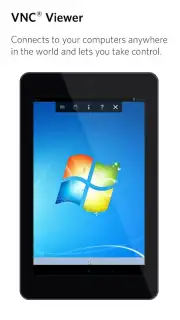
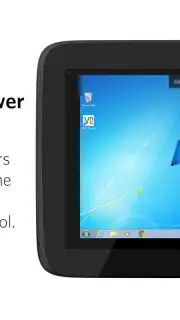
Imagine needing a file from your home PC while you're stuck in a meeting, or wanting to check on a long render from your laptop while you're relaxing on the sofa. That frustrating feeling of being tethered to one machine is a thing of the past. What if you could simply reach into your pocket, tap your phone, and have full control of your distant computer right in the palm of your hand? That’s the seamless reality offered by VNC Viewer, transforming your Android device into a universal remote for your digital world.
Your Desktop, Wherever You Are
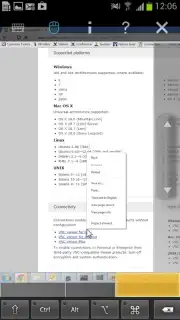
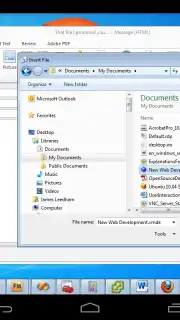
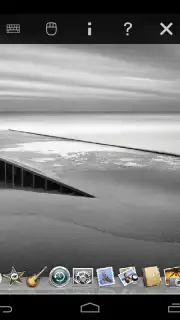
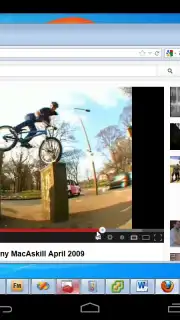
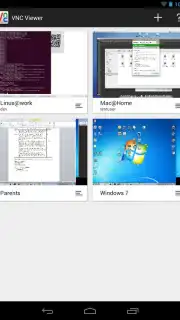
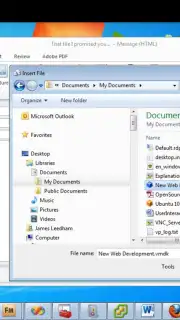
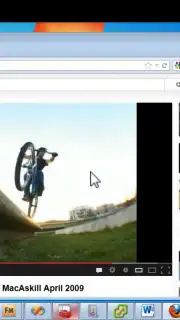
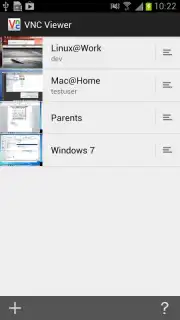
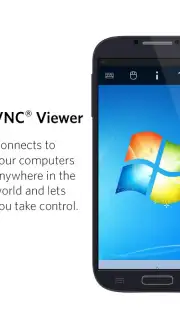
VNC Viewer by RealVNC Limited dissolves the physical distance between you and your computers. It establishes a direct, visual bridge, letting you see and interact with your desktop’s interface as if you were sitting right in front of it. The magic happens through a straightforward principle: a secure server runs on the computer you want to access, and the viewer app on your Android connects to it. While initial setup involves configuring your firewall and router—often just a simple port forward for port 5900—the official support resources make this a one-time, manageable task. The reward is a powerful, ad-free connection enhanced by Turbo mode for a smoother, more responsive experience that feels incredibly natural.
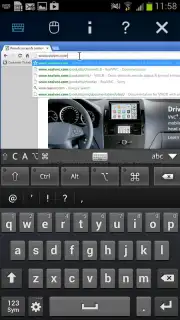
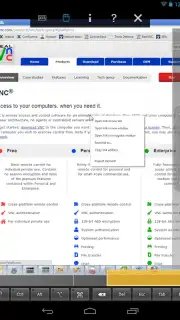
Once connected, you’re in complete command. Your touchscreen becomes a precision trackpad; every swipe and tap translates directly to mouse movements and clicks on the remote screen. You can edit intricate documents, manage files, launch applications, or even troubleshoot a family member’s computer from miles away. A full, on-demand keyboard pops up whenever you need to type, ensuring no task is out of reach. It’s a professional-grade tool that offers robust functionality comparable to solutions like TeamViewer, but puts the power of direct remote access squarely in your hands for work or personal use.
- Universal Remote Control: Securely access and operate Windows, Mac, or Linux computers from your Android phone or tablet from any location with an internet connection.
- Intuitive Touch Interface: Navigate your remote desktop effortlessly using direct touch gestures—scroll, click, and drag just like using a touchpad or mouse.
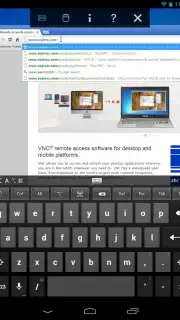
- On-Screen Keyboard: A full, responsive keyboard appears whenever text input is needed, allowing you to type emails, commands, or documents without any physical keyboard.
- High-Performance Turbo Mode: Enjoy a faster, more fluid visual experience with optimized streaming that makes interacting with your remote machine feel instantaneous.
- Zero-Advertisement Experience: Focus entirely on your work without any disruptive ads or pop-ups cluttering your view or interrupting your workflow.
- Enterprise-Grade Security: Establish secure, encrypted connections to keep your data safe during remote sessions, giving you peace of mind while accessing sensitive information.
You owe it to your productivity and convenience to experience this level of freedom. Consider downloading VNC Viewer today—it turns your smartphone into the most powerful remote control you’ll ever own, bridging the gap between you and your digital workspace instantly.
Download the VNC Viewer mobile app now.
Disclaimer: An active internet connection is required on both the controlling and controlled devices. Some advanced features may be part of in-app purchase options. Ensure your network and firewall are configured to allow connections for the service to function correctly.
Information
| Version | 4.9.4.60176 |
| Developer | RealVNC Limited |
| Requirements | Android Android 8.0+ |
| Updated | 02.09.2026 |
| Size | 11.23 MB |
| Package | com.realvnc.viewer.android |
| Signature | 0D:D9:38:D6:90:62:1A:D7:38:A1:7C:73:77:64:95:D9:F3:FF:C1:55 |
| Architecture | x86-64, armeabi-v7a, arm64-v8a |


