


WhatsApp Messenger screenshots (32)












Description WhatsApp Messenger
What Defines a Modern Messaging Platform?
In an era saturated with communication tools, what separates a basic chat application from a comprehensive messaging platform? WhatsApp Messenger establishes its position not merely as an app for sending text, but as a multifaceted ecosystem for digital interaction. Its development focuses on integrating robust, privacy-centric communication methods with expansive feature sets that cater to both personal and group dynamics. The interface maintains a consistent design philosophy, prioritizing accessibility while systematically layering in advanced functionalities through iterative updates. This analysis examines the operational mechanics and feature implementation that constitute the current version of this widely adopted application.
Core Functional Analysis and Feature Breakdown
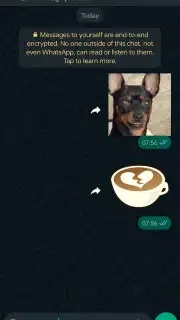
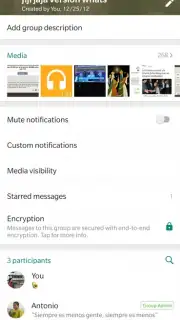
The application operates on a foundation of end-to-end encryption, applying this security protocol to all standard message formats including text, images, video files, and audio notes. This encryption is active by default, creating a secure channel where communication content is accessible solely to the sender and intended recipient. A supplementary privacy layer is available through biometric authentication, allowing users to lock specific chats using fingerprint or facial recognition data stored on the device.
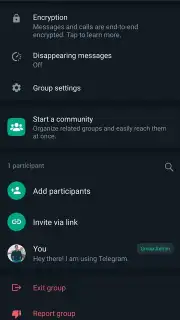
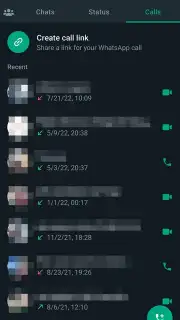
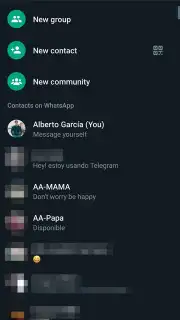
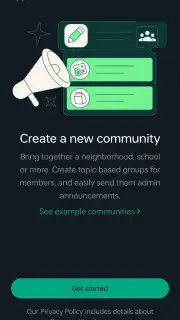
Communication extends beyond asynchronous messaging into real-time voice and video calling. The voice calling function utilizes an internet connection to route calls, bypassing traditional cellular networks. The video call feature supports high-definition transmission, with visual and audio quality being inherently dependent on the stability and bandwidth of the user’s current network. For multi-user communication, the platform supports the creation of groups with standard admin controls, and a broader 'Communities' feature designed for organizing related groups under a single umbrella with announcement broadcast capabilities.
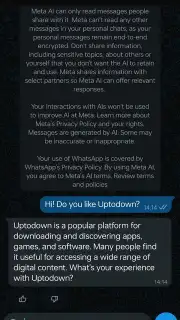
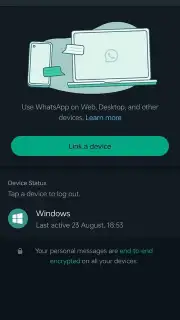
A significant functional expansion is the integration of Meta AI. This tool is accessible via a dedicated chat interface or through the universal search bar, allowing users to pose queries, generate text, or seek information without exiting the application environment. For cross-device accessibility, the platform offers linked companion experiences: WhatsApp Web for browser-based access and a dedicated desktop application. Both require an active phone session and authentication via QR code scan to synchronize chat history securely.
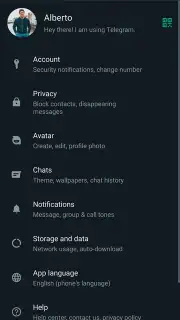
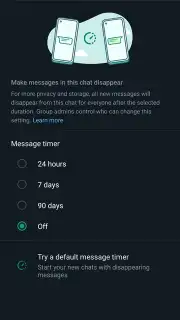
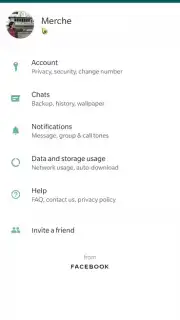
Data management is handled through automated and manual backup systems. Users can configure backups to third-party cloud storage services, with options to include or exclude media. Disappearing messages can be configured on a per-chat basis, setting a timer for sent content to be automatically deleted from the conversation. Further privacy controls allow users to manage visibility settings for their profile photo, 'last seen' timestamp, and online status.
- End-to-end encrypted messaging for texts, media, documents, and polls.
- High-quality voice and video calls over internet connectivity.
- Communities and groups for structured multi-participant communication.
- Biometric chat lock and disappearing messages for enhanced privacy.
- Seamless cross-platform sync via WhatsApp Web and Desktop clients.
- Integrated Meta AI assistant for queries and content generation.
- Configurable cloud backups and extensive visibility controls.
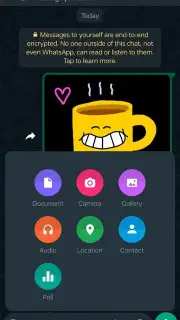
- Support for sharing view-once photos, videos, and large files.
Platform Accessibility and Installation Notes
The application is distributed through official app stores, with the Android package also available as a direct APK download from the developer's official website. Installation via the APK method requires users to permit installations from unknown sources within their device settings, a standard procedure for sideloading. The application is free to download and use, with no subscription fees for core messaging and calling features. It requires a stable internet connection and an active mobile phone number for account registration and verification.
Start connecting with a globally trusted standard for secure communication today. Download the app now and configure your privacy settings to your exact specifications.
Disclaimer: This application requires a persistent internet connection. Services are subject to network availability and quality. The developer may offer in-app purchases for additional business-related features.
Information
| Version | 2.26.9.73 |
| Developer | WhatsApp LLC |
| Requirements | Android Android + 5.0+ |
| Updated | 17.03.2026 |
| Size | 125.17 MB |
| Package | com.whatsapp |
| Signature | 556c6019249bbc0cab70495178d3a9d1,0d200010f949baaa30c3764458066452 |
| Architecture | armeabi-v7a, x86, arm64-v8a, x86_64 |


