


YouTube Kids screenshots (7)
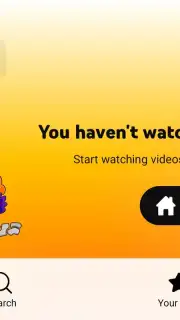
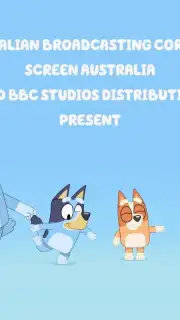
Description YouTube Kids
A Safer Digital Playground for Your Child's Curiosity
Imagine handing your phone to your child for a quick video, only to feel a pang of anxiety about what they might stumble upon next. The vast, unfiltered world of online video can be a minefield for young minds. You want to encourage their exploration and learning, but you also need ironclad boundaries to keep them safe. This is the exact problem YouTube Kids is designed to solve. It transforms the endless YouTube library into a curated, age-appropriate environment where you control the experience, turning screen time from a source of worry into a moment of calm.
Detailed Parental Controls for Total Peace of Mind
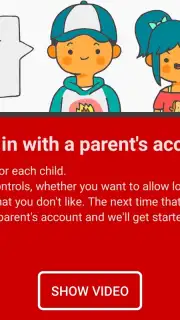
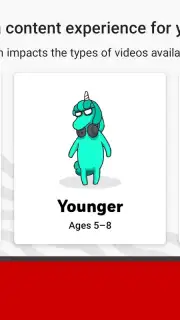
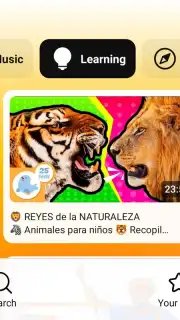
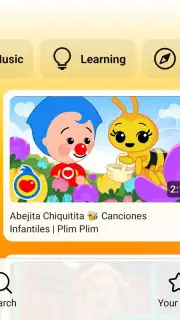
The core of YouTube Kids is its multi-layered system of parental controls, putting you firmly in the driver's seat. You begin by selecting a content level tailored to your child’s age—Preschool, Younger, or Older—which automatically filters the entire catalog. This is not a simple block; it’s a proactive curation that surfaces educational content, beloved cartoons, music videos, and DIY craft channels while excluding anything not suitable for young audiences. The platform’s algorithms and human reviewers work continuously to maintain this standard, but your oversight is the final, most critical layer. You can pause the entire search history or manually approve every single channel and video your child can access, creating a completely bespoke and walled garden of content.
Managing screen time becomes a straightforward, conflict-free process with the built-in timer. You set a daily viewing limit for each child’s profile, and the app gently notifies them when their time is almost up before shutting down access. This teaches responsible digital habits without the need for constant negotiation. Furthermore, the ability to create multiple, separate profiles under one account means that each of your children receives a personalized feed and recommendations. Your preschooler’s stream of nursery rhymes won’t be influenced by your tween’s interest in science experiments, ensuring content remains perfectly aligned with their individual development stages.
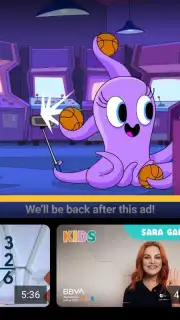
The advertising experience within YouTube Kids is also fundamentally different. While the standard version may include commercial content, ads within the Kids app are filtered to be family-friendly and are clearly distinguished from regular videos. For an entirely ad-free experience, the option to upgrade to YouTube Premium (formerly YouTube Red) extends to YouTube Kids, removing all commercial interruptions and allowing background play, so audio can continue even when the screen is off or you’re using another app.
- Curated, age-filtered video library
- Individual profiles for multiple children
- Programmable usage timer and limits
- Manual parental approval for all content
Stop compromising between your child's entertainment and their safety. Take direct control of their digital viewing experience with the powerful, intuitive tools designed for modern parenting. This app delivers the joy and variety of YouTube while permanently locking away the concerns.
Download YouTube Kids for Android right now and transform your device into a safe haven for discovery!
Internet required. IAP available.
Information
| Version | 899.9999.999 |
| Developer | Google LLC |
| Requirements | Android Android 4.4+ |
| Updated | 02.09.2026 |
| Size | 9.40 MB |
| Package | com.google.android.apps.youtube.kids |
| Signature | 61:ED:37:7E:85:D3:86:A8:DF:EE:6B:86:4B:D8:5B:0B:FA:A5:AF:81 |


