


Progressbar95 screenshots (11)
Description Progressbar95
A Frustrating Memory, Reimagined as a Game
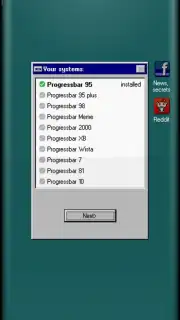
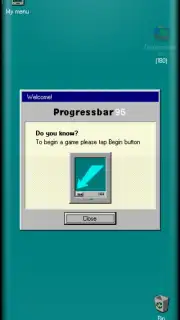
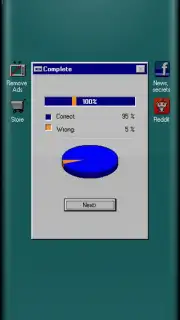
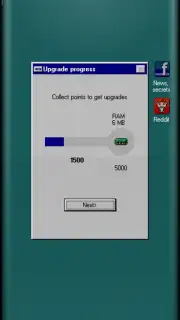
Many recall the uniquely tense experience of watching a progress bar crawl across a screen, willing it to reach 100% before an error or freeze. That specific blend of anticipation and digital anxiety is captured and gamified in Progressbar95. This is not a simple simulator; it is a dexterity-based challenge that transforms the iconic, often sluggish, Windows 95 interface into a dynamic and surprisingly engaging arcade experience. The game meticulously recreates the aesthetic of the classic OS, from its distinctive desktop wallpaper to its system icons, placing you directly into a nostalgic digital environment with a clear, urgent objective: complete the load.
Core Gameplay Mechanics and Strategic Depth
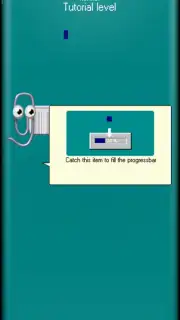
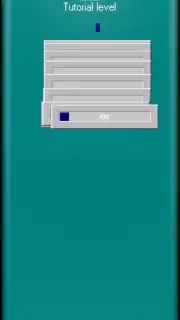
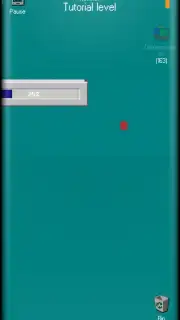
At its heart, the gameplay loop is elegantly simple yet demands increasing skill. Your sole tool is the progress bar itself, which you must physically guide left and right across the screen using precise touch controls. Your goal is to collect falling data fragments to incrementally fill it to 100%. The genius lies in the risk-reward system and environmental hazards. Blue fragments are the primary resource, safely advancing your progress. However, the system is fraught with errors. Orange and purple fragments represent corrupted data or system errors; collecting them introduces instability, causing the bar to glitch, stutter, or even lose precious percentage points, especially perilous in the final stages of a load.
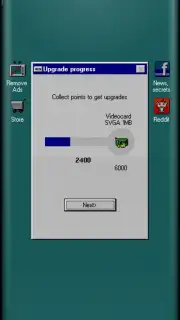
The environment itself is an opponent. As you maneuver the bar, the classic Windows interface reacts. Windows may open and obscure your path, system sounds punctuate actions, and the bar itself can exhibit vintage graphical artifacts, creating a layer of visual distraction that tests your focus. Success requires more than quick reflexes; it demands pattern recognition, strategic pathing to avoid error clusters, and the patience to recover from setbacks. Each level becomes a puzzle of movement and timing, set against a deeply authentic and interactive backdrop.
Feature Overview
- Authentic Windows 95 visual and audio design
- Simple yet high-skill touch control scheme
- Strategic collection with error-avoidance gameplay
- Progressive challenge with system-themed obstacles
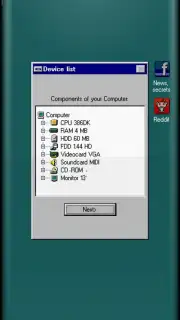
The complete package offers a compelling blend of nostalgia and skillful play. It is a detailed love letter to a specific era of computing, repurposed into a satisfying test of coordination and calm under pressure. Every visual element, from the My Computer icon to the Start button, is faithfully rendered, making the gameplay space feel less like a generic level and more like a interactive museum piece you must master.
Download Progressbar95 now and test your focus against a perfectly recreated slice of digital history! Don't wait—see if you have the steady hand to reach 100%!
Disclaimer: This application requires an internet connection for certain features. The game may contain optional in-app purchases. Please be aware of data usage charges. Parental guidance is advised.
Information
| Version | 1.0920 |
| Developer | Spooky House Studios |
| Requirements | Android Android + 6.0+ |
| Updated | 17.03.2026 |
| Size | 114.16 MB |
| Package | com.spookyhousestudios.progressbar95 |
| Signature | 9dfdaf570793ebcbc9f9b2dbebc97f9f |
| Architecture | armeabi-v7a, arm64-v8a |


