

192.168.1.1 Admin screenshots (6)
Description 192.168.1.1 Admin
A Direct Tool for Router Configuration Access
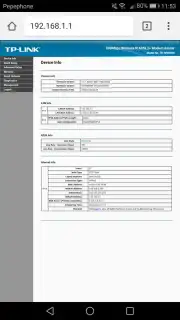
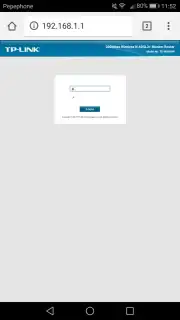
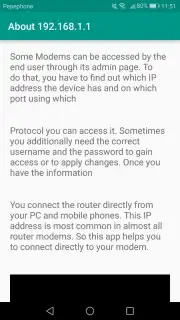
This application serves as a specialized utility designed to streamline the process of accessing a router's administrative interface. It addresses a common technical hurdle by providing a one-tap method to reach the configuration page typically found at the private IP address 192.168.1.1. The core function is straightforward: bypassing the need to manually type the address and credentials, thereby reducing a multi-step process into a single action within a connected network environment.
Core Functionality and Operational Mechanics
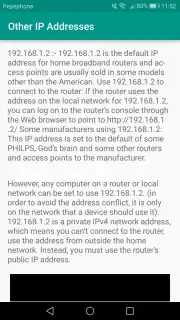
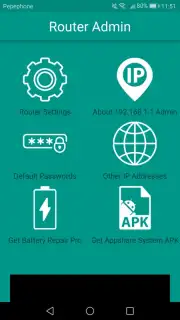
The primary operation requires the user's device to be actively connected to the target Wi-Fi network. Upon launch, the utility attempts to detect the gateway and facilitate a direct connection to the router's login portal through the device's default web browser. It functions as an intelligent shortcut rather than a full-fledged management suite. A notable supplementary feature is the inclusion of a reference database containing common default login credentials and alternative gateway IP addresses for a wide range of router manufacturers, which aids in troubleshooting access issues.
Broad Device Compatibility and Practical Utility
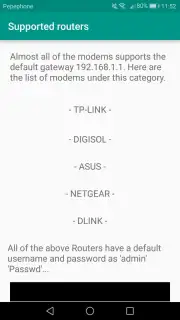
Testing indicates operational compatibility with a significant array of consumer and SOHO router brands, including but not limited to TP-Link, D-Link, ASUS, Netgear, Linksys, Digisol, and Digicom. This broad support minimizes compatibility concerns for most standard home and office setups. The utility’s value is in its singular focus—it does not offer remote configuration or advanced network diagnostics but excels at its stated purpose of providing rapid access to the existing router admin panel.
- One-tap router admin access
- Broad multi-brand compatibility
- Default credentials database
- Requires active Wi-Fi connection
We suggest trying this utility if you frequently need to access your router's settings and prefer a dedicated, rapid shortcut over manual browser entry. Consider downloading it for streamlined network administration.
Heads up: you'll need an active Wi-Fi connection to the target network for the tool to function. Some router models may require manual login even after access is granted.
Information
| Version | 1.0 |
| Developer | Mh3apps |
| Requirements | Android Android + 10.9 Mavericks+ |
| Updated | 17.03.2026 |
| Size | 1.98 MB |
| Package | administrator.router |
| Signature | 424609a31881d97507d1740ab0f6f3b3 |


