


7Z - Files Manager screenshots (9)
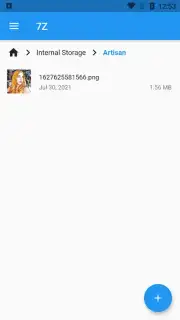
Description 7Z - Files Manager
The Problem of Digital Clutter
Most Android devices come with a basic file explorer, but it often leaves users navigating a disorganized sea of documents, downloads, and APK files without true control. This lack of a centralized, powerful management tool leads to wasted storage, difficulty finding specific items, and a general inefficiency in handling the device's own data ecosystem. The 7Z - Files Manager by Sociosoftware addresses this core problem directly, transforming your smartphone from a passive storage container into an actively managed digital workspace.
A Comprehensive Analysis of Functionality
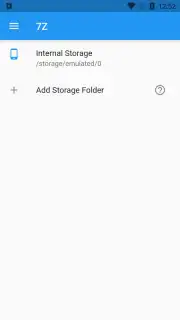
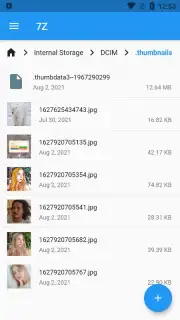
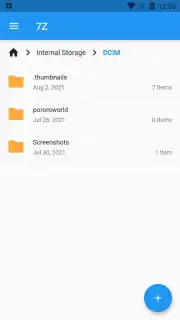
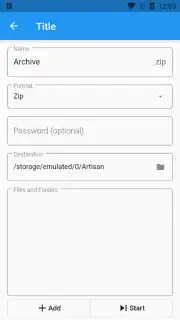
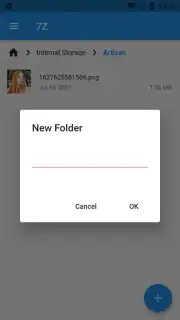
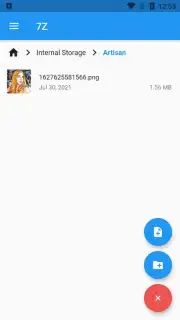
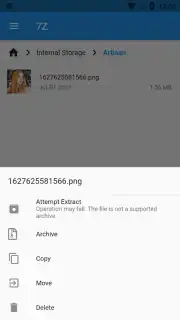
This application operates as a full-featured data management suite, providing granular control over every file and folder stored on the device. The core mechanics will be familiar to anyone who has used a desktop file explorer, but the execution is optimized for touch interfaces. The primary interface allows for immediate execution of fundamental file operations: copying, pasting, cutting, renaming, and deleting. File creation is streamlined, enabling you to generate new folders or blank documents directly within the app and save them to any directory. Navigation is handled through a clean, hierarchical view with intuitive forward and backward gestures, making folder traversal swift and logical.
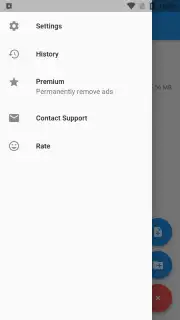
Beyond basic organization, the manager includes a robust search engine and file-type filters. These tools significantly accelerate locating specific content. You can instantly filter the view to display only images, videos, or APK files, for example. This is particularly useful for post-installation cleanup, allowing you to locate and delete the APK installer file of an app you've already set up, thereby reclaiming storage space with a single tap. File sharing is integrated seamlessly; selecting any document provides a prompt to send it via email or through any other compatible application installed on your device, eliminating the need to first locate the file in a separate share menu.
The design philosophy prioritizes speed and intuition over aesthetic flourishes. There are no unnecessary animations or complex menus that hinder productivity. Every action, from bulk selection to moving files between storage locations, is designed to require the minimum number of taps. This makes the app suitable for both quick, one-off file retrievals and for undertaking larger organizational projects, such as sorting years of accumulated photos or managing project documents.
Key Feature Summary
- Full file operations (copy, move, rename, delete)
- Integrated search with type filtering
- Direct sharing to any installed app
- APK management and cleanup tools
Download this mobile app now and take definitive command of your device's storage. Stop wasting time searching and start managing efficiently.
Heads up: you'll need wifi for most features. Some cool stuff is extra.
Information
| Version | 2.4.05 |
| Developer | Sociosoftware |
| Requirements | Android Android + 7.0+ |
| Updated | 17.03.2026 |
| Size | 29.33 MB |
| Package | com.sociosoft.unzip |
| Signature | b2f42ed5f36da7ae3e4b34ab3aa000f8 |
| Architecture | armeabi-v7a, arm64-v8a |


