


Adobe Acrobat Reader screenshots (14)

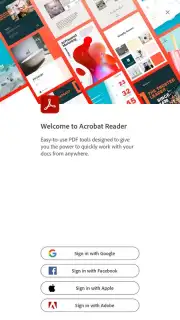
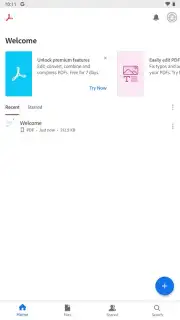
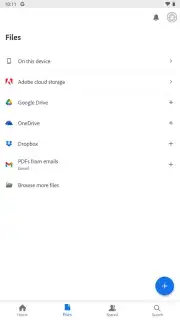
Description Adobe Acrobat Reader
The Definitive PDF Experience is Now Mobile
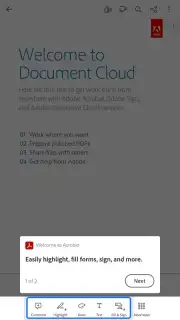
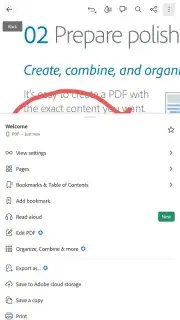
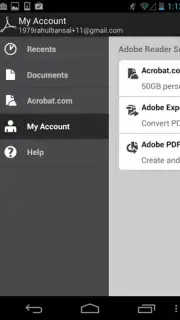
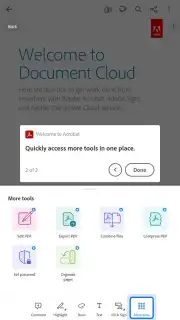
Adobe Acrobat Reader for Android delivers the complete, professional-grade PDF toolkit directly to your device. This official application translates the full capability of its desktop counterpart into a touch-optimized interface, ensuring no functionality is sacrificed for mobility. It establishes itself as the primary solution for viewing, navigating, and interacting with PDF documents from any location.
Core Functionality and Interface
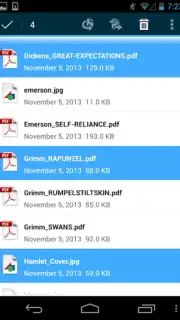
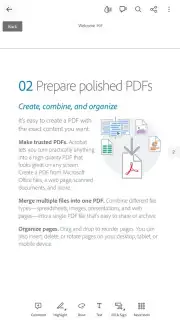
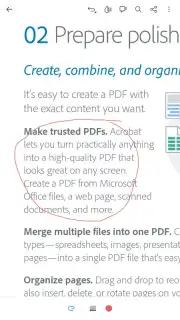
The application serves as a universal PDF hub, capable of opening documents from any source. It integrates directly with the Android share menu, allowing instant access to files received via email, downloaded from a web browser, or shared from any supporting application. The viewing engine handles complex portfolio files, password-protected documents, and files with embedded annotations or form data with consistent reliability. A comprehensive text search function operates across any open document to locate specific phrases or data points rapidly.
Navigation and display controls are tailored for handheld use. Users can configure scrolling to display single pages or a continuous flow, with pinch-to-zoom providing precise control over text and image magnification. For extended reading sessions, a dedicated night mode inverts color schemes to reduce eye strain in low-light conditions. The application operates without display advertising, and performance optimizations ensure swift document rendering and smooth navigation even with larger files.
Key Feature Set
- Open PDFs instantly from email, browsers, or any app with share functionality.
- View complex portfolios, password-protected files, and annotated documents securely.
- Execute full-text search to find specific words and phrases within any PDF.
- Customize viewing with single-page or continuous scroll and pinch-to-zoom.
- Activate night mode for comfortable reading in low-light environments.
Download Adobe Acrobat Reader for Android now and transform your device into a professional PDF workstation!
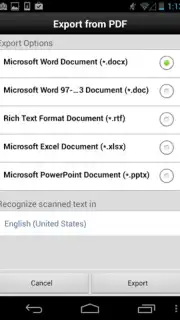
Heads up: you'll need wifi for initial downloads and cloud sync. Some advanced editing and conversion tools require a premium subscription.
Information
| Version | 26.6.1.45942 |
| Developer | Adobe |
| Requirements | Android Android 9+ |
| Updated | 02.09.2026 |
| Size | 166.42 MB |
| Package | com.adobe.reader |
| Signature | C0:7A:0B:5E:C6:F0:1A:57:89:C4:BB:F8:8A:83:03:60:51:4F:02:C5 |
| Architecture | arm64-v8a |


