


AlReader screenshots (8)
Description AlReader
Looking for a truly universal ebook reader for your Android device?
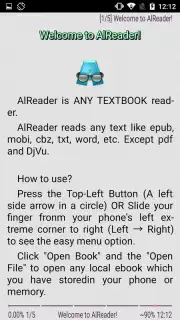
AlReader presents itself as a comprehensive document and ebook reader solution, engineered to handle a remarkably wide array of file formats directly on your device. Its core function is to eliminate compatibility barriers, allowing you to open and read documents in formats including FB2, FBZ, TXT, EPUB (non-DRM), HTML, DOC, DOCX, ODT, RTF, MOBI (non-DRM), PRC (PalmDoc), and TCR. A particularly notable technical feature is its built-in archive file support, enabling it to extract and display text content directly from compressed files without the need for prior manual extraction, streamlining your library management significantly.
A deep dive into customization and utility
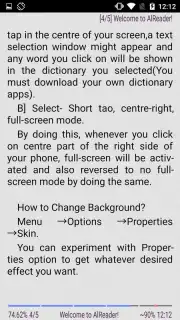
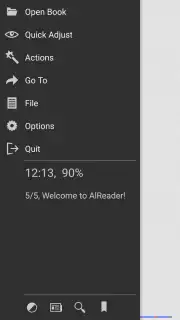
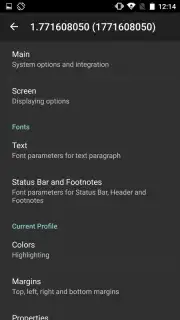
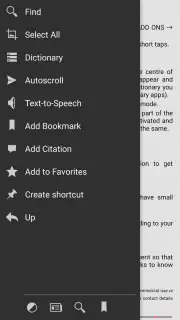
Accessing the application's extensive settings is done through a slide-out menu, offering granular control over the reading experience. Adjustments are not limited to basic font size; you can meticulously configure margins, line spacing, and color themes to reduce eye strain. The application integrates a text-to-speech engine, transforming it into an impromptu audiobook player. This feature allows for hands-free consumption of any text by simply connecting headphones, making it suitable for commutes or multitasking.
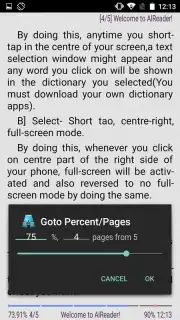
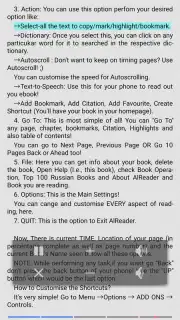
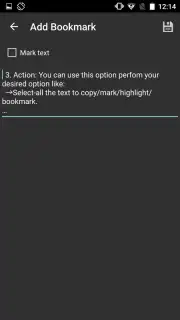
Beyond foundational reading, AlReader is equipped with a suite of organizational and reference tools. You can place precise bookmarks on any page, attach personal notes or comments to specific passages for later review, and utilize an integrated dictionary for instant word lookups without leaving the app. For continuous reading, an auto-scroll function provides a smooth, hands-free progression of text at a customizable speed. Furthermore, you can mark documents as favorites, creating a curated collection within your larger library for swift access.
The absence of advertising within the core reading interface is a deliberate design choice, ensuring an immersive and uninterrupted session. This focus on a clean user experience, combined with its format versatility, positions AlReader as a practical tool for users who manage diverse digital libraries, from modern ebooks to legacy document formats and personal text files.
- Supports an extensive range of formats including EPUB, FB2, DOC, and MOBI.
- Features a built-in text-to-speech engine for audiobook functionality.
- Offers deep customization of fonts, margins, and color profiles.
- Includes tools for bookmarks, notes, and an integrated dictionary lookup.
- Provides auto-scroll mode and favorite document organization.
Don't wait to consolidate your digital library! Download AlReader now and transform your device into a universal reading hub immediately!
Disclaimer: This application requires an internet connection for initial dictionary lookups and potential text-to-speech engine data. It may contain in-app purchases for advanced features. Please check the product description for age ratings and data privacy details. Supported file formats are subject to copyright and DRM restrictions.
Information
| Version | 1.932104301 |
| Developer | Alan.Neverland |
| Requirements | Android Android + 2.3, 2.3.1, 2.3.2+ |
| Updated | 17.03.2026 |
| Size | 6.94 MB |
| Package | com.neverland.alreader |
| Signature | ad1df95a455c2836abd1dead707bebc6 |
| Architecture | universal |


