


Animator screenshots (9)
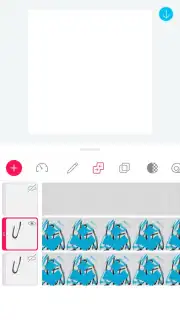
Description Animator
A Practical Review of PicsArt Animator for GIF and Video Creation
The process of creating frame-by-frame animation has traditionally required specialized software and a significant time investment. PicsArt Animator, developed by the established PicsArt team, addresses this by offering a mobile-centric toolset designed to translate spontaneous sketches or existing photos into animated sequences. This review examines its core mechanics for producing shareable GIFs and short videos directly from a smartphone or tablet, focusing on its operational workflow and tool implementation rather than subjective creative appeal.
Core Functionality and User Workflow Analysis
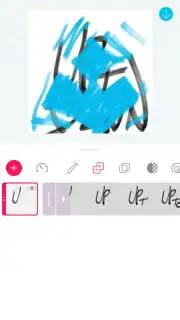
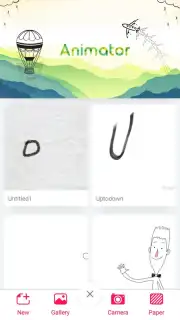
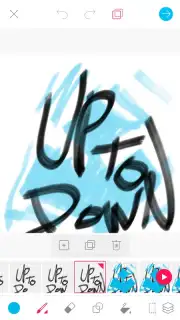
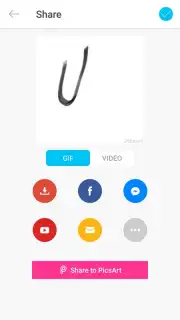
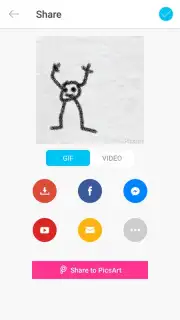
The application operates on a straightforward principle: users create a sequence of frames that play in succession. Initialization can begin with a blank canvas for direct finger-drawing or by importing a static photograph from the device's gallery to serve as a foundational layer. The primary editing interface provides a timeline view where individual frames can be added, deleted, or reordered. A critical feature is the implementation of an onion-skinning tool, which displays a semi-transparent overlay of the previous and next frames, providing essential visual guidance for maintaining consistency in motion. The system allows for direct control over the playback speed by adjusting frames per second (FPS) before final export. Output is facilitated in two standard formats: an animated GIF file or an MP4 video, both optimized for immediate sharing across social media platforms and messaging services.
Detailed Examination of Key Features
The toolset is geared towards accessibility without sacrificing necessary control for basic animation.
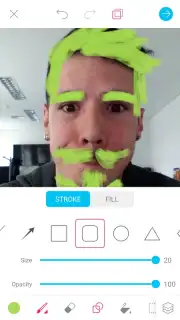
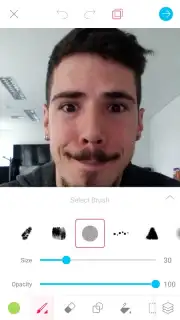
- Offers over a dozen fully customizable brush tools with adjustable size, opacity, and hardness settings for precise drawing.
- Provides a comprehensive color palette with hex code input and a color picker for exact shade selection.
- Utilizes a non-destructive layer system for separating background, foreground, and character elements independently.
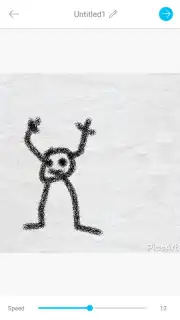
- Includes an instant preview mode to review animation fluidity and timing adjustments in real-time.
- Features a one-tap export function to save creations directly to the device gallery or share online.
The absence of third-party advertisement displays during the core creation process is a noted operational aspect, contributing to an uninterrupted workflow. The application’s design logic, with its minimal learning curve and tactile drawing controls, makes its functionality particularly suited for introductory animation projects, educational purposes, or quick content creation for social media stories.
Start creating frame-by-frame animations and share your dynamic content today.
Download mobile app now
Disclaimer: This application requires an internet connection for initial download and potential access to cloud services. It may offer in-app purchases for additional brushes, assets, or premium features. User data may be collected according to the developer's privacy policy. Please be aware of any age restrictions suggested by the content creation nature of the app and monitor data usage during file export and sharing.
Information
| Version | 3.0.3 |
| Developer | PicsArt |
| Requirements | Android Android + 4.0.3, 4.0.4+ |
| Updated | 17.03.2026 |
| Size | 32.9 MB |
| Package | com.picsart.animate |
| Signature | 6d057206800647ebf3d4c98ec1c89cba |
| Architecture | armeabi-v7a, arm64-v8a |


