

AntTek Explorer screenshots (23)

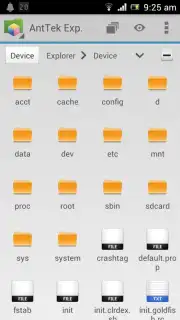

Description AntTek Explorer
A First Look at Multi-Panel File Management
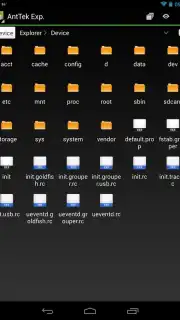
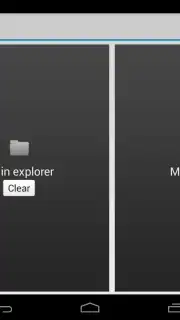
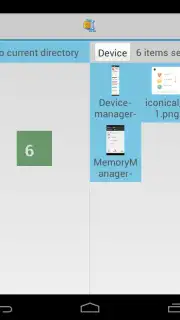
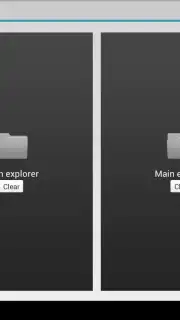
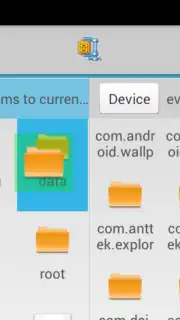
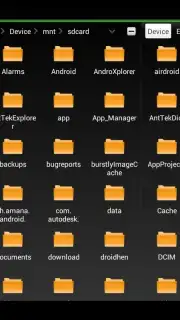
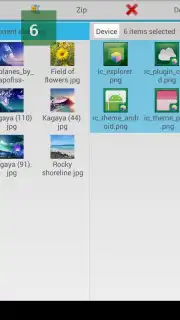
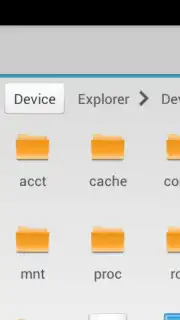
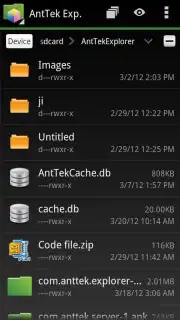
The initial challenge of managing files on an Android device often involves a frustrating back-and-forth between directories. AntTek Explorer redefines this process by introducing a genuinely multi-panel interface, a first for the platform, which transforms file management from a chore into a streamlined visual operation. The core mechanic is its innovative "drag-and-drop anywhere" function, allowing you to visually select files on one panel and place them directly onto another, whether that's a different local folder, a network server, or a cloud storage directory. This foundational flexibility is optimized across both phones and tablets, supported by a fully customizable layout with six distinct panel modes, including a unique overview and a temporary holding block, all complemented by a context-aware toolbar that adapts to your current task.
Comprehensive File System Control and Built-In Utility
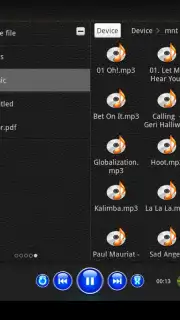
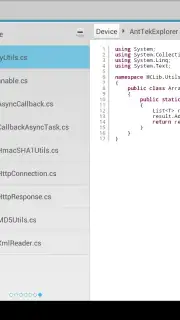
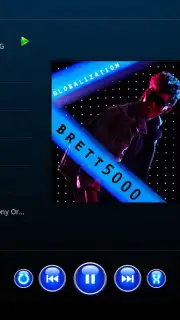
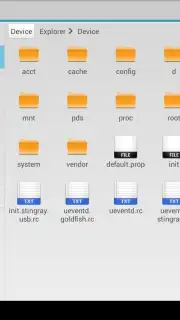
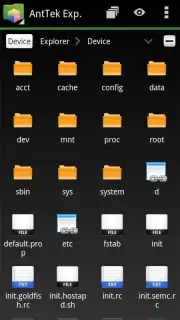
Beyond local SD card management, AntTek Explorer provides extensive protocol support for accessing remote file servers via Samba, CIFS, and FTP, treating network locations as native folders. It seamlessly extends this control to major cloud services like Google Drive, Dropbox, and SkyDrive, creating a unified management hub for all your files. For users with rooted devices, the application grants deeper access, enabling the viewing and management of system partitions for advanced customization. A particularly efficient feature is the ability to stream audio and video directly from remote servers or cloud locations, allowing you to enjoy media without consuming local storage space. The experience is further enhanced by a suite of integrated viewers, including a music player with a graphic equalizer, image and PDF viewers, and a source code viewer supporting over 13 programming languages, eliminating the need to switch between apps for basic file inspection.
Detailed Feature Analysis
The application's design prioritizes efficiency through a series of thoughtful tools and configurations.
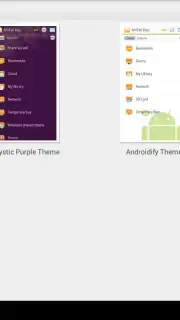
- Dual-Panel and Multi-Panel Layouts: Offers six customizable panel arrangements, including side-by-side and overview modes, specifically tailored for efficient file operations on larger tablet screens.
- Universal Protocol and Cloud Support: Manages files across local storage, networked PCs (Samba/CIFS), FTP servers, and integrated cloud accounts from Google Drive, Dropbox, and OneDrive in a single interface.
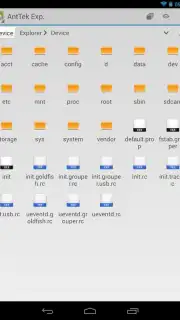
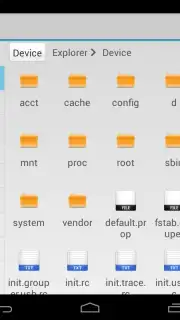
- Advanced Root Access Functions: For rooted devices, enables browsing of system partitions, deletion of pre-installed applications, and access to otherwise restricted directories for full device control.
- Integrated File Viewers and Archive Handler: Includes dedicated viewers for images, PDFs, TIFF files, APK packages, and text, plus a robust built-in archive extractor for ZIP and RAR files.
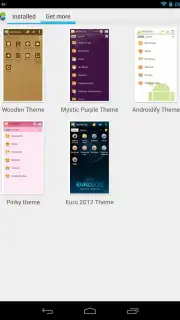
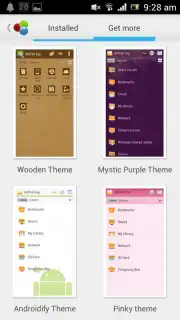
- Optimized Navigation and Customization: Features rapid search across storage, a smart contextual toolbar, multiple view and sort modes, extensive icon sets, and robust multi-select capabilities for batch operations.
Get your bonus of a clutter-free, powerful file management system and start organizing your digital space with unprecedented efficiency today.
Heads up: you'll need wifi for most network and cloud-based features. Some cool advanced features, like system partition access, require a rooted device.
Information
| Version | 5.6 |
| Developer | AntTek Inc. |
| Requirements | Android Android + 4.0, 4.0.1, 4.0.2+ |
| Updated | 17.03.2026 |
| Size | 4.58 MB |
| Package | com.anttek.explorer |
| Signature | e68ef438d1777d0fff2fc84fc7f7bbe1 |
| Architecture | armeabi |


