

Apex Launcher screenshots (15)



Description Apex Launcher
A Deep Dive into Apex Launcher: Reclaiming Your Android Home Screen
Many Android users settle for the default interface their device provides, a static landscape of pre-arranged icons and limited options. Over time, this can make a powerful device feel impersonal and constrained. Apex Launcher, developed by Android Does, directly addresses this by transforming your phone's core navigation into a deeply customizable environment. This isn't merely about applying a new wallpaper; it's a comprehensive toolset for rebuilding your home screen's functionality and aesthetics from the ground up, offering a level of personalization that stock Android often reserves for developers.
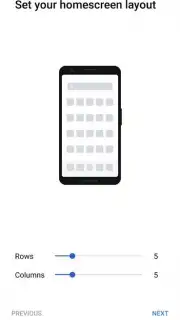
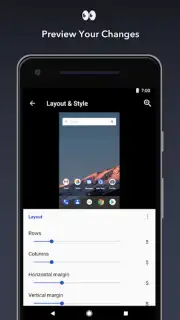
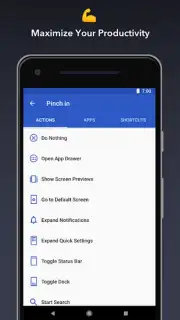
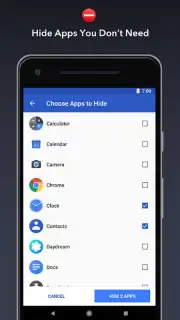
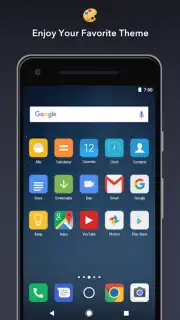
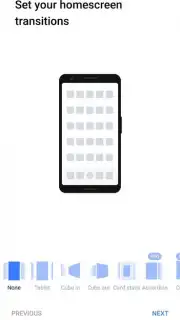
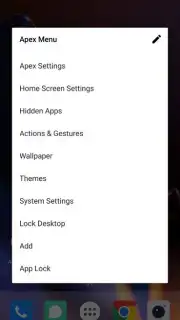
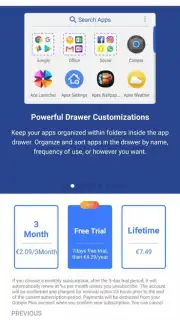
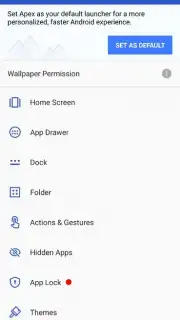
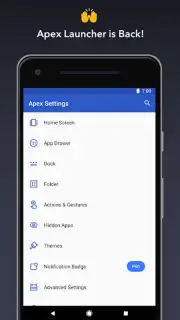
The launcher operates on a principle of granular control. At its foundation is a highly configurable home screen grid system, allowing for precise icon and widget placement. Users can select from nine distinct visual themes, which can be dynamically cycled, and apply a variety of smooth animation effects for transitions between screens. A persistent dock at the bottom of the screen holds up to seven frequently used app shortcuts for instant access, while an infinite scrolling canvas ensures seamless navigation across all your panels. For a cleaner look, you have the option to hide system elements like the status bar or even the dock itself, maximizing screen real estate. Beyond layout, Apex Launcher provides extensive tools for managing your app ecosystem: icons can be individually customized, folders can be created and styled, and your entire app drawer can be sorted into user-defined categories for effortless organization.
- Advanced Home Screen Grid & Themes: Precisely arrange icons and widgets with adjustable grid sizes, complemented by nine swappable visual themes.
- Infinite Scrolling & Transition Effects: Navigate your home screens with fluid, endless scrolling and choose from multiple animated transition styles.
- Customizable Dock & System Controls: Fit seven apps in a resizable dock and hide system elements like the status bar for a minimalist interface.
The Pro version, Apex Launcher Turbo, removes all advertisements and unlocks advanced performance enhancements and additional customization layers, representing a significant upgrade for power users. This launcher is engineered for those who view their device as a personal toolset, not a static appliance.
Don't wait to transform your device's interface from generic to genuinely personal. Download Apex Launcher now and start building the Android home screen that truly reflects how you work and play!
Disclaimer: This application requires an internet connection for initial theme downloads and updates. The free version may display advertisements; an in-app purchase is available to remove ads and access premium features. Data usage may apply when downloading content. This product is intended for general audiences but requires the ability to modify system settings on an Android device.
Information
| Version | 5.0.3-rb |
| Developer | Android Does |
| Requirements | Android Android + 8.1.0+ |
| Updated | 17.03.2026 |
| Size | 5.95 MB |
| Package | com.anddoes.launcher |
| Signature | c1437207b7bdd156c79b7d4c5ab10625 |


