


AR Drawing screenshots (15)
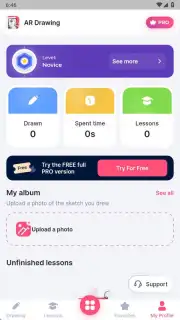
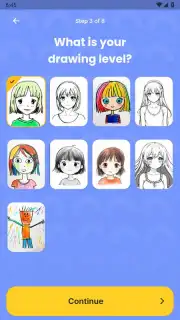
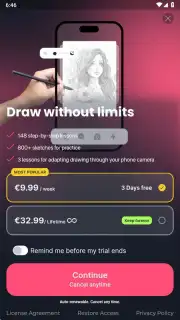

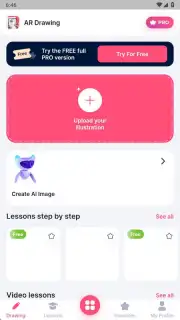

Description AR Drawing
Unlock a New Dimension of Art, Right on Your Paper
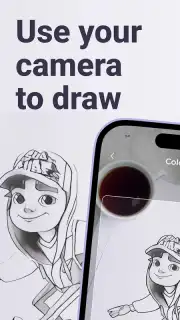
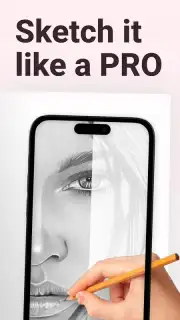
Imagine holding your phone above a blank sheet and watching a beautiful drawing materialize in thin air, hovering as a guide for your pencil. This isn't magic; it's the power of augmented reality transforming how you learn to draw. AR Drawing bridges the gap between the digital and physical worlds, turning your surroundings into a dynamic canvas. You experience the thrill of creating tangible art on real paper, guided by virtual templates that make complex sketches approachable. The moment you finish and move your phone away, you’re left with a unique piece of art made entirely by your own hand, a satisfying fusion of technology and traditional skill.
Master Drawing with Augmented Reality Guidance
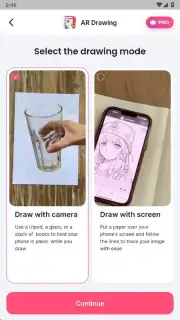
The core experience revolves around using your device’s camera to overlay a chosen image onto your physical workspace. You see a transparent guide projected through the screen directly onto the paper beneath, allowing you to trace and learn with precision. The app’s system recognizes your hand and pencil movements, providing a stable reference that moves naturally with your perspective. This method requires practice to perfect hand-eye coordination, but it systematically builds muscle memory and observational skills. You progress from simple outlines to detailed illustrations, with the augmented reality layer acting as a personal tutor that never gets in the way of the final, ad-free artwork.
A Comprehensive Toolkit for Endless Creation
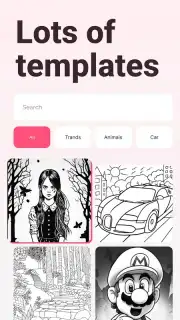
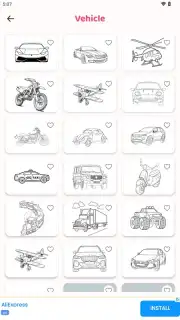
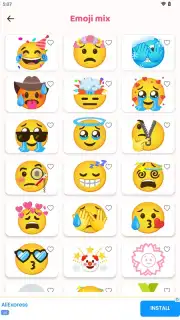
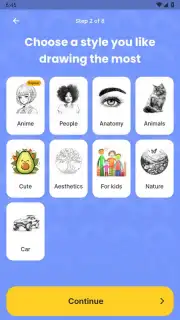
Beyond the core AR tracing, the app provides a full suite of artistic tools to customize every project. A vast and regularly updated library offers templates ranging from basic shapes to intricate portraits and landscapes, ensuring you always have fresh inspiration.
- Select from a diverse palette of colors and a variety of digital brush styles to define your virtual guide, matching the medium you wish to practice with, be it pencil, ink, or paint.
- Utilize your device’s flashlight feature for optimal visibility, allowing you to create in any lighting condition and see every detail of the guide and your paper clearly.
- Import and open any sketch or image from your gallery to use as a custom AR template, making the possibilities for learning and creation truly limitless.
- Record high-quality videos of your entire drawing process from start to finish, enabling you to share mesmerizing time-lapses of your artwork coming to life on social media.
This combination of guided AR technology and robust creative tools dismantles the intimidation of a blank page, giving you the confidence to execute dozens of different drawings.
Download Now and Transform Your Sketchbook Today!
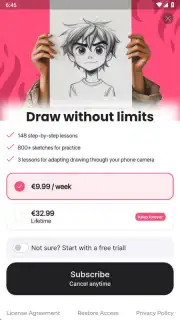
This is your exclusive invitation to join a new wave of artists. For a limited time, experience premium AR drawing tools and an extensive template library at no initial cost. Exclusive access for the first users means you can start mastering this innovative technique before everyone else. Don't just imagine the art you could create—make it a reality.
Download the AR Drawing mobile app now and start your augmented reality art journey!
Disclaimer: The application requires a stable internet connection for initial download and access to certain template libraries. The app may offer optional in-app purchases for additional premium content or features.
Information
| Version | 5.0.4 |
| Developer | AR Drawing |
| Requirements | Android Android + 8.0+ |
| Updated | 17.03.2026 |
| Size | 96.16 MB |
| Package | ar.drawing.sketch.paint.trace.draw.picture.paper |
| Signature | 65c8500b2fe4e2fb66bf6568a746a44a |
| Architecture | armeabi-v7a, arm64-v8a |


