


Chroma Lab screenshots (10)
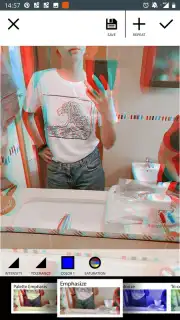
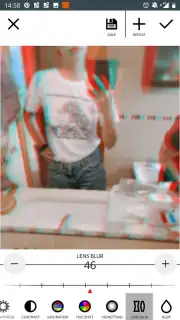
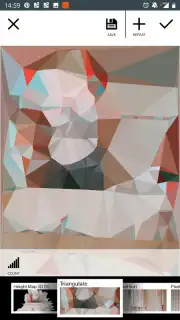
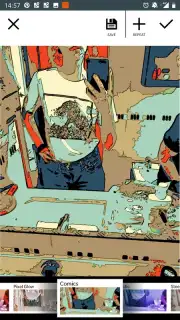

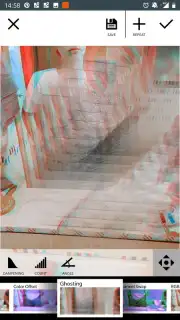
Description Chroma Lab
Transform Your Photos with Precision Color Control
Chroma Lab provides granular, professional-grade color correction and grading tools directly on your mobile device, moving beyond simple filters to offer true editorial control over every hue, saturation, and luminance value in your image. This application addresses the core need for precise color manipulation, allowing users to correct white balance issues, create cohesive visual themes, or achieve dramatic stylistic looks without the complexity of desktop software.
Core Editing Mechanics and Feature Set
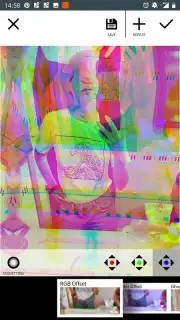
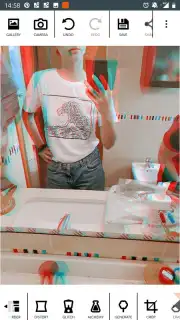
The application operates on a layer-based adjustment system, treating color not as a monolithic element but as a set of discrete, targetable channels. The primary workspace is built around selective color tools, curves for RGB and individual color channels, and split-toning modules. Users can isolate adjustments to specific color ranges—for instance, modifying only blues and cyans in a sky without affecting skin tones—using a sophisticated color picker and luminance masking. A dedicated grading panel offers shadow, midtone, and highlight wheels for cinematic color grading, while essential tools for exposure, contrast, and clarity provide a complete foundational edit. For batch processing, custom preset creation and management are central, enabling users to save complex combinations of adjustments and apply them instantly to subsequent photos.
Key Operational Advantages
The interface is designed for efficiency on a touchscreen, with slider controls that offer fine adjustment alongside quick-preset taps for common corrections. Processing utilizes the device's GPU to render previews and final exports with minimal lag, even when applying multiple adjustment layers to high-resolution images. The toolset is comprehensive yet logically organized, preventing feature overload by grouping advanced controls into expandable menus. Visual feedback is immediate and accurate, with a live histogram and optional before/after views ensuring that every adjustment is intentional and measurable.
- Selective color channel editing
- Professional RGB curves & grading
- Custom preset creation & management
- High-speed GPU-accelerated processing
Download Chroma Lab Now
Gain professional color editing capabilities today. For a limited time, new users receive exclusive access to a starter pack of premium grading presets. Install now to transform your photo workflow.
Heads up: you'll need wifi for initial download and preset syncing. Some advanced preset packs and export formats are extra.
Information
| Version | 1.4.2 |
| Developer | Ilixa |
| Requirements | Android Android + 5.0+ |
| Updated | 17.03.2026 |
| Size | 22.05 MB |
| Package | com.ilixa.chroma |
| Signature | 1e62ec1b689c7642bd40aa3180ea9cad |
| Architecture | armeabi-v7a, x86, arm64-v8a, x86_64 |


