


Chrome Beta screenshots (25)










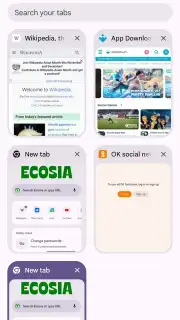


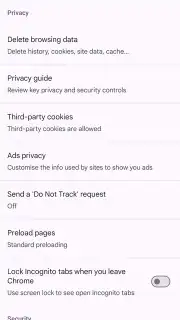
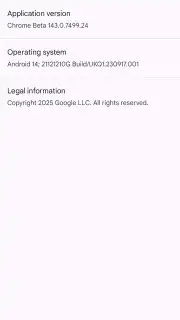


Description Chrome Beta
Get a Sneak Peek at the Future of Browsing
Imagine having access to the next generation of web browsing tools a full month before everyone else. That’s the experience waiting for you with Chrome Beta. This isn't a separate, experimental browser filled with bugs; it's the polished, nearly-final preview of the next stable release of Google Chrome. You step into a space where groundbreaking features are already live and refined, having passed through earlier testing phases. It’s your exclusive pass to a faster, smarter web, without the instability that comes with raw, daily builds.
A Glimpse Into Tomorrow’s Web, Today
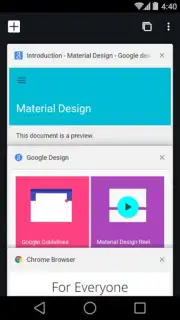
Chrome Beta sits perfectly between the rock-solid Stable version and the more experimental Dev builds. You gain early access to significant upgrades—think enhanced security protocols, revolutionary tab management, or cutting-edge page rendering—all while enjoying a remarkably reliable daily driver. The development cycle is deliberate; builds are compiled multiple times weekly, with each update refining performance and squashing minor issues. Critical bugs are exceptionally rare here, as most are identified and resolved in the earlier Canary and Dev channels long before they reach Beta.
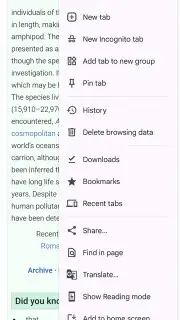
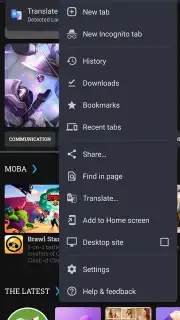
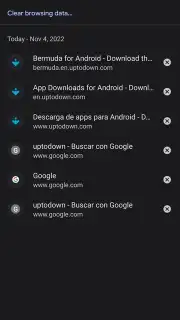
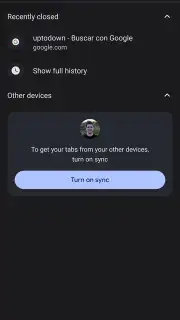
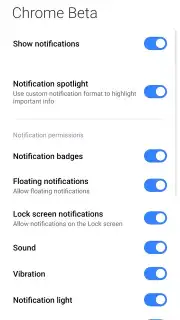
The application installs independently alongside your main Chrome browser. This creates powerful utility, allowing you to maintain two separate browsing environments on a single device. You can keep work and personal accounts actively logged in and separated without constant profile switching, or dedicate one browser for testing new web technologies. The interface and core functionality—bookmark sync, history, Incognito mode, site notifications—are identical to the classic Chrome experience you already trust, just supercharged with what’s next.
Why Chrome Beta Stands Apart
- First Access to Innovations: Experience the newest Chrome features, performance tweaks, and UI improvements approximately four to six weeks before their public release in the Stable channel.
- Proven Stability: This version undergoes rigorous weekly testing and refinement. You encounter a polished product where persistent, workflow-breaking bugs are almost entirely absent.
- Dual-Browser Functionality: Install it as a completely separate application. Run Chrome Beta alongside your stable Chrome browser to manage multiple Google accounts simultaneously without any conflict.
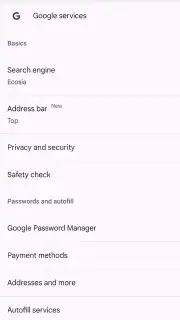
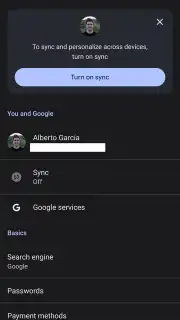
- Synchronized Ecosystem: All your bookmarks, saved passwords, and browsing history sync seamlessly across versions using your Google account, maintaining your personalized web environment.
- Continuous Refinement: Receive frequent updates that not only introduce new features but also continuously hone speed, battery efficiency, and overall responsiveness based on real-world testing data.
- No Compromises on Core Features: Enjoy the full suite of Chrome tools, including secure autofill, translate on-page, safe browsing protections, and customizable site settings, all with their latest enhancements.
We suggest trying Chrome Beta if you're a power user, developer, or simply someone who enjoys being at the forefront of technology. It delivers a tangible advantage by letting you shape your browsing workflow with future tools today.
Download the Chrome Beta mobile app now to secure your front-row seat to the evolution of the web.
Heads up: For the initial download and to sync your data, a Wi-Fi connection is recommended. Some upcoming experimental features flagged in the beta may eventually become part of premium services or require specific site permissions to function fully.
Information
| Version | 147.0.7727.2 |
| Developer | Google Inc. |
| Requirements | Android Android + 12L+ |
| Updated | 17.03.2026 |
| Size | 24.61 MB |
| Package | com.chrome.beta |
| Signature | d046fc5d1fc3cd0e57c5444097cd5449,0356961897cdacb12f0c99e2faaf8599 |
| Architecture | armeabi-v7a, arm64-v8a |


