

CLONEit - Batch Copy All Data screenshots (7)
Description CLONEit - Batch Copy All Data
Tired of Losing Data During Phone Upgrades?
Switching to a new Android phone shouldn't mean a week of manual setup and lost files. Traditional methods like Bluetooth are painfully slow, and cloud backups often leave out critical app data and settings. You need a complete, one-touch solution to move your entire digital life—not just your photos.
CLONEit - Batch Copy All Data is engineered for this exact moment. It establishes a direct, high-speed Wi-Fi connection between devices, enabling transfer speeds of up to 20 MB/s. This proprietary technology bypasses internet uploads and downloads, creating a private transfer tunnel that is exponentially faster than Bluetooth. The process is designed for absolute comprehensiveness: it doesn't just copy your media, but clones your device's operational state. This includes installed applications with their associated login data and preferences, system settings like Wi-Fi passwords and display configurations, and every file stored on your internal memory or SD card. The result is a new device that feels exactly like your old one, fully personalized and ready to use from the first moment.
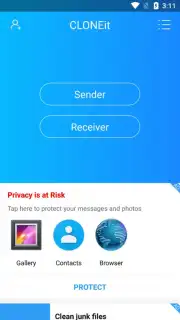
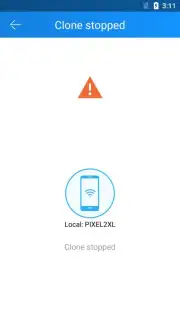
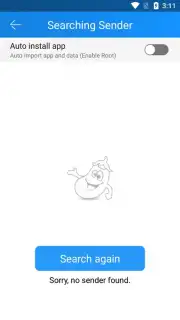
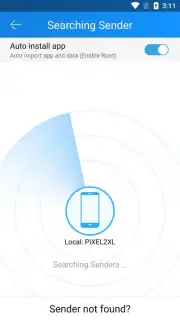
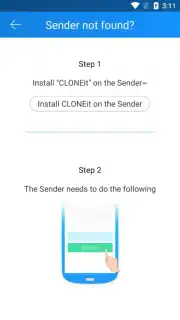
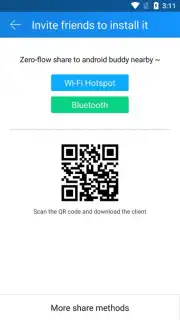
The procedure is a streamlined, three-step operation that requires no technical expertise. After installing CLONEit on both the source and target Android devices, you simply designate one as "Sender" and the other as "Receiver." The apps handle the peer-to-peer connection automatically. Once linked, you are presented with a detailed checklist of transferable data categories. You can select everything for a full clone or choose specific items like contacts and messages for a partial transfer. Initiate the process, and the app manages the rest, providing a clear progress indicator for each data type.
- Blazing-Fast Direct Wi-Fi Transfer
- Complete App Data & Settings Migration
- Simple Three-Step Cloning Process
For a limited time, new users can experience premium-grade data migration with exclusive early access to optimized transfer protocols. Don't waste another hour manually configuring your new phone—get your exact digital environment copied in minutes.
Download CLONEit - Batch Copy All Data now and set up your new phone in one tap!
Internet required. IAP available.
Information
| Version | v2.3.9_ww |
| Developer | SHAREit Technologies Co.Ltd |
| Requirements | Android Android + 4.4+ |
| Updated | 17.03.2026 |
| Size | 5.31 MB |
| Package | com.lenovo.anyshare.cloneit |
| Signature | b4bdcc6c9886781d05fb601649d02801 |
| Architecture | universal |


