


Color Widgets screenshots (17)

Description Color Widgets
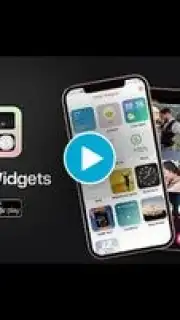
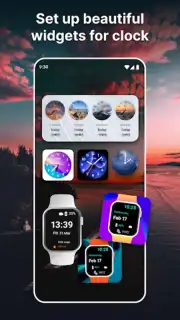
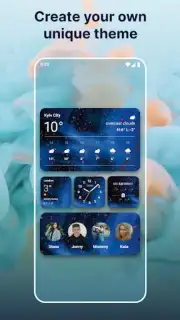
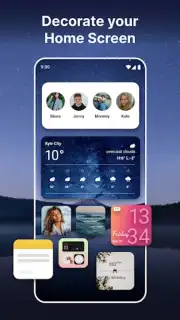
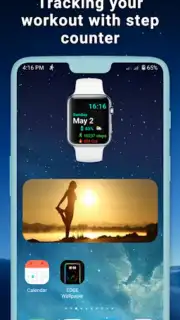
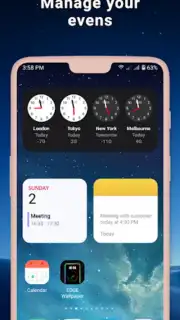
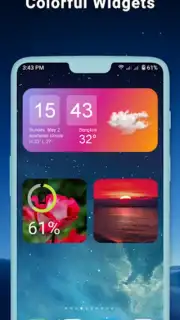
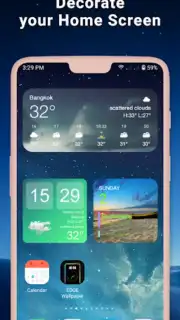
Looking for a way to personalize your home screen beyond standard icons and wallpapers? Color Widgets provides a modular system for creating and placing fully customizable informational widgets, transforming a static interface into a dynamic, at-a-glance dashboard.
Core Functionality and Tools
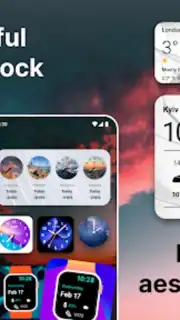
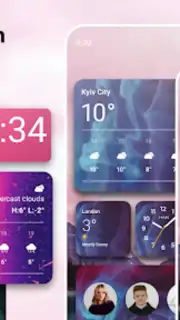
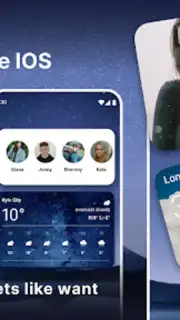
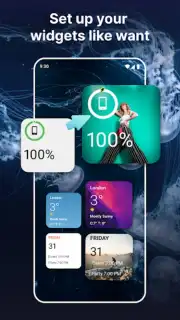
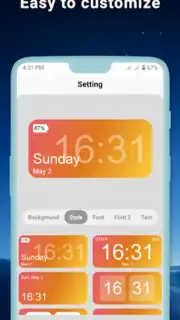
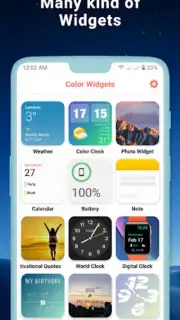
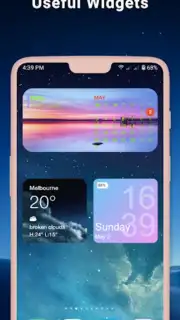
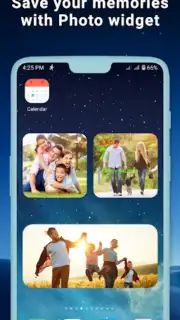
This application operates as a widget creation suite. Users select from a library of widget templates, which range from simple date and time displays to more complex modules showing device stats, calendar events, or motivational quotes. Each template is not a static image but a configurable object. The primary mechanics involve deep customization: users can adjust the widget's color palette, background opacity and texture, font style and size, and the specific data points displayed. Widgets are then placed on the home screen through the standard Android widget picker, where their size can be adjusted to fit various grid layouts. The app essentially bridges the gap between the user's desire for personalized information display and the native, often limited, widget options provided by the device or launcher.
Analytical Feature Breakdown
The utility of Color Widgets is defined by its balance of creative freedom and functional clarity. The interface is structured around a preview-and-edit model, allowing real-time visualization of changes before applying them to the home screen.
- Extensive template library offering widgets for time, date, battery, storage, and text-based designs.
- Granular visual customization of colors, backgrounds, fonts, and opacity for each widget element.
- Multiple widget sizing options to fit 1x1, 2x1, 2x2, and other standard home screen grid layouts.
- Dynamic data integration for displaying real-time system information like memory and battery status.
- Regular template updates from the developer, introducing new designs and layout variations over time.
The app performs as a tool for systemic personalization. Its advantage lies in its specificity—it does not alter the launcher itself but provides superior, configurable components for it. Performance is generally lightweight, as widgets, once set, operate within the system's native widget framework. The user experience is focused on the setup phase, with the ongoing value being the persistent, personalized utility of the widgets on the home screen.
Gain exclusive access to a refreshed home screen experience today—limited introductory access is available for new users. Download the mobile app now to start building your custom dashboard.
Internet required. IAP available.
Information
| Version | 1.12.6 |
| Developer | BlueSkySoft |
| Requirements | Android Android 8.0+ |
| Updated | 15.09.2026 |
| Size | 35.21 MB |
| Package | com.blueskysoft.colorwidgets |
| Signature | 006a73fc387d30de69d86e84f52f8888e6abf87a |
| Architecture | armeabi-v7a |


