


ColorOS My Files screenshots (20)

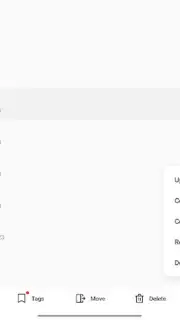
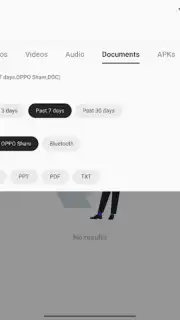
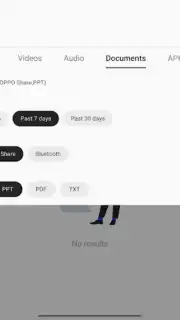

Description ColorOS My Files
Your Phone's Ultimate File Command Center
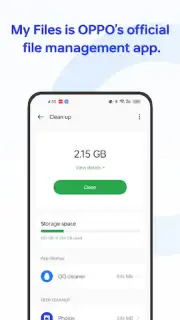
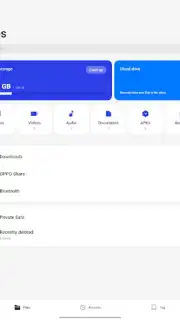
Tired of your photos, documents, and downloads living in chaotic disarray? You need a powerful, native tool that gives you absolute mastery over every single file on your device. ColorOS My Files is that essential system application, designed from the ground up for OPPO smartphones and tablets, transforming how you interact with your device's entire digital ecosystem. This isn't just a simple folder browser; it's the integrated command hub for all your data, putting complete organizational control directly in your hands.
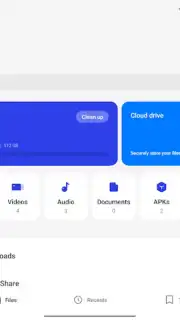
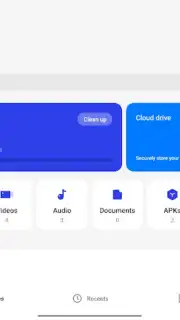
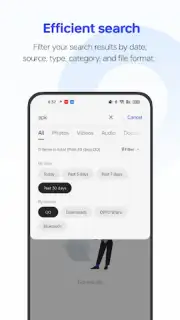
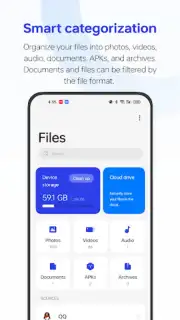
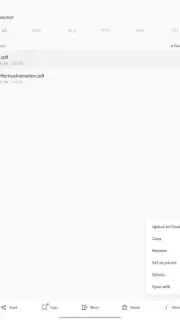
You experience seamless and intuitive management from the moment you open the app. The interface provides a crystal-clear overview of everything stored on your device, eliminating the frustration of searching through hidden directories. You can instantly access files in the internal storage or expand your view to include an external SD card, creating one unified library for all your content. The process of moving, copying, or deleting files feels fluid and direct, allowing you to restructure your digital space in seconds. Beyond basic files, this tool also grants you detailed oversight of all installed applications, letting you review their data and manage storage with precision.
The absence of any advertisements creates a completely focused and uninterrupted user experience. This clean environment, combined with system-level optimization, ensures operations feel swift and responsive, allowing you to manage large batches of files or navigate deep directory structures without lag.
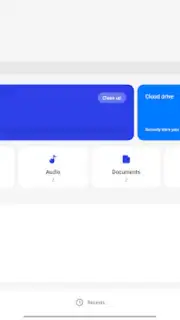
- Total File System Access: You gain comprehensive visibility and control over all files in your device's internal memory and on any inserted SD card, all from a single, unified interface.
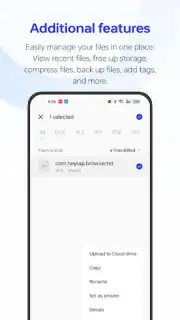
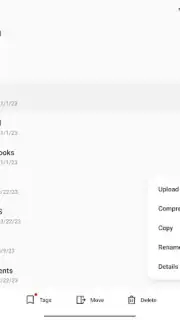
- Advanced File Operations: You can effortlessly move, copy, rename, delete, and share any file. Create new folders to organize projects or archive old documents with just a few taps.
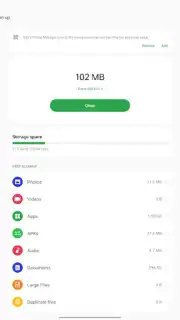
- Detailed File & App Inspector: You can check specific information for any file, such as size, format, and creation date. Simultaneously, manage and analyze all installed applications to reclaim valuable storage space.
- Optimized for ColorOS Ecosystem: This is the dedicated, pre-installed file manager for OPPO devices and is fully compatible with other smartphones and tablets running ColorOS, including select models from Realme and OnePlus.
- Turbo Performance & Ad-Free Experience: You benefit from system-level efficiency for faster file operations, all within a clean interface completely free of disruptive advertisements.
Stop struggling with a disorganized phone. Take definitive control of your digital life today. Download this essential system tool now and experience the power of seamless file management!
Internet required. IAP available.
Information
| Version | 16.5.4 |
| Developer | Oppo |
| Requirements | Android Android + 10+ |
| Updated | 17.03.2026 |
| Size | 21.01 MB |
| Package | com.coloros.filemanager |
| Signature | d5f2d71470028a27f040234dbe7b62b0 |
| Architecture | armeabi-v7a, arm64-v8a |


