

Device Control - Root screenshots (16)
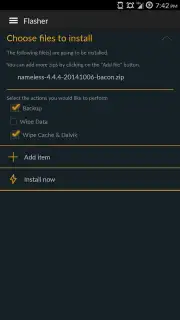
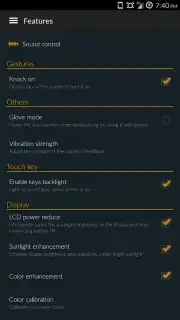
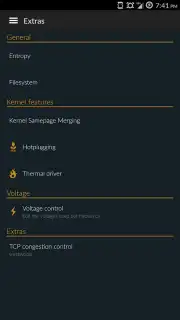
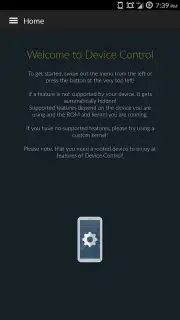

Description Device Control - Root
Unlock the Hidden Engine of Your Android Device
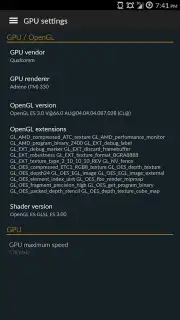
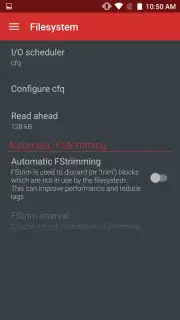
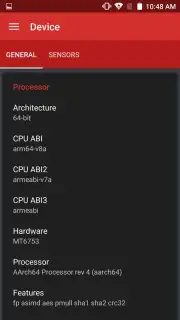
Imagine your Android phone or tablet not as a finished product, but as a raw, high-performance engine waiting for its final tune. The factory settings are just the beginning. For the enthusiast who sees potential in every line of code, true device mastery begins with root access. Device Control - Root is your professional tuning suite, a powerful application that grants you direct, administrative-level command over dozens of deep system parameters typically hidden from view. This isn't for casual tweaks; it's for users who understand their device's architecture and want to rewrite its performance profile, manage its very core processes, and strip away any unnecessary bloat. With great power comes the need for precise tools, and this app delivers exactly that.
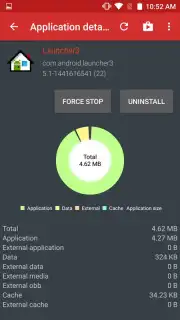
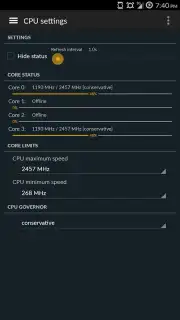
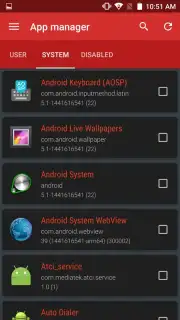
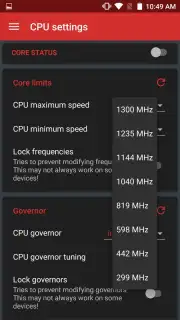
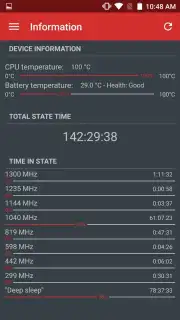
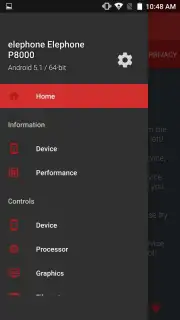
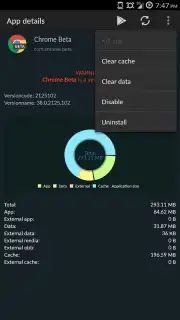
To harness this level of control, your device must meet two technical prerequisites. First, you need a rooted Android device, which grants the necessary superuser permissions. Second, the BusyBox utility must be installed, providing the essential Unix command-line tools that Device Control relies upon to execute its advanced functions. Once these are in place, the full spectrum of features unlocks. You gain the ability to manually adjust your CPU's maximum and minimum clock frequencies, either underclocking for exceptional battery savings or pushing for raw performance. Monitor the workload of each individual CPU core in real-time with detailed system monitors. Permanently remove stubborn pre-installed system applications that standard uninstallers cannot touch, freeing up space and resources.
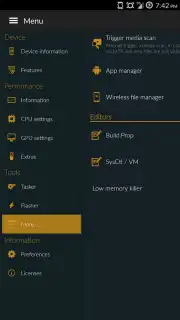
The functionality extends far beyond core system tweaks. The integrated task scheduler allows you to automate complex sequences of actions—like changing performance profiles, toggling settings, or launching scripts—on a precise timetable or triggered by system events. The built-in wireless file manager turns your device into a local web server, enabling you to browse, transfer, and manage files from any computer browser on the same network without cables. A suite of recovery and backup tools provides additional safeguards for your modifications. It is crucial to proceed with caution, as altering system parameters carries inherent risk. However, for the informed user, Device Control provides an unparalleled toolkit to optimize stability, enhance speed, and customize the Android experience to its absolute limit.
- Real-time CPU core monitoring
- Remove system apps permanently
- Automated task scheduler
- Wireless browser-based file manager
- Advanced recovery tools
Take full command of your hardware and software. Download Device Control - Root now and transform your rooted device into a perfectly tuned instrument of performance.
Disclaimer: This application requires a rooted Android device and an internet connection for certain features. Use at your own risk. Modifying system settings can affect device stability.
Information
| Version | 0.9.0-dev-git-9c4d3c |
| Developer | Alexander Martinz |
| Requirements | Android Android + 4.0.3, 4.0.4+ |
| Updated | 17.03.2026 |
| Size | 4.92 MB |
| Package | org.namelessrom.devicecontrol |
| Signature | 3e82ad7f87e188347568a1e1ca9684b5 |
| Architecture | universal |


