

DJI Mimo screenshots (25)
Description DJI Mimo
Struggling to Manage and Edit Footage from Your DJI Action Cam or Gimbal?
The process of transferring, organizing, and editing high-quality footage from action cameras and gimbals can often become a technical bottleneck, separating raw content from polished, shareable videos. DJI Mimo serves as the official control and editing hub for DJI's Osmo series, including Osmo Pocket and Osmo Mobile gimbals. This application directly addresses the workflow gap by providing live view camera control, advanced stabilization management, and a comprehensive editing suite within a single, integrated environment. It functions as both a remote controller for your hardware and a post-production studio, designed to streamline content creation from capture to export without requiring multiple disparate software tools.
Core Functionality and Editing Capabilities
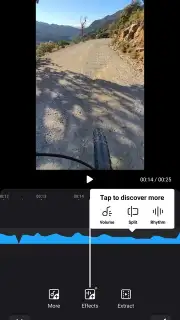
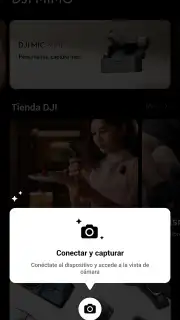
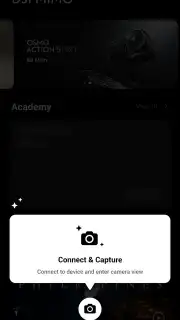
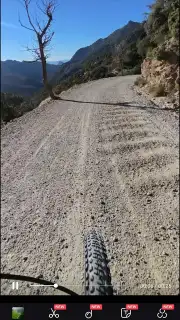
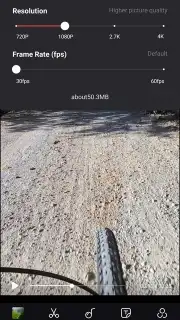
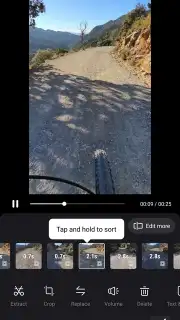
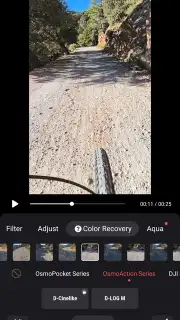
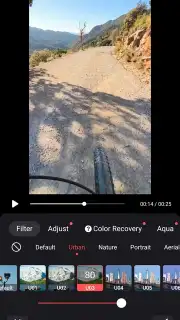
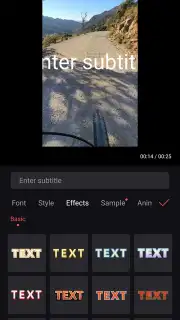
The application establishes a direct wireless connection to compatible DJI hardware, providing a live viewfinder feed on your mobile device. This allows for precise, on-screen adjustment of stabilization modes, camera parameters like exposure and white balance, and shooting settings in real time. Beyond remote control, its primary utility is as a full-featured video and photo editor. The editing toolkit supports multi-track timelines, allowing for layering of video clips, audio, text, and graphical stickers. Users have granular control over color correction parameters—including luminance, contrast, saturation, and sharpness—as well as tools for speed ramping, reverse playback, and frame-by-frame trimming. A significant feature is its format-agnostic editing capability; while optimized for DJI footage, the editor can process video files from any smartphone, tablet, or external camera imported into the app's library.
Intelligent Shooting Modes for Automated Capture
DJI Mimo integrates several automated filming modes that leverage onboard algorithms to execute complex shots. ActiveTrack 3.0 enables subject recognition and tracking, locking onto and following a selected person or object while dynamically adjusting the gimbal's movement to keep it centered. For solo creators, FaceTrack automatically identifies and frames the user's face during selfie recordings, ensuring consistent composition. For landscape and time-based photography, the app offers panoramic stitching modes and advanced intervalometry options. The Timelapse and Motionlapse modes automate the capture of sequences for creating accelerated videos, with configurable pathing and duration settings to produce dynamic, moving time-lapse footage without manual camera operation.
Streamlined Media Management and Templated Workflows
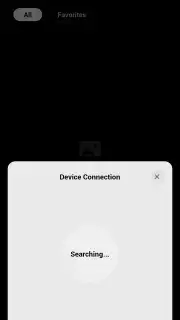
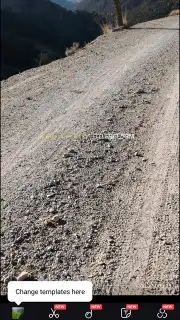
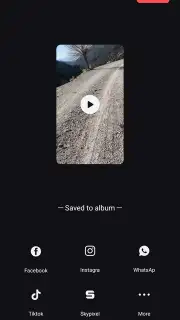
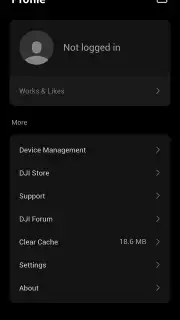
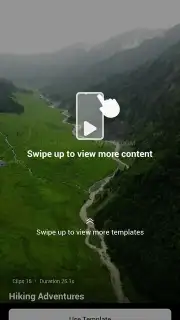
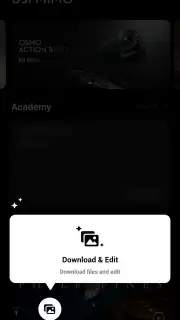
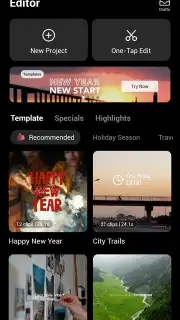
Media management is centralized within the app. Once a DJI device is connected, all captured photos and videos can be wirelessly previewed and downloaded directly to the phone's local storage, eliminating the need for physical SD card removal. The library supports sorting, favoriting, and batch operations. To accelerate editing, DJI Mimo provides templated workflows. The Story Mode presents users with predefined shot lists and gimbal movement sequences; following these guided steps results in a cohesive, short-form video clip. Furthermore, the My Story section offers a library of professionally designed edit templates. Applying these templates automatically matches clips to music beats, applies transitions, and color grades footage to produce stylized videos rapidly, ideal for social media platforms with their one-minute optimal length.
Integrated Learning Resources and Performance
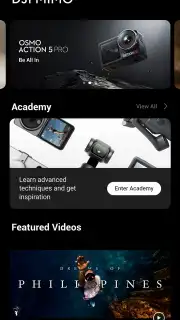
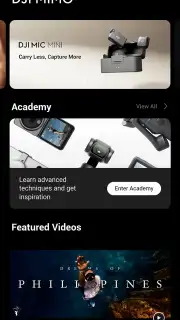
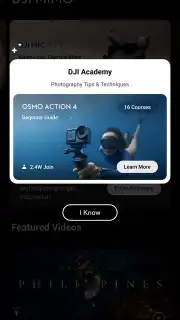
The application includes access to the DJI Academy, an in-app resource hub containing structured video tutorials and FAQs that cover topics from basic gimbal operation to advanced editing techniques. This turns the app into a learning platform for improving cinematography skills. Regarding performance, the application operates without display advertisements, and users report efficient processing and rendering times for edits, even with high-bitrate footage.
- Provides live view remote control for DJI Osmo gimbals and action cameras.
- Features intelligent tracking modes like ActiveTrack 3.0 and FaceTrack.
- Offers a professional multi-track video editor with granular color correction.
- Includes one-touch Story Mode and professional My Story video templates.
- Enables wireless media transfer and management directly from your device.
Download the DJI Mimo app now and transform your raw footage into professional content today! Don't wait—streamline your entire filmmaking workflow immediately.
Heads up: you'll need wifi for firmware updates and initial device pairing. Some advanced templates and music tracks are available via in-app purchase.
Information
| Version | 2.7.2 |
| Developer | DJI TECHNOLOGY CO., LTD |
| Requirements | Android Android + 9+ |
| Updated | 17.03.2026 |
| Size | 848.7 MB |
| Package | dji.mimo |
| Signature | 6044254a06d9a98c6dce802414c39210 |
| Architecture | arm64-v8a |


