

External Keyboard Helper Demo screenshots (14)
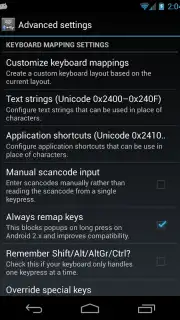
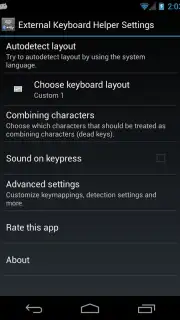
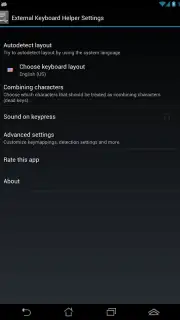
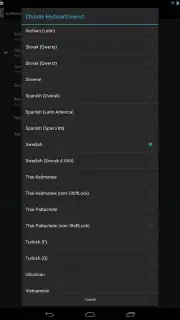
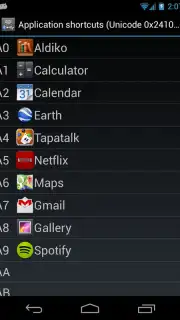
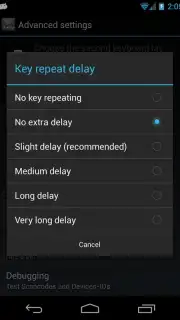
Description External Keyboard Helper Demo
Tired of Your Tablet or Phone Ignoring Your Fancy Keyboard?
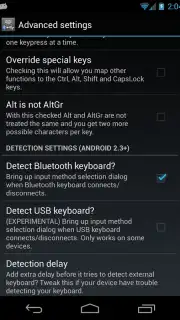
You connect your sleek Bluetooth keyboard, ready to type at lightning speed, only to find your device stuck with the wrong language layout or missing crucial keys. It’s frustrating, turning your powerful gadget into a clumsy typewriter. What if you could take full command, making any external keyboard obey your every command? Welcome to a new level of personalized control.
Transform Any Keyboard into Your Perfect Typing Companion
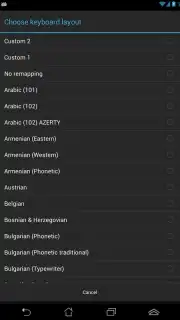
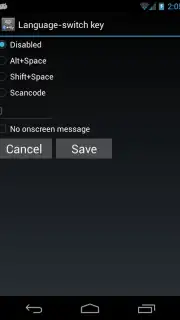
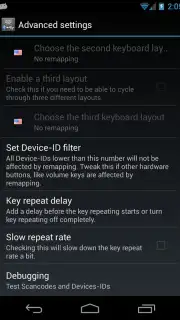
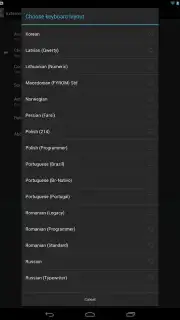
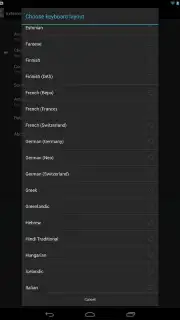
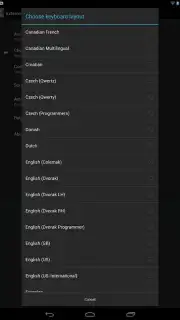
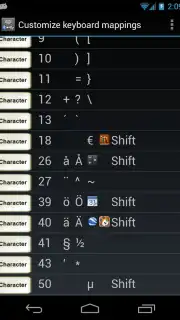
This is your ultimate toolkit for breaking the limits of your device’s keyboard support. Stop struggling with mismatched layouts and unlock the true potential of your hardware. The app acts as a powerful bridge, giving you deep system-level control to remap keys, create custom shortcuts, and use layouts from around the world that your device normally says no to. Imagine pressing a single key to open your favorite app, insert a frequently used email address, or switch languages seamlessly—all from your external keyboard. It turns complex keyboard configurations into a simple, visual setup that feels intuitive and powerful.
Why This Helper Becomes Your Essential Tool
The magic is in how it hands the power back to you without requiring a tech degree. You get a live preview as you remap keys, so you see the changes happen in real-time. It supports a staggering range of keyboards, from common Bluetooth models to niche wired ones, ensuring you’re covered. The interface is clean and focused on getting the job done, eliminating clutter so you can focus on creating your perfect typing flow. It’s about making your device work for you, not the other way around.
- Remap any key to any function
- Create powerful custom shortcuts
- Support for global keyboard layouts
- Simple, visual configuration interface
Stop adapting to your device's limitations. Start shaping it to fit your workflow perfectly. Download the app now and claim your typing advantage today!
Heads up: you'll need an external keyboard to use the core features. Some advanced customization options are part of the extended toolkit. Compatible with Android devices.
Information
| Version | 7.4 |
| Developer | Apedroid |
| Requirements | Android Android + 1.6+ |
| Updated | 17.03.2026 |
| Size | 655.11 KB |
| Package | com.apedroid.hwkeyboardhelperdemo |
| Signature | 163ff428a93d7c823632fbb5e58e98e8 |
| Architecture | universal |


