

Fake Windows 8 - Launcher screenshots (3)
Description Fake Windows 8 - Launcher
Transform Your Android with a Windows 8 Interface
For users seeking the distinctive tile-based aesthetic of Windows 8 on their Android device, this launcher provides a direct solution. It replicates the visual environment and navigation style of the Microsoft operating system, allowing for a familiar desktop-style interface on a mobile platform.
Core Functionality and Features
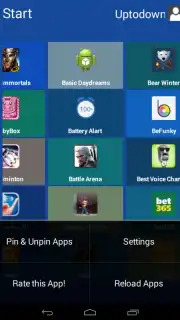
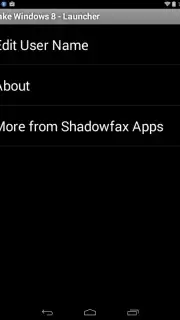
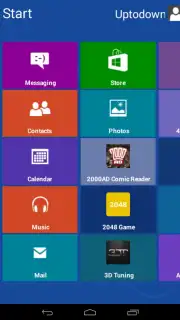
This application is a simulation launcher. It installs as a secondary home screen replacement, rendering a detailed replica of the Windows 8 Metro UI. The primary operational function is to launch your native Android applications from within this simulated environment. The launcher organizes all installed apps into the classic live tile format, enabling navigation through a scrollable start screen. It serves as a visual and interactive skin that changes your device's appearance without modifying the underlying Android system.
- Replicates the complete Windows 8 Metro UI with authentic live tiles and layouts.
- Serves as a functional home screen replacement for launching all Android apps.
- Provides a customizable start screen to organize application tiles by user preference.
- Delivers a purely visual transformation without altering system-level operations.
- Offers a novelty interface for users familiar with the Windows 8 desktop experience.
Download this mobile app now and instantly redesign your Android device's home screen!
Internet required. IAP available.
Information
| Version | 1.1 |
| Developer | Shadowfax Apps |
| Updated | 17.03.2026 |
| Size | 882.13 KB |
| Package | com.shadowfax.apps.fakewindows8launcher |
| Signature | a03c0a76874b92391c162f40600ce249 |


