

File Manager screenshots (13)



Description File Manager
Struggling to Locate and Organize Files on Your Android Device?
Managing the diverse range of files on a modern smartphone can be a fragmented and time-consuming process. Different formats and storage locations often require multiple apps to access, leaving users without a centralized, powerful tool for complete control. This application provides a unified solution for comprehensive file system management directly from your device, eliminating the need for cumbersome workarounds or a computer connection.
Core Functionality and Operational Modes
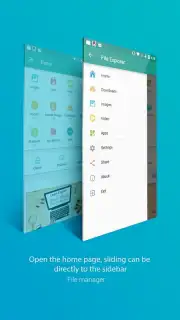
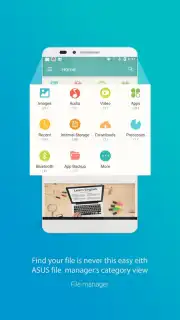
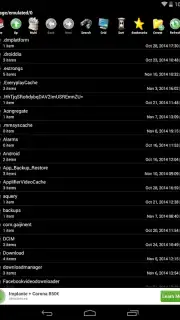
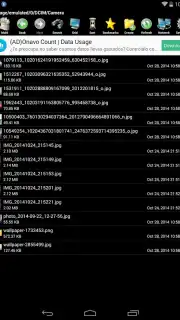
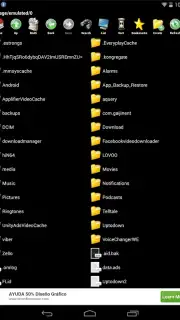
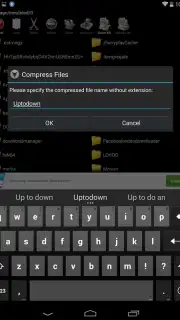
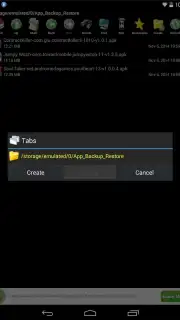
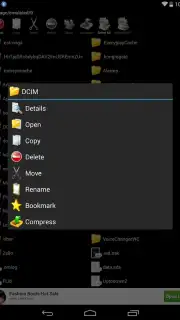
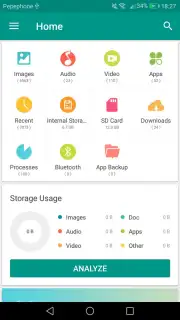
This File Manager application delivers a streamlined interface for accessing every storage area on your Android smartphone or tablet. It initiates with a primary dashboard that offers immediate navigation to categorized directories including Applications, Audio, Images, Videos, and Downloads. Selecting any category presents a detailed view of its contents, where users can execute management commands. The tool supports operations across all common file formats regardless of whether they are stored on internal memory or removable SD cards. A dedicated storage analyzer provides a visual overview of total memory consumption, breaking down usage by file type and location for efficient space management.
Beyond local storage, the application integrates cloud synchronization capabilities, allowing users to connect to online storage services for bidirectional file transfer and backup. The interface and display themes are fully customizable, enabling users to adjust layout, color schemes, and icon sets. For security, the app supports the implementation of an access lock via a PIN or pattern code, restricting entry to the file manager itself. An optional Turbo mode is available, which is designed to enhance operational speeds for file searches and transfers while removing advertisement displays from the interface.
Key Features
- Centralized access to all file categories
- Visual storage analyzer and cleanup tools
- Configurable security lock and themes
Download this mobile app now and take immediate command of your device's storage. Stop wasting time searching and start managing your files with precision today!
Disclaimer: This application requires an internet connection for cloud synchronization features. Optional in-app purchases may be available to unlock premium functionality such as Turbo mode. Data usage may apply when syncing files online. Please be aware of age restrictions according to your local Google Play Store policies. The developer is not responsible for data loss; users are advised to maintain their own backups.
Information
| Version | 1.4.0 |
| Developer | File Manager HD |
| Requirements | Android Android + 4.2, 4.2.2+ |
| Updated | 17.03.2026 |
| Size | 5.11 MB |
| Package | com.androidapp.filemanager |
| Signature | faf6a87cd83daed149c66420e865b773 |
| Architecture | armeabi, armeabi-v7a, mips, x86, arm64-v8a, mips64, x86_64 |


