


Floating Apps screenshots (22)

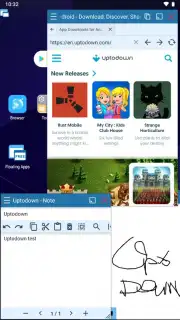
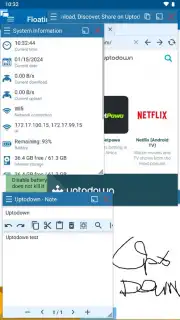

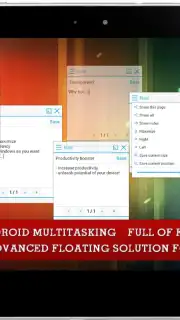
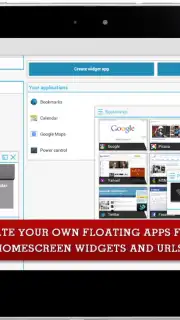
Description Floating Apps
Tired of App Switching? Your True Multitasking Hub is Here
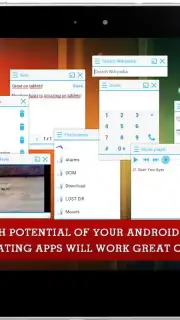
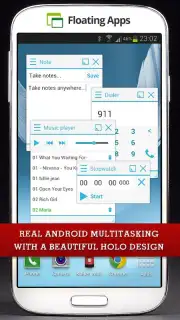
Juggling between apps on your Android device is a constant, productivity-killing chore. You pause a video to take a note, lose your place in a document to check a calculation, or desperately wish you could keep a chat window visible while browsing. The standard full-screen app model is a bottleneck. Floating Apps dismantles this limitation by transforming your entire interface into a dynamic, layered workspace. It enables genuine, simultaneous use of multiple applications in adjustable, always-on-top windows that you can position anywhere on your screen. This isn't just about having two apps open; it's about creating a personalized command center where your browser, notepad, media player, and tools coexist and interact seamlessly.
Core Functionality and Setup Process
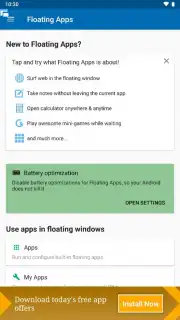
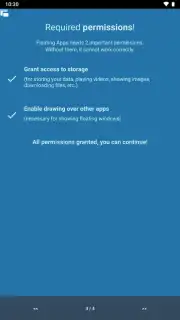
The core mechanism of Floating Apps operates by utilizing the system's draw-over-other-apps permission, a standard Android feature it harnesses to render its floating windows. Initial setup requires granting two key permissions: storage access (to display your local images, videos, and documents within floating viewers) and the aforementioned display-over-apps permission. The app provides clear, in-app guidance for this one-time process. For users on Android 7.0 (Nougat) and above who wish to float system apps or games, an additional quick ADB (Android Debug Bridge) command via a computer is needed—a well-documented procedure within the app that unlocks the full potential of floating any application, including streaming services and games.
Key Features and Capabilities
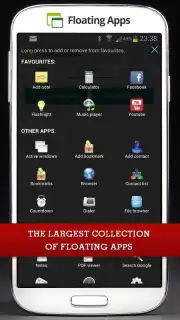
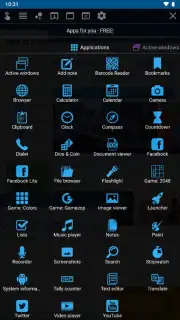
Beyond its foundational technology, Floating Apps delivers a rich, immediately usable ecosystem. It comes pre-loaded with over thirty optimized, lightweight mini-apps designed specifically for floating use. This suite turns your device into a productivity powerhouse without needing to float your main apps first.
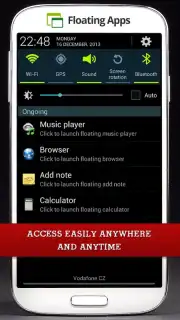
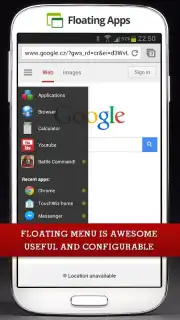
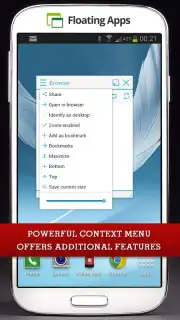
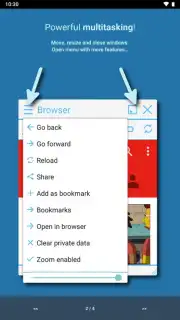
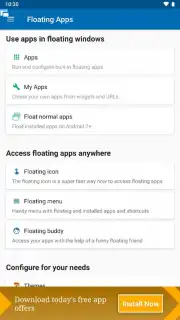
- Built-in Floating Tool Suite: Access a dedicated floating notepad for instant thoughts, a resizable browser, a precision calculator, a document viewer, a calendar, a compass, a system monitor, and a media player, all launchable as independent windows.
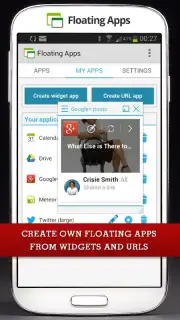
- Universal Web App Converter: Transform any website into a persistent floating window. This is ideal for keeping YouTube music playlists, Twitter feeds, Instagram stories, or live sports scores as a movable overlay over any other task.
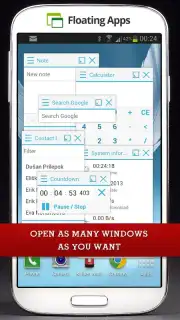
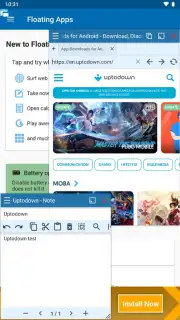
- True Parallel Task Execution: Run the floating browser, notepad, and calculator simultaneously over your email client. Watch a tutorial in a floating video player while following steps in a full-screen app. The combinations are limited only by your screen real estate and imagination.
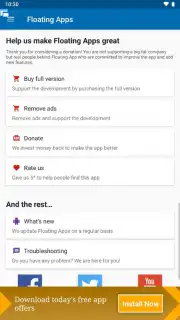
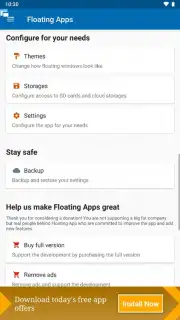
- Turbo Experience: An optional upgrade removes all advertisements and unlocks premium features, enhancing the fluidity and customization of your multitasking environment for uninterrupted workflow.
Streamline Your Android Workflow
We suggest trying Floating Apps to fundamentally change how you interact with your device. Consider downloading it if you frequently reference information, consume background media, or manage multiple data points at once. It transforms your phone or tablet from a single-task screen into a versatile, multi-window workstation.
Download the Floating Apps mobile app now to unlock true parallel productivity.
Heads up: you'll need wifi for optimal web-based floating windows. Some advanced features and the ad-free Turbo mode are extra. The initial permission setup is a standard one-time process for full functionality.
Information
| Version | 4.23.2 |
| Developer | LWi s.r.o. |
| Requirements | Android Android + 5.0+ |
| Updated | 17.03.2026 |
| Size | 29.38 MB |
| Package | com.lwi.android.flapps |
| Signature | 2b887a02f31f454112f4f9227dce0dcf |
| Architecture | armeabi-v7a |


