


Google Assistant screenshots (18)
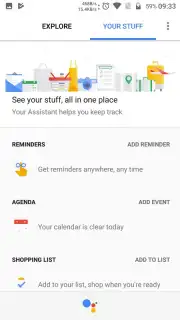
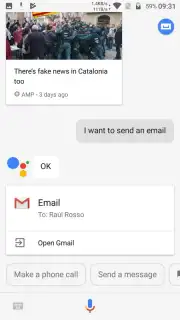
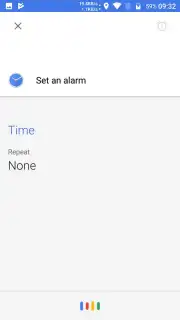
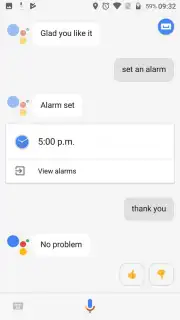
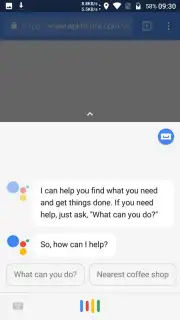
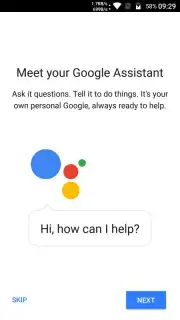
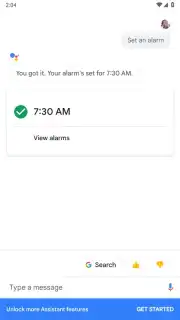
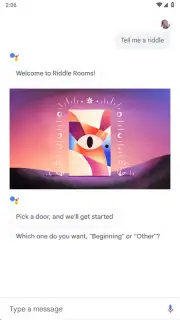


Description Google Assistant
Hands-Free Device Control: A Technical Analysis of Google Assistant
Managing a smartphone typically requires physical interaction, which becomes impractical when your hands are occupied, the device is charging across the room, or you simply seek a more efficient workflow. Google Assistant addresses this by transforming your Android device into a voice-activated command center. This official application from Google Inc. enables complete hands-free operation through spoken directives, allowing you to execute tasks without touching the screen. Its functionality remains active even when the device is locked or at a distance, effectively extending your control beyond arm's reach.
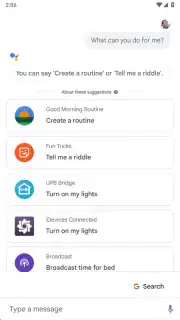
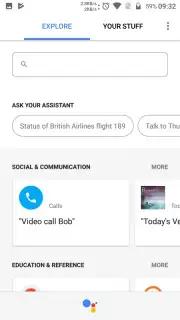
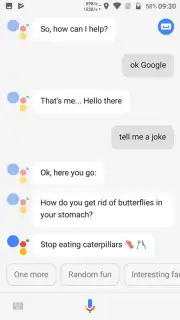
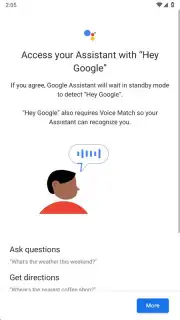
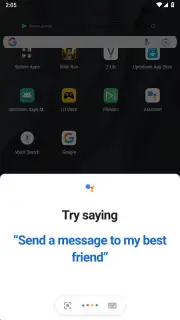
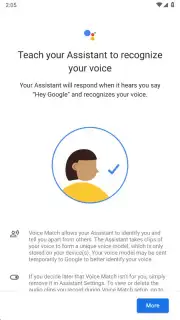
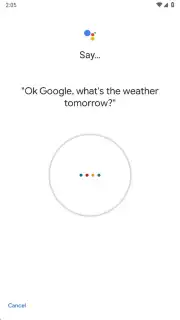
The core operational mechanic is voice activation via the wake phrases "Okay Google" or "Hey Google." Upon clear enunciation of these phrases, the Assistant activates and responds in your device's default language, awaiting a command. The scope of executable actions is extensive and integrates deeply with system functions and installed services. You can instruct it to manage device settings like screen brightness or volume, control media playback, set reminders and alarms, perform web searches, or initiate communication by sending dictated text messages. It also provides navigation by finding optimal routes and can engage in interactive elements like telling jokes or posing riddles.
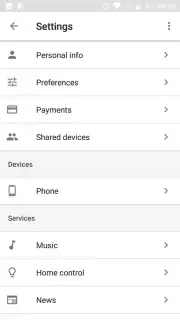
A primary technical prerequisite for full functionality is the installation and configuration of the main Google application. While this app comes pre-installed on Pixel devices and many others, the Assistant will prompt for its download if absent. Users must then set it as the default assistant service within the "Assist & voice input" section of their Android settings. Once configured, the Assistant leverages this integration to access data and perform actions across the device ecosystem. It is important to note for users exploring Google's ecosystem that while the newer Gemini AI offers overlapping capabilities, Google Assistant remains a distinct application with a specific focus on broad, device-integrated voice command execution.
- System-Wide Voice Commands: Control core device functions, search the web, manage schedules, and handle communications using only your voice from any distance.
- Always-On Listening Mode: Activate the assistant even on a locked screen or while charging with the "Okay Google" wake phrase for immediate task execution.
- Deep Android Integration: Works seamlessly with the official Google app to perform complex actions, from sending messages to providing real-time navigation and traffic updates.
This application represents a significant shift in human-device interaction, moving the interface from tactile to auditory. For users seeking to minimize physical phone handling and maximize productivity through vocal shortcuts, its utility is substantial. The current version offers a stable platform for evaluating this hands-free paradigm.
Download the Google Assistant mobile app now to activate exclusive, early access to this level of integrated voice control—available for a limited time to new users.
This application requires a persistent internet connection for full functionality and may involve integrations with services that include in-app purchases. Ensure your device meets the necessary system requirements for optimal performance.
Information
| Version | 899.9999.999 |
| Developer | Google Inc. |
| Requirements | Android Android 4.4+ |
| Updated | 02.09.2026 |
| Size | 9.40 MB |
| Package | com.google.android.apps.googleassistant |
| Signature | 61:ED:37:7E:85:D3:86:A8:DF:EE:6B:86:4B:D8:5B:0B:FA:A5:AF:81 |


