


Google Sheets screenshots (18)
Description Google Sheets
Your Spreadsheet Powerhouse, Unleashed from Your Pocket
Imagine having the full, formidable power of a desktop spreadsheet editor, but it lives right on your phone, travels with you everywhere, and connects your entire team in perfect sync. That’s not a futuristic dream—that’s your new reality with Google Sheets. This app transforms your mobile device into a serious productivity hub, shattering the old limits of working with data. Forget about being chained to a desk or wrestling with incompatible file versions. This is about taking control, collaborating seamlessly, and making progress whether you're at a café, in a meeting, or commuting. Your workflow is about to become fluid, intelligent, and powerfully connected.
Experience Unshackled Productivity
Feel the freedom of accessing, editing, and creating detailed spreadsheets from absolutely anywhere. That crucial budget file you left open on your office computer? It’s waiting for you, up-to-date, on your phone. Need to check a sales figure during a client lunch? A few taps is all it takes. The automatic sync via Google Drive is your silent, reliable partner, working in the background to ensure every device shows the latest data. You’re never hunting for the "right" version again, eliminating the risk of lost work or conflicting copies. Your projects move with you, seamlessly.
Build and Edit with Effortless Precision
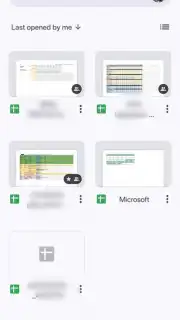
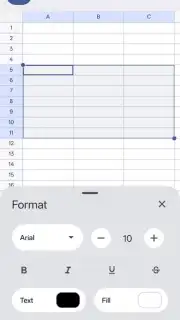
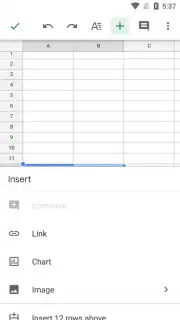
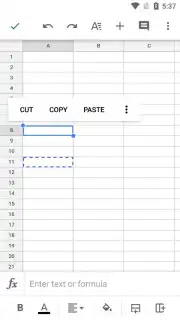
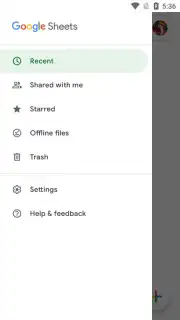
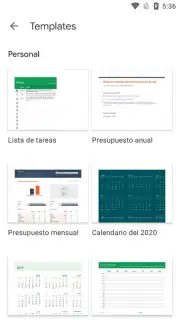
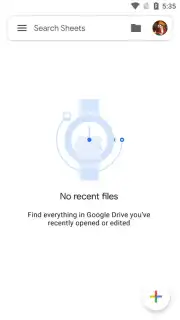
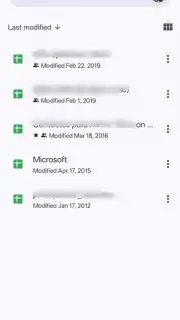
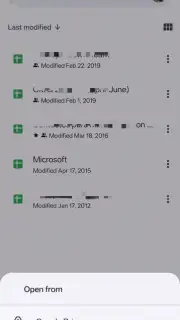
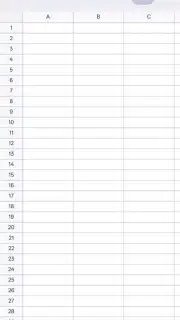
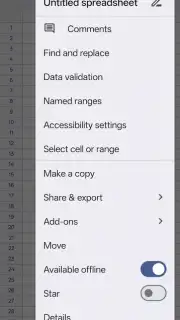
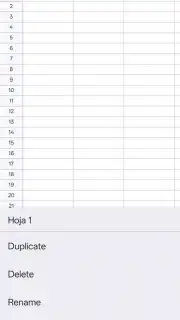
Creating a new spreadsheet is as simple as tapping the prominent '+' button—your gateway to a fresh canvas for numbers, plans, and ideas. Your recent files are neatly organized on the home screen for instant re-opening. Once inside a sheet, you have complete command: edit cell values, format data, insert formulas, or adjust charts with intuitive touch controls. The app provides a surprisingly deep set of tools for a mobile experience. Need to duplicate a template for a new report or remove an old file? It’s all managed with just a couple of taps, keeping your workspace clean and efficient.
Collaborate Live, See Magic Happen
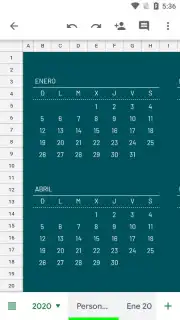
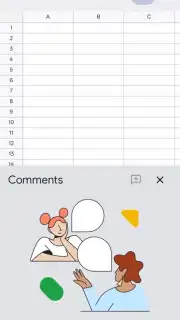
This is where Google Sheets truly changes the game for teams. You can work on the exact same document with colleagues simultaneously, watching their cursor movements and edits appear in real time. Leave targeted comments on specific cells, suggest edits for review, and reply to discussions directly within the spreadsheet. This live dynamic creates a shared sense of momentum—you see what your teammates are focusing on, which prevents overlapping work and "stepping on each other's toes." On a smaller mobile screen, this visibility is invaluable, providing a clear window into the team’s collective effort and keeping everyone aligned, no matter where they are.
A Clean, Turbo-Charged Workspace
Focus entirely on your work without any distractions. The experience is streamlined and professional, allowing you to dive deep into your data. The performance is optimized for mobile, ensuring smooth scrolling through large tables and quick calculation updates. It’s about giving you a powerful, reliable tool that feels built for the pace of modern life.
- Create and edit spreadsheets anywhere
- Real-time multi-user collaboration
- Automatic cloud sync via Drive
- Comment and suggest edits live
Stop waiting for the right time or place to get meaningful work done. Transform your smartphone into your most potent productivity asset. Download Google Sheets now and start shaping your data, leading your projects, and winning your day from anywhere.
Download the Google Sheets mobile app now and claim your productivity advantage!
Disclaimer: This application requires an internet connection for full functionality, including real-time collaboration, syncing, and some features. The app may contain in-app purchases for additional Google Workspace plans. Use of this app is subject to Google’s Terms of Service. Data rates may apply. The app is generally rated for all ages, but handling of user data is governed by Google’s Privacy Policy.
Information
| Version | 1.26.321.01.90 |
| Developer | Google LLC |
| Requirements | Android Android 10+ |
| Updated | 15.09.2026 |
| Size | 86.81 MB |
| Package | com.google.android.apps.docs.editors.sheets |
| Signature | 24bb24c05e47e0aefa68a58a766179d9b613a600 |
| Architecture | arm64-v8a |


