

Holo Launcher HD screenshots (9)

Description Holo Launcher HD
A High-Definition Home Screen Replacement Built on Android's Classic Design Language
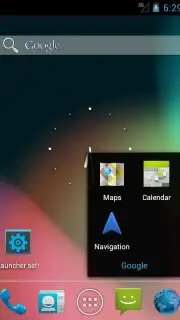
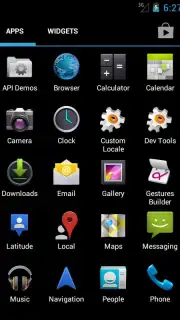
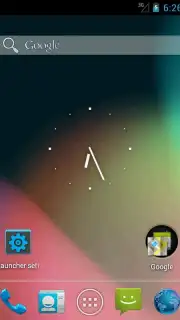
Holo Launcher HD is a home screen replacement application that directly implements the visual and interaction framework of Android's Ice Cream Sandwich (Android 4.0) operating system. It is engineered specifically for devices with high-definition displays, providing a pixel-sharp interpretation of that interface paradigm. The launcher replicates core components including the iconography, folder management system, and tabbed navigation structure, delivering a coherent and familiar user environment for those accustomed to that era of Android design or users seeking its particular aesthetic efficiency.
Functional Customization and Performance Enhancements
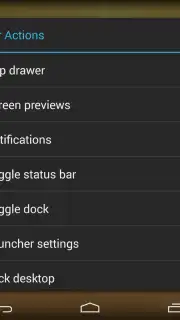
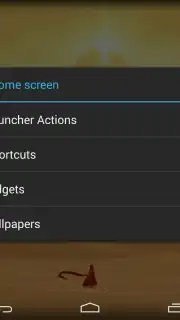
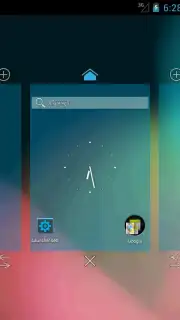
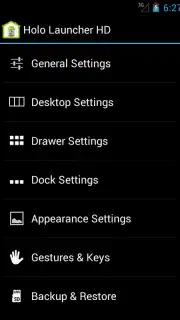
Beyond its visual authenticity, the application provides extensive customization tools. The system supports up to nine distinct home screens, each configurable with a ten-by-ten grid for widget and icon placement, offering significant layout flexibility for power users. The dock area is fully customizable across three independently scrollable pages, with each page capable of holding up to seven application shortcuts or folders for rapid access. A notable feature is the gesture-control system, which allows users to assign specific actions or application launches to swipe motions performed directly on the home screen, streamlining navigation. The paid Turbo version removes all advertising elements and typically unlocks additional performance optimizations and configuration options.
The application's feature set is focused on delivering a balance of classic design and modern customization:
- Implements the precise visual style and UI logic of Android Ice Cream Sandwich.
- Configures up to nine independent home screens with a 10x10 icon grid.
- Offers a fully customizable, multi-page dock holding seven icons per page.
- Integrates gesture controls for launching apps via swipes on the home screen.
- Provides a streamlined, ad-free experience in its Turbo performance tier.
We suggest trying Holo Launcher HD if you have a preference for a specific, classic Android interface or require granular control over your home screen layout and navigation gestures. Consider downloading it to configure a highly structured and efficient device home screen.
A functional internet connection may be required for initial setup and certain features. The application may offer in-app purchases to access premium functionality.
Information
| Version | 3.1.2 |
| Developer | Mobint Software |
| Requirements | Android Android + 4.0, 4.0.1, 4.0.2+ |
| Updated | 17.03.2026 |
| Size | 1.25 MB |
| Package | com.mobint.hololauncher.hd |
| Signature | 8be8049cab8e4bf221dd8da561c61d83 |
| Architecture | universal |


