


Image Converter screenshots (8)
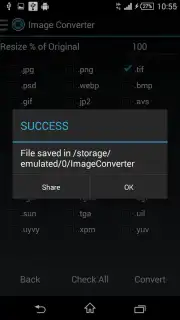
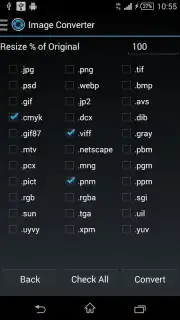
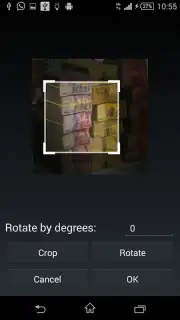
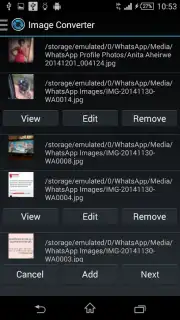
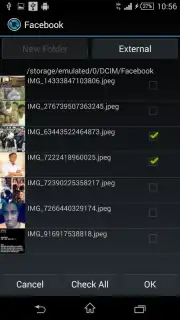
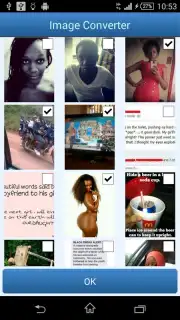
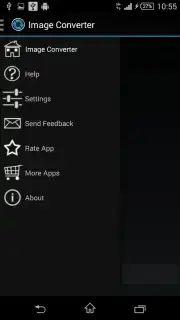
Description Image Converter
Your Digital Darkroom, Simplified
Imagine you've just captured the perfect photo or designed a crucial graphic, only to hit a wall. The website demands a PNG, the printer requires a TIFF, and your archive system works best with PDF. You're left scrambling, opening countless tabs for online converters that compromise your privacy and image quality. This frustration ends on your phone. Image Converter transforms your Android device into a powerful, portable graphics suite, eliminating format incompatibility as a barrier to your creativity and productivity. You gain direct control over your digital assets, converting any image with a few taps to ensure it works perfectly wherever you need it, all from the palm of your hand.
Core Functionality and Premium Advantages
The application operates on a foundation of exceptional breadth and simplicity. You begin by selecting any image from your gallery, whether it's a JPEG from your camera, a BMP from an old project, or a GIF from a message. The app presents you with an extensive menu of target formats. You are not limited to basic conversions like JPG to PNG. The tool supports professional and niche formats including vector-based AI and SVG, print-ready EPS and TIFF, high-dynamic-range HDR files, and modern web-friendly WEBP. Each conversion process prioritizes preserving the visual integrity of your original file, ensuring no loss in detail or color fidelity occurs during the change.
For workflows that demand more, the optional Premium upgrade unlocks a significantly enhanced tier of functionality. This mode removes all advertising interruptions, creating a focused, seamless environment. You gain the ability to process batches of more than five images simultaneously, a massive time-saver when preparing a portfolio or compiling project assets. Furthermore, Premium allows you to select multiple output formats for a single input file in one operation. This means you can take one source image and generate a PNG for web, a PDF for documentation, and a BMP for editing all at once, maximizing efficiency and preparing your files for every possible scenario without repetitive manual tasks.
- Convert between 20+ image formats
- Batch process multiple files instantly
- Premium ad-free, turbo workflow
- Preserve original image quality
We suggest trying Image Converter to finally resolve your daily format frustrations. Consider downloading this tool to handle everything from quick social media prep to complex project requirements directly from your mobile device.
Download mobile app now
Heads up: you'll need wifi for most features. Some cool stuff is extra.
Information
| Version | 9.0.41_x86_64 |
| Developer | Paul Asiimwe |
| Requirements | Android Android 5.0+ |
| Updated | 06.09.2026 |
| Size | 9.66 MB |
| Package | com.paul.icon |
| Signature | 22:99:83:6C:24:3A:A8:86:64:60:68:73:7C:94:CE:AD:EB:9E:9A:CE |
| Architecture | x86-64 |


