


Installer screenshots (9)
Description Installer
A New Standard for APK Management
Navigating Android's file system to install applications outside official stores is a universally recognized chore, often involving multiple file managers, cryptic warnings, and manual permission grants. This app redefines that entire process, transforming a fragmented, technical task into a single, fluid, and secure operation. It is not merely an installer; it is a unified management hub for sideloaded applications, designed for clarity and control where the native system offers complexity.
Core Functionality and Analytical Overview
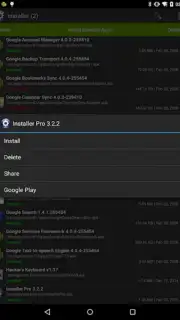
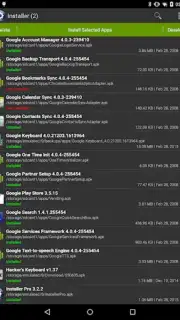
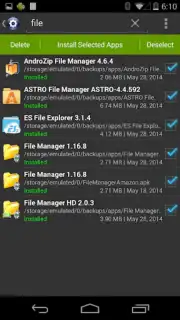
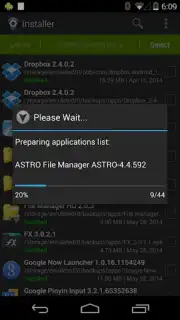
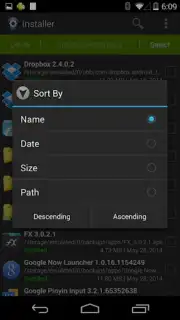
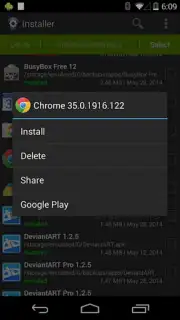
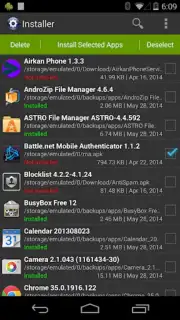
The application operates as a dedicated APK installer and manager, but its distinction lies in its architectural approach. Upon launch, it automatically scans designated directories for APK files, presenting them in a clean, visual catalog rather than a raw file list. The installation interface demystifies the standard Android package installer by breaking down requested permissions into intelligible categories with clear explanations of what each permission allows the app to do. Post-installation, it maintains a dedicated library of all apps installed through its platform, providing a centralized location for managing updates, viewing detailed information like version history and signing certificates, and creating backups of APK files. A critical feature is its batch operations capability, allowing for the queued installation or uninstallation of multiple applications, which is a significant time-saver for power users or those setting up a new device.
Key Advantages in User Experience
The primary advantage is an uncompromising focus on user agency and streamlined workflow. The interface employs a minimalist design language that prioritizes information hierarchy, making technical data accessible without being overwhelming. Performance is optimized for speed, with installations typically processing faster than the standard system dialog due to reduced overhead and pre-processing. Security is enhanced not by adding layers, but by improving transparency; the permission analysis tool is its standout feature, offering a level of insight the native installer does not. Furthermore, its dedicated app library creates a logical separation from system-managed apps, offering a clear audit trail for anything installed manually.
- Automated APK file scanning and cataloging
- Clear, explanatory permission breakdowns
- Dedicated library for sideloaded app management
- Efficient batch install and update operations
We suggest trying Installer if you regularly test beta apps, install software from F-Droid or other open-source repositories, or simply desire a cleaner, more informative process for managing your APK files. It brings order and understanding to a fundamental Android task.
Heads up: you'll need wifi for downloading APK files from sources. The core functionality is free, with advanced backup and batch features available as extras.
Information
| Version | 3.8.0 |
| Developer | Rhythm Software |
| Requirements | Android Android + 5.0+ |
| Updated | 17.03.2026 |
| Size | 6.65 MB |
| Package | com.rhythm.hexise.inst |
| Signature | fce85036903c4e2413164097c168b7dd |
| Architecture | universal |


