

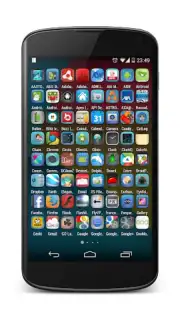
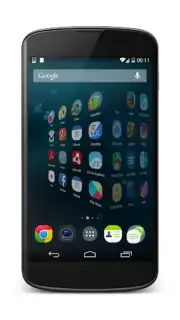
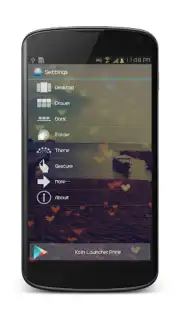
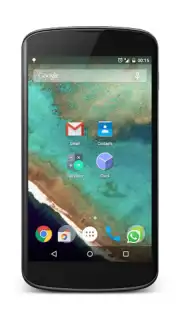
Kcin Launcher screenshots (6)


Description Kcin Launcher
A Home Screen That Adapts to You, Not the Other Way Around
Most Android launchers offer a rigid grid of icons and a static wallpaper, forcing you to organize your digital life within their predefined constraints. The Kcin Launcher approaches this fundamental interface from the opposite direction. It functions as a dynamic layer that observes your usage patterns and app preferences, then proactively reconfigures the home screen layout to reduce clutter and surface the tools you need most at any given time of day. This shifts the paradigm from manual organization to an adaptive, context-aware system.
Core Mechanics and Adaptive Tools
The primary operational logic of Kcin Launcher is based on behavioral learning algorithms. After an initial setup where you categorize your applications by frequency and purpose, the launcher begins to analyze launch times and sequences. Its core feature set is designed to minimize friction. The Smart Drawer automatically segregates infrequently used apps, keeping the main home pages clean while remaining instantly accessible with an upward swipe. The Adaptive Folders feature dynamically groups applications based on your current activity—such as grouping navigation, music, and messaging apps when it detects you are commuting—and dissolves them when the context changes.
Widget integration is handled through a unified panel that allows for resizing and transparency adjustments without entering a separate edit mode. A notable tool is the Contextual Search bar, which indexes app contents, contacts, and settings, providing results that change priority based on whether you last used a work or personal profile. The launcher also includes a comprehensive theme engine that applies icon packs, font changes, and transition animations in a single step, ensuring visual coherence without requiring manual adjustments across multiple settings menus.
Key Operational Advantages
- Predictive App Placement: Actively rearranges icon and widget positions based on time of day and usage history.
- Zero-Lag Interface Rendering: Maintains smooth animations and transitions even on devices with limited hardware resources.
- Granular Privacy Controls: Offers per-app hiding and secure folder options accessible via PIN or biometric authentication.
- Extensive Battery Optimization: Includes a deep sleep mode for infrequently used apps that integrates with the system scheduler.
- Seamless Backup & Sync: Allows one-touch backup of entire home screen layouts, folders, and settings to cloud storage.
Download the Mobile App Now
This level of home screen intelligence is typically reserved for premium, subscription-based tools. For a limited time, Kcin Launcher is offering full, unrestricted access to all its adaptive features and customization modules. This is an exclusive offer for the first wave of users to install the application. Transform your device's core interaction model today—download before this introductory access concludes.
An internet connection is required for initial setup, cloud backup, and theme downloads. The application may contain optional in-app purchases for premium icon packs and advanced automation scripts.
Information
| Version | 2.0.1 |
| Developer | KcinAppDev |
| Requirements | Android Android + 2.2.x+ |
| Updated | 17.03.2026 |
| Size | 4.91 MB |
| Package | com.kcinapp.launcher |
| Signature | dac83f01ddaa6ec35347d5932a525c70 |


