

L Launcher screenshots (7)
Description L Launcher
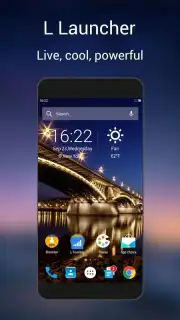
Looking for a way to declutter your home screen and achieve a truly minimalist Android experience without sacrificing quick access to your essentials? L Launcher redefines Android personalization by stripping away visual noise and focusing on pure functionality and clean aesthetics.
Core Functionality and Mechanics
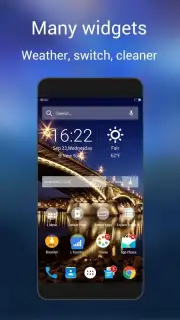
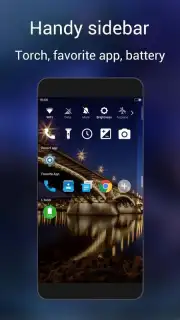
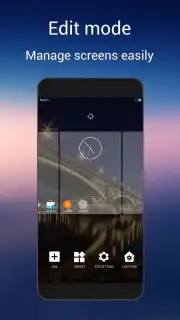
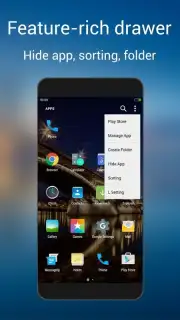
L Launcher operates on a principle of radical simplicity. It replaces the standard app drawer and widget-heavy screens with a streamlined, search-centric interface. Upon activation, the launcher presents a stark, often monochromatic background with a central search bar or a minimal grid of frequently used applications. The core mechanic involves swiping or typing to access all installed apps instantly, effectively removing the need for endless scrolling through pages. Navigation is gesture-based, allowing users to summon the app list or perform actions with intuitive swipes from screen edges. The launcher provides deep customization over icon packs, allowing for a uniform visual style, and includes tools to hide infrequently used apps to maintain the minimalist environment.
Key Advantages and User Experience
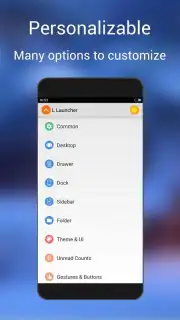
The primary strength of L Launcher is its exceptional performance on a wide range of devices, including older models running Android 4.0 and above, due to its extremely lightweight codebase. It significantly reduces RAM consumption and improves general system responsiveness compared to more feature-heavy launchers or manufacturer skins. The user experience is deliberately spartan, reducing decision fatigue and helping users focus on task completion rather than interface decoration. It offers a high degree of personalization within its minimalist framework, letting users control font styles, icon sizes, and gesture actions to tailor the bare-bones interaction to their personal workflow.
- Ultra-lightweight design that boosts device speed and battery efficiency.
- Gesture-based navigation for fast, one-handed app access and controls.
- Deep search functionality to find and launch any app or contact instantly.
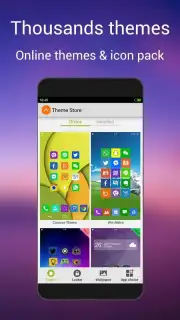
- Extensive icon pack support and theming for a cohesive, clean aesthetic.
- Smart app hiding features to keep your home screen completely decluttered.
Transform your device into a model of efficiency and style. Download L Launcher now and experience the definitive minimalist Android interface.
An internet connection may be required for certain features like downloading icon packs. The app may contain optional in-app purchases for premium themes or advanced customization modules.
Information
| Version | 1.93 |
| Developer | LL App Group |
| Requirements | Android Android + 4.0, 4.0.1, 4.0.2+ |
| Updated | 17.03.2026 |
| Size | 4.47 MB |
| Package | com.l.launcher |
| Signature | bdfec5f6b312335af8763b29bd4e4d53 |
| Architecture | universal |


