


Microsoft Authenticator screenshots (18)
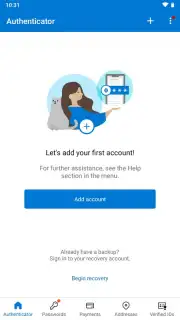

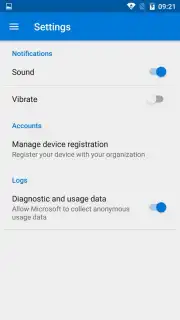


Description Microsoft Authenticator
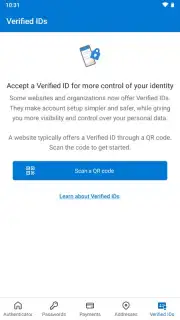
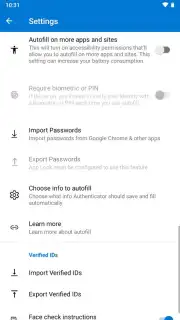
Looking for a more secure and convenient way to manage your online logins beyond just a password? Microsoft Authenticator provides a robust two-factor authentication (2FA) system, generating time-based codes that add a critical second layer of defense for your accounts across thousands of websites and services. This official Microsoft tool shifts security from something you must remember to something you physically possess, fundamentally changing your approach to account access.
Core Authentication Mechanics and Account Management
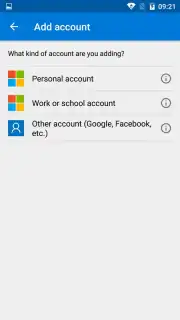
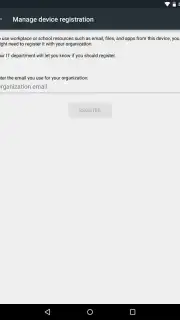
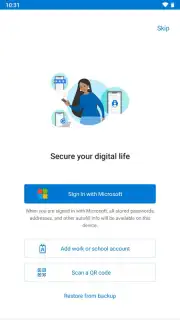
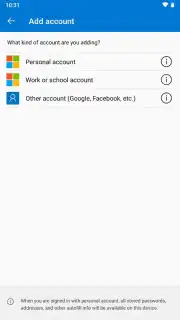
The application operates by establishing a secure, cryptographic link between your mobile device and each online service you protect. Upon initial setup for a service, you typically scan a QR code displayed on the website. This process seeds the app with a unique secret key. From that point forward, the app uses this key and the current time to generate a new six-digit code every 30 seconds. The service's server performs the same calculation, verifying that the code you enter matches its own. This method functions without an active internet connection for code generation, as both ends rely on the synchronized algorithm. Primary functionality requires signing in with a Microsoft account—such as those associated with Outlook, Skype, or Xbox—which acts as your vault's master key. Once set up, you can seamlessly add and manage both personal and work or school accounts within the same interface, switching between them with a single tap.
Detailed Feature Analysis and Practical Implementation
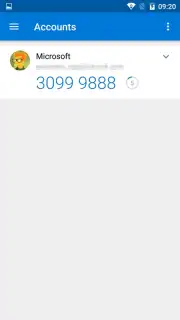
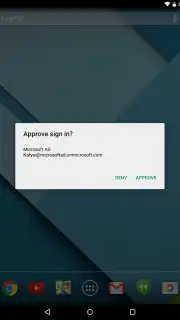
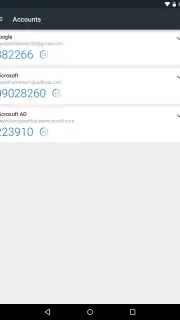
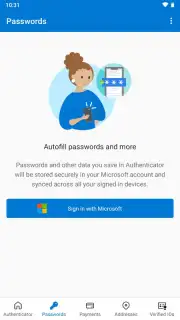
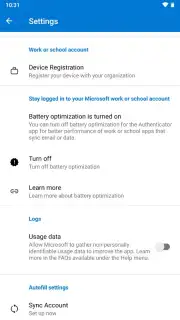
Beyond basic code generation, the app integrates deeply with the Microsoft ecosystem. For Microsoft accounts specifically, it enables passwordless phone sign-in, allowing you to approve login requests directly via a notification on your device instead of typing a password or even a code. This creates a smoother authentication flow while maintaining high security. The interface is designed for clarity, displaying each of your added accounts with its associated logo, the current valid code, and a visual timer indicating the code's remaining validity. A key security advantage is the mitigation of password reuse risks; by eliminating the need to recall complex passwords for every login, you are empowered to create and use strong, unique passwords for each service, as you only need to remember them once during the initial 2FA setup.
- Time-Based One-Time Passwords (TOTP): Generates secure, rotating 6-digit codes for thousands of compatible websites and apps, valid for 30 seconds each.
- Passwordless Microsoft Account Login: Approve sign-ins to your Microsoft services with a single tap on a push notification, removing the password entry step entirely.
- Multi-Account Management: Securely store and manage verification codes for personal, work, and third-party accounts in one centralized, organized dashboard.
The utility of this application extends to being a foundational tool for modern digital hygiene. It directly addresses the vulnerabilities inherent in password-based systems, particularly credential stuffing attacks following data breaches. By requiring a second factor that is physically tied to your device, it ensures that a compromised password alone is insufficient for account access.
Download the Microsoft Authenticator mobile app now and immediately upgrade your account security across all your essential services!
Heads up: you'll need wifi for initial account setup and push notifications. Some advanced enterprise management features may require additional licenses.
Information
| Version | 6.2603.1485 |
| Developer | Microsoft Corporation |
| Requirements | Android Android + 8.0+ |
| Updated | 17.03.2026 |
| Size | 53.23 MB |
| Package | com.azure.authenticator |
| Signature | 54e81f1e39083d6f9abcbf6c3a7010a1 |
| Architecture | armeabi-v7a |


