


Microsoft Teams screenshots (20)










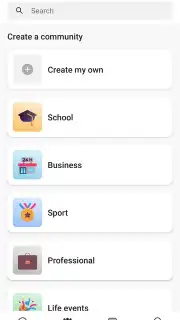
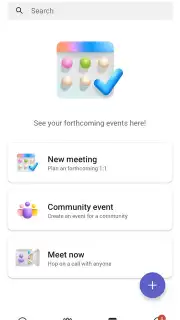
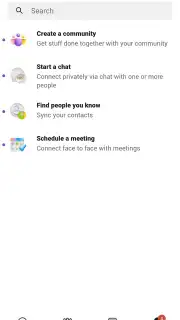

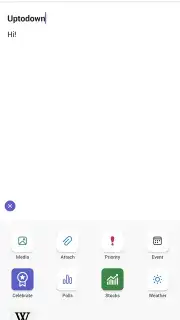
Description Microsoft Teams
A Central Hub for Modern Collaboration
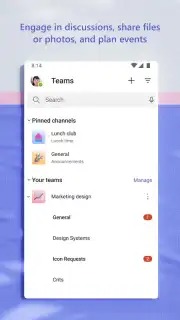
Imagine a single application that consolidates the fragmented tools of the modern workplace—chat, video conferencing, file sharing, and project management—into one seamless, secure environment. This is the operational reality of Microsoft Teams, the official collaboration hub from Microsoft Corporation. Designed as the communication centerpiece for organizations using Microsoft 365, it transcends being a mere messaging app to become a digital workspace. Its profound integration with the broader ecosystem, including OneDrive, Word, Excel, PowerPoint, and OneNote, means your workflow isn't interrupted by switching between apps; content creation, sharing, and discussion happen in a unified context, dramatically reducing friction in daily tasks.
Core Communication Mechanics and Meeting Capabilities
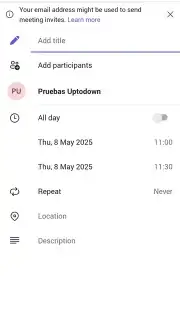
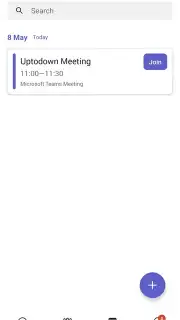
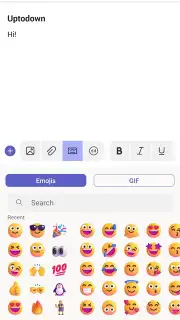
The application provides a multi-layered communication system. At its base is persistent chat, supporting instant text messages, emojis, GIFs, and file transfers within channels or private conversations. This evolves seamlessly into voice or full video calls. The meeting functionality is robust, supporting sessions with hundreds of participants. Users can join via audio-only or with video, using their device's camera to maintain a visual connection. A critical feature for productivity and accountability is the automatic recording and transcription of meetings. This creates a searchable archive, allowing team members to review discussions or read transcripts without watching hours of footage, ensuring no detail is lost.
For remote and hybrid work, the toolset is particularly powerful. During any call or meeting, participants can share their entire screen or a specific application window, ideal for presentations or live demonstrations. The digital whiteboard feature allows for real-time, interactive brainstorming where all participants can draw, type, and contribute visually. This transforms a standard video call into an active collaborative session, replicating the dynamism of an in-person meeting room.
Enterprise-Grade Security and Cross-Sector Application
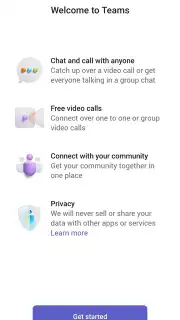
Security is not an add-on but a foundational element. All chats, meetings, files, and data shared within Microsoft Teams are protected with end-to-end encryption and adhere to major compliance standards. This ensures that confidential business information remains secure, whether users are in the office or on public Wi-Fi. Access is gated through a verified Microsoft work, school, or personal account, adding a layer of authentication. While its reputation is built in the corporate sector, its utility extends far beyond. Educational institutions leverage it for remote learning, utilizing large meeting capacities for virtual lectures and the co-authoring features for group projects, often integrating it with platforms like Moodle. Even for personal use, it serves as a high-quality, reliable platform for connecting with friends and family groups.
Feature Overview
- End-to-end encrypted communication
- Large-scale video meetings and webinars
- Deep Microsoft 365 app integration
- Interactive whiteboard and screen sharing
Start transforming your collaborative workflow today. Download the Microsoft Teams mobile app now and claim your advantage now.
Internet required. IAP available.
Information
| Version | 1416/1.0.0.2026051303 |
| Developer | Microsoft Corporation |
| Requirements | Android Android + 9+ |
| Updated | 17.03.2026 |
| Size | 205.12 MB |
| Package | com.microsoft.teams |
| Signature | 03aef1b47a462db1501f2ab11b6843b0 |
| Architecture | arm64-v8a |


