


N-Space screenshots (21)
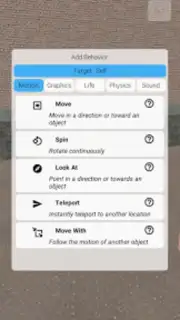


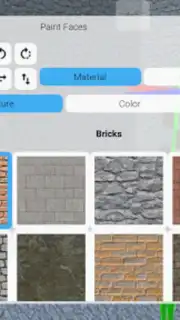
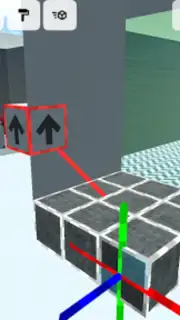
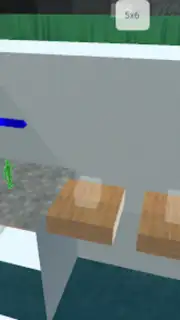




Description N-Space
A New Dimension of Personal Space
The modern digital environment is often cluttered and reactive, pulling attention in countless directions. N-Space presents a contrasting approach, offering a structured, minimalist hub designed to consolidate essential daily tools and personal media into a single, cohesive interface. It functions as a customizable digital command center, shifting the focus from fragmented app-hopping to streamlined access and visual calm.
Core Functionality and Customization
N-Space operates on a widget-based architecture, allowing users to assemble their most frequently used app shortcuts, live weather feeds, calendar events, notes, and media players onto a series of clean, themed desktop panels. The primary mechanic involves dragging, dropping, and resizing these components to create a layout that mirrors individual workflow and aesthetic preference. Users can switch between different configured "spaces" for distinct contexts, such as work, leisure, or fitness, each with its own set of widgets and visual theme. The app provides deep integration with system utilities and popular third-party services, pulling in data to create a live, at-a-glance overview without requiring multiple app launches.
Key Technical and Design Advantages
The utility of N-Space is underpinned by several deliberate design choices. The interface employs a subdued, consistent color palette with smooth animations to reduce visual noise and cognitive load. Performance is optimized for low-resource consumption, ensuring the live widgets and background data synchronization do not impact device battery life or responsiveness. Furthermore, the layout engine is designed for intuitive manipulation, offering magnetic snapping and alignment guides for precise widget placement without frustration.
- Modular Widget Dashboard: Integrate clocks, calendars, task lists, and media controls into a single, unified home screen replacement.
- Context-Aware Space Profiles: Instantly switch between customized setups for productivity, entertainment, or travel with one tap.
- Minimalist Visual Themes: Apply curated color schemes and font sets that promote focus and reduce on-screen clutter.
Download N-Space Now
This streamlined organizational tool is available for a limited introductory period. New users can configure their first personalized space today and experience a more intentional digital environment.
Requires a stable internet connection for initial setup and certain widget data feeds. The app is free to download and use; optional premium themes and advanced widget packs may be available via in-app purchase. Compatible with devices running Android 4.4 and above. Data usage depends on the widgets configured and their update frequency.
Information
| Version | 1.4.1 |
| Developer | chroma zone |
| Requirements | Android Android + 4.4+ |
| Updated | 17.03.2026 |
| Size | 81.84 MB |
| Package | com.vantjac.voxel |
| Signature | 7e6a7bdc06ccea8749eba9970727d51b |
| Architecture | armeabi-v7a |


