


Nova Launcher screenshots (38)
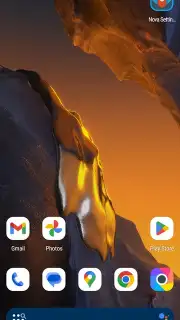
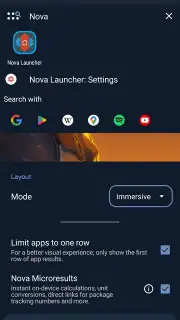
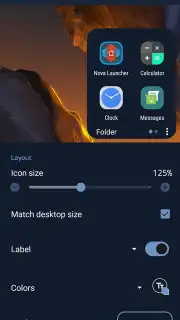
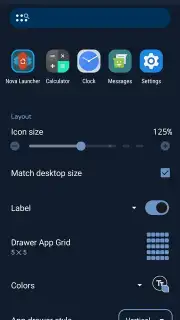

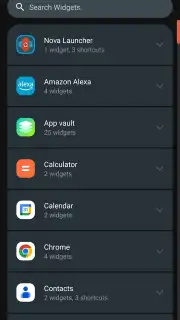
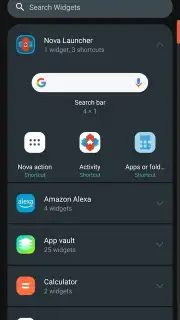
Description Nova Launcher
The Problem with Standard Android Launchers
Many Android users find themselves constrained by the default launcher provided by their device manufacturer or OS version. These stock interfaces often prioritize uniformity over personal expression, offering limited grid sizes, rigid icon arrangements, and a general lack of deep customization. This results in a home screen experience that feels generic, inefficient, and fails to adapt to individual workflow needs or aesthetic preferences. For anyone seeking true control over their device's interaction model and visual identity, the standard offering falls significantly short.
A Detailed Analysis of Nova Launcher's Capabilities
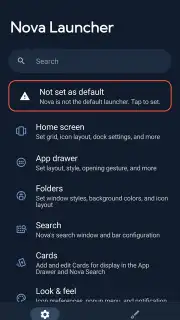
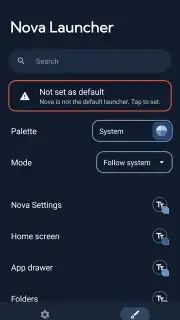
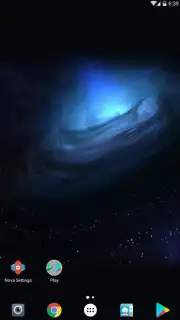
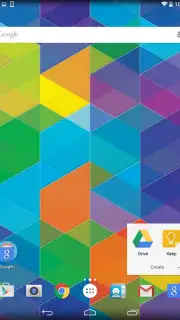
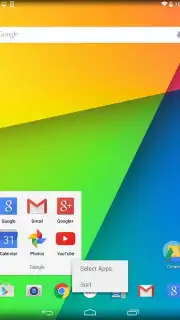
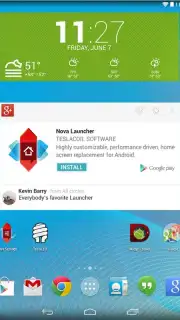
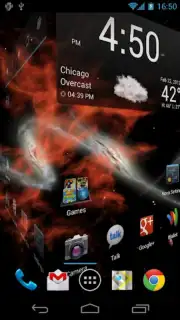
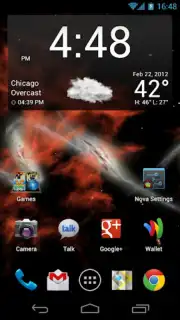
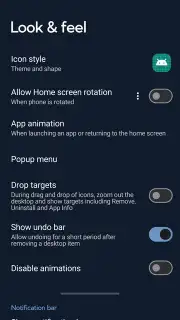
Nova Launcher addresses these core limitations by functioning as a complete replacement for your Android device's home screen system, compatible with versions 4.0 and above. It is engineered not merely for cosmetic change, but for profound functional customization. The visual fluidity is immediately apparent; animations for scrolling between home screens, opening the app drawer, and returning to the home screen are notably smoother and more configurable than typical launcher behavior. This creates a tangible sense of direct manipulation and responsiveness that enhances the perceived speed of the device.
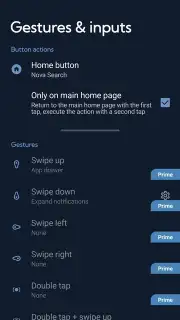
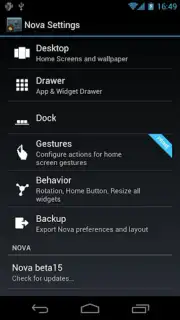
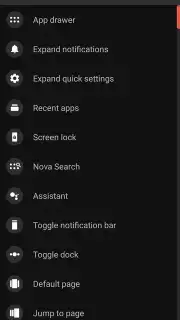
Beyond aesthetics, the application provides an extensive suite of gesture controls that transform how you navigate your phone. These are not limited to simple screen taps. You can assign specific actions—such as launching an app, toggling the notification shade, or initiating a search—to gestures like double-tapping on an empty home screen area, pinching inwards, or even physically shaking the device. This layer of control allows for highly efficient, one-handed operation tailored to your habits.
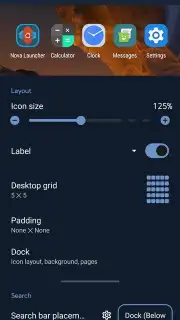
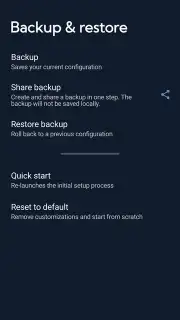
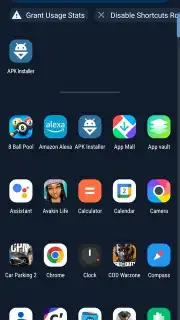
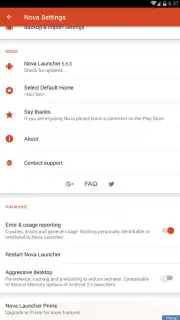
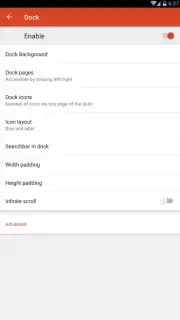
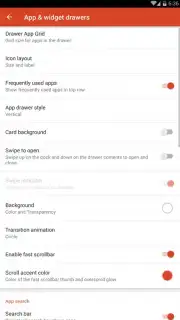
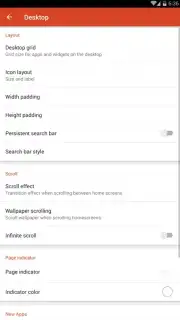
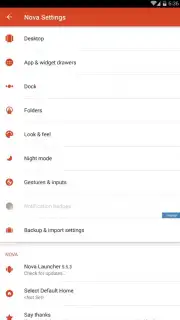
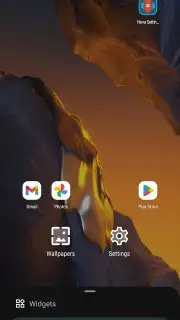
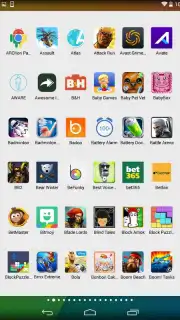
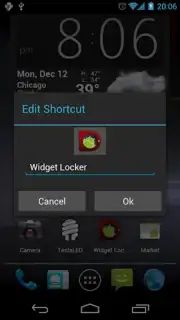
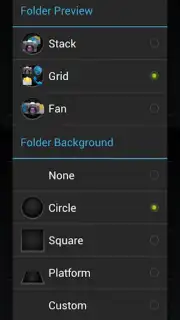
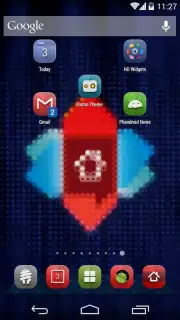
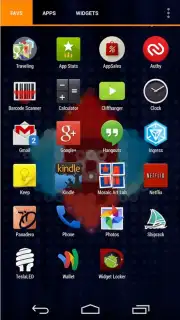
The personalization system is exceptionally granular. Users can define independent grid sizes for the home screen and the app drawer, allowing for dense icon packing or a more spacious layout. Icon customization extends beyond simple theme packs; individual icons can be swapped out, resized, and have their labels modified or hidden entirely. The ability to create and restore full configuration backups is a critical professional feature, enabling seamless transitions between devices or safe experimentation with different setups without the fear of losing a meticulously crafted layout.
- Advanced Gesture & Motion Control System: Assign actions to screen swipes, pinches, double-taps, and device shakes for efficient navigation.
- Granular Desktop & Drawer Grid Customization: Independently control icon and widget layout density on home screens and within the app drawer.
- Deep Icon Management Framework: Resize, rename, replace individual icons, and apply icon packs comprehensively across the interface.
- Comprehensive Configuration Backup & Sync: Create full backups of your setup for easy restoration on the same device or import to a new one.
- Performance-Optimized, Ad-Free Experience: Utilizes system resources efficiently for smooth operation without disruptive advertisements.
We suggest trying Nova Launcher if you have ever felt your Android phone's interface could be more intuitive, personal, or efficient. It provides the tools to build a home screen environment that genuinely aligns with how you use your device.
Download mobile app now.
Internet required. IAP available.
Information
| Version | 81038 (8.4.6) |
| Developer | TeslaCoil Software |
| Requirements | Android Android + 8.0+ |
| Updated | 17.03.2026 |
| Size | 22.66 MB |
| Package | com.teslacoilsw.launcher |
| Signature | cbd232967d96c6224b793de054c10f47 |
| Architecture | armeabi-v7a, arm64-v8a |


