


Open Camera screenshots (14)
Description Open Camera
What does a truly open-source camera app offer beyond standard manufacturer software?
Open Camera is a free, open-source application for Android that provides granular control over your device's photographic hardware. Its primary function is to unlock manual settings and lens selection typically restricted by default camera apps, though specific feature availability is inherently dependent on your device's hardware capabilities. The application operates without advertising and maintains a minimal storage footprint, focusing its utility on technical control rather than built-in social filters or automated enhancement suites.
Core Functionality and Manual Control Suite
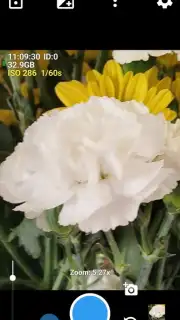
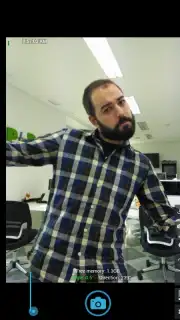
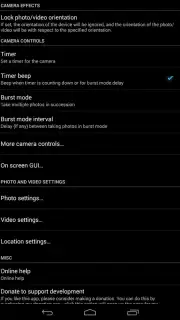
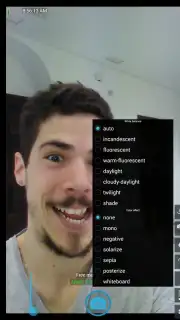
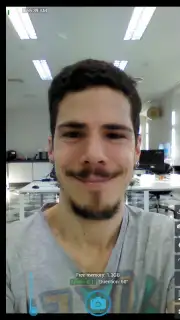
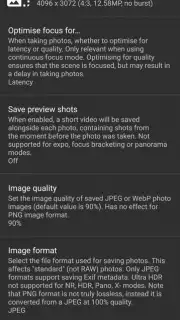
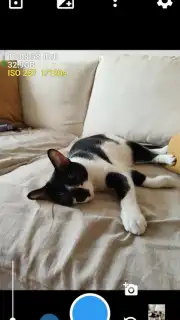
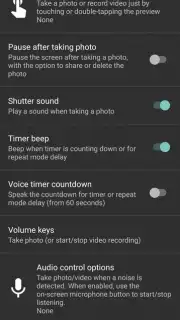
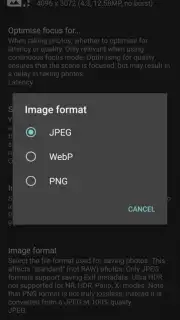
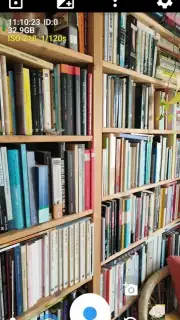
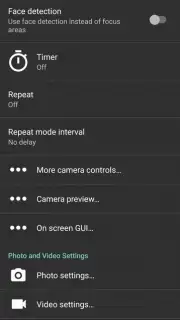
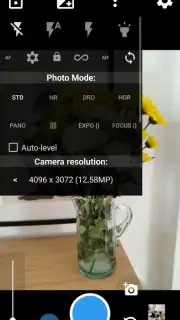
The interface provides direct access to nearly every configurable camera parameter. Users can engage a configurable timer, manipulate zoom levels manually, and activate touch-to-focus. A key operational feature is the image stabilizer toggle, designed to mitigate motion blur in handheld shots. The application supports multiple capture modes including Standard (STD), Noise Reduction (NR), Dynamic Range Optimizer (DRO), HDR, and Panorama. Users have administrative control over output specifications: image resolution, compression quality, and file format selection between JPG, PNG, and WebP are all adjustable within the settings menu. This level of detail allows for precise management of both the capture process and final file properties.
Selective Hardware Access and Metadata Management
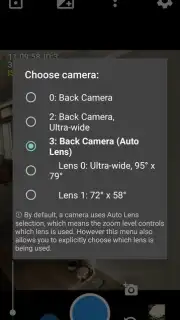
A distinguishing technical feature is manual lens selection for rear-facing camera arrays. Unlike most applications that automatically switch sensors based on scene analysis, Open Camera allows the user to manually select and lock a specific physical lens. This permits comparative testing and deliberate choice of optical characteristics for a given shot. Furthermore, the application includes a comprehensive metadata editor for EXIF data. Users can choose to strip identifying device information from files or retain it, providing control over privacy and file size directly from the capture interface.
- Offers full manual control over focus, zoom, timer, stabilizer, and multiple photo modes including HDR and Panorama.
- Enables manual selection of specific rear camera lenses on multi-camera Android devices.
- Provides administrative control over image output: resolution, quality, and format (JPG, PNG, WebP).
- Includes a detailed EXIF metadata editor for managing privacy and file information post-capture.
- Functions as a lightweight, advertisement-free application with a significantly smaller storage footprint than most alternatives.
Gain complete technical command over your mobile photography. Download Open Camera now to transform your device into a professional-grade tool.
Internet required. IAP available.
Information
| Version | 1.55 |
| Developer | Mark Harman |
| Requirements | Android Android + 5.0+ |
| Updated | 17.03.2026 |
| Size | 4.75 MB |
| Package | net.sourceforge.opencamera |
| Signature | fd016318030f9b5c852b9ee988a1dbeb |
| Architecture | universal |


