

Passcode Photo Lock Screen screenshots (15)
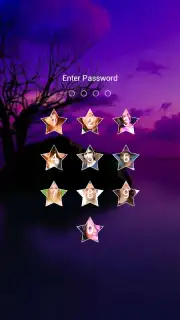
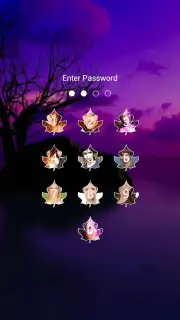
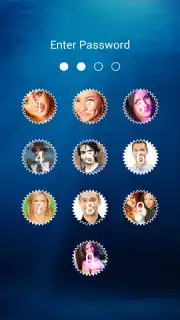
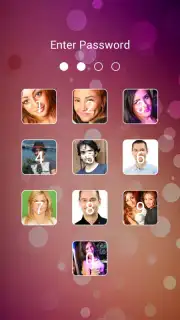
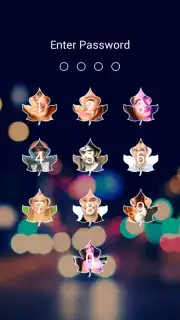
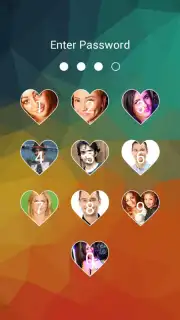
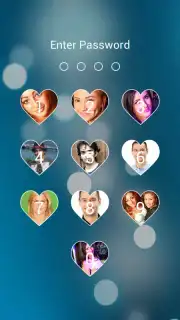

Description Passcode Photo Lock Screen
Your Photos Deserve a Secret Keeper
Ever worry about someone accidentally seeing private photos when handing over your phone? Or wish your lock screen could be more than just a clock? Turn your device into a secure, personalized vault with Passcode Photo Lock Screen. This isn't just a gallery—it's a discreet fortress for your memories, hidden in plain sight right on your home screen.
Functionality & Core Tools
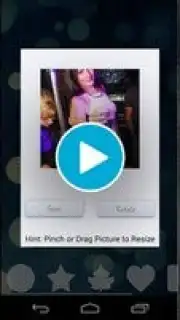
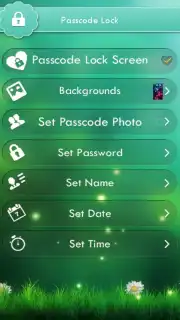
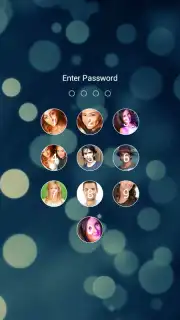
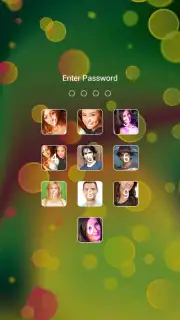
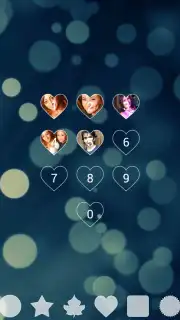
Passcode Photo Lock Screen transforms your device's security interface into a private photo album. The app integrates directly with your lock screen, requiring a secure PIN, pattern, or password to access your hidden collection. Once set up, you can select and organize photos from your device's gallery into a secured space. The app operates with a decoy mechanism, showing a standard clock or default wallpaper to anyone who doesn't know the secret code, while authorized users gain instant access to the curated gallery with a successful unlock.
Key Advantages & User Experience
The primary strength is seamless integration and intuitive design. The setup wizard guides you through selecting a secure passcode and choosing photos without complex steps. Performance is optimized for quick access, ensuring your private gallery loads instantly after authentication. Visually, it maintains a clean, native Android look that doesn't compromise your phone's aesthetics, providing peace of mind through simplicity and reliability.
Maximize Your Privacy & Personalization
- Set a secure PIN, pattern, or password to protect selected photos.
- Hide private images behind a decoy default lock screen interface.
- Organize locked photos into custom albums for easy navigation.
- Fast, seamless access to your gallery only after correct authentication.
- Works natively on Android devices for a smooth, integrated experience.
Don't leave your privacy to chance. Exclusive early access is available now—transform your lock screen into a secure photo vault today. Download the mobile app now and be among the first to experience discreet protection!
Heads up: you'll need wifi for the initial setup and photo syncing. Some advanced customization options are extra.
Information
| Version | 2.3 |
| Developer | Rich Media Apps |
| Requirements | Android Android + 2.3, 2.3.1, 2.3.2+ |
| Updated | 17.03.2026 |
| Size | 5.73 MB |
| Package | arrow.passcode.lock |
| Signature | 85e703a1236e8ffd0d52deebe1c6126e |


