

Pixate screenshots (7)
Description Pixate
What if you could test interactive app prototypes directly on your Android device?
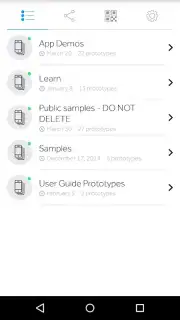
Pixate serves as the essential companion application to the desktop Pixate interactive design tool. Its primary function is to enable native preview and testing of interactive application prototypes on an Android phone or tablet. By connecting to your Pixate Studio projects, it provides immediate, seamless access to your latest prototypes, allowing for real-time visualization and interaction with your design concepts directly on a mobile device. This eliminates the gap between the design environment and the target platform, offering a critical layer of practical feedback during the development cycle.
Core Functionality and Collaborative Features
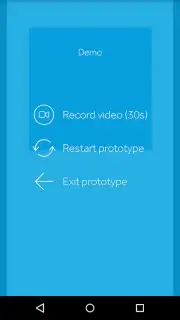
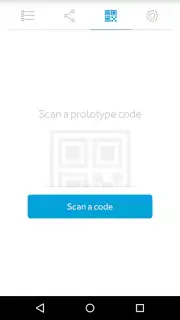
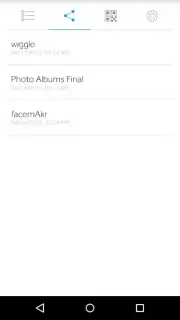
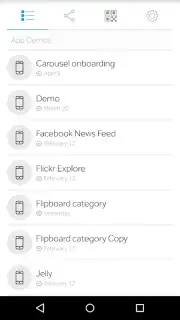
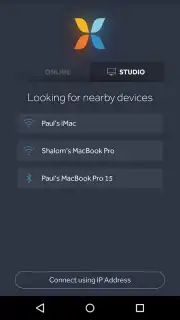
The application operates by syncing with prototypes created in Pixate Studio. Once a prototype is loaded, all interactive elements—such as taps, swipes, and transitions—function natively on the Android device, providing an accurate representation of the intended user experience. A key operational feature is multi-device synchronization, which allows the same prototype to be viewed and interacted with simultaneously on several Android devices. This capability is engineered to enhance collaborative workflows, offering a straightforward method for sharing active prototypes with team members or stakeholders for instant review and feedback.
Operational Advantages for Design Teams
Utilizing Pixate for Android can streamline the collaborative review process and help optimize design iteration cycles. By providing a live, interactive preview, it assists in aligning all participants with the current design state in real time, potentially reducing misunderstandings and accelerating decision-making. The experience of sharing and interacting with prototypes is contained within a dedicated, ad-free environment, which is a standard condition of using the companion app. The process focuses on functional preview and shared access rather than on editing, which remains within the domain of the desktop software.
- Native Android Prototype Preview – Load and interact with designs in real-time on your actual device for accurate feedback.
- Synchronized Multi-Device Viewing – Share active prototypes across several Android devices simultaneously for team reviews.
- Ad-Free Interactive Sharing – A dedicated environment for testing and demonstrating prototypes without promotional interruptions.
We suggest trying Pixate for Android if you are involved in mobile app design and require a direct method for previewing interactive prototypes.
Download the Pixate mobile app now.
Heads up: you'll need wifi for syncing prototypes from Pixate Studio. The core preview functionality is free, but creating prototypes requires the separate desktop software.
Information
| Version | 2.10.3 |
| Developer | Pixate, Inc. |
| Requirements | Android Android + 4.1, 4.1.1+ |
| Updated | 17.03.2026 |
| Size | 7.62 MB |
| Package | com.pixate.pixate |
| Signature | 2cdcdd6e71adafb5fb447afa690ae46c |
| Architecture | universal |


