

FineReader screenshots (21)
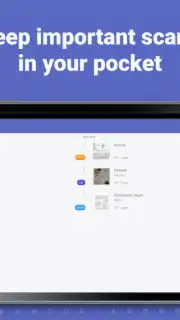
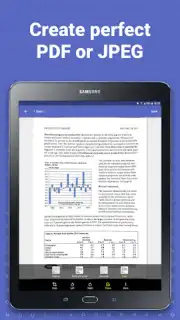
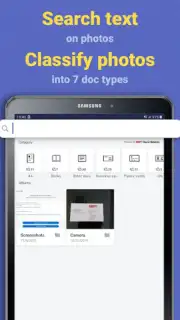
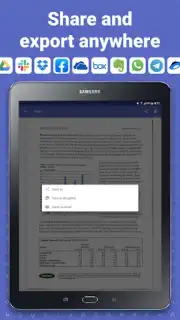
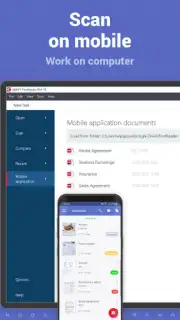
Description FineReader
Tired of Paper Piles and Unsearchable Scans?
Imagine finding that crucial document or a passage from a favorite book in seconds, not hours. Your phone transforms from a simple camera into a powerful digital filing cabinet and reading companion, turning any printed text into editable, searchable, and organized content right in your pocket.
Your Pocket-Sized Document Powerhouse
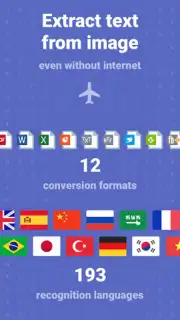
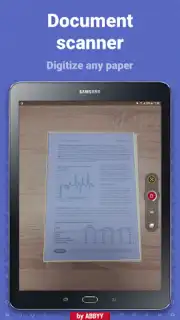
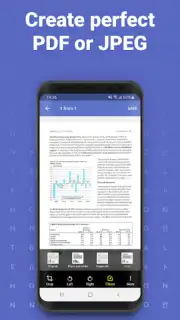
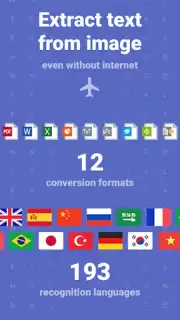
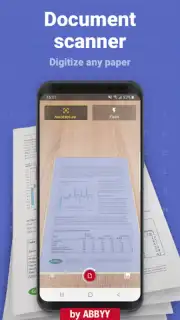
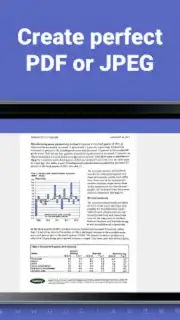
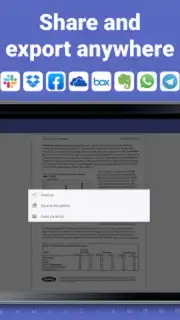
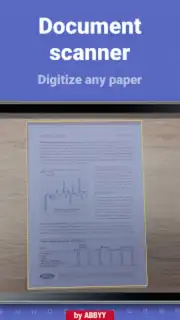
FineReader acts as a mobile scanner and text recognition engine. You simply point your camera at a document, a page from a book, or a whiteboard. The app instantly captures a clean, enhanced image, then goes to work converting the picture of text into actual, selectable text. This means you can edit that text, copy quotes directly into your notes, or have the entire document read aloud to you. It handles complex layouts with ease, preserving tables, lists, and formatting so the digital version looks just like the original. For students, it's a research accelerator; for professionals, it's a contract and receipt organizer; for book lovers, it's a way to digitize and carry excerpts from physical libraries.
Key Advantages That Set It Apart
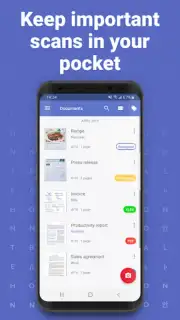
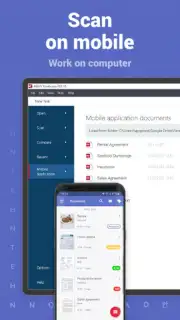
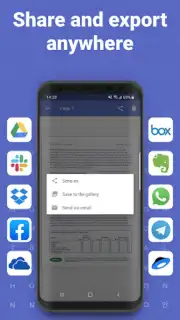
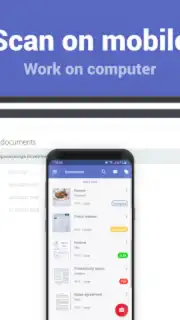
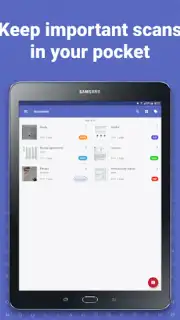
The true strength lies in the seamless, accurate workflow. The optical character recognition (OCR) technology is engineered for high precision, even with poor lighting or angled shots, saving you the frustration of manual corrections. The interface is intuitively designed, guiding you from scan to final action with minimal taps. You experience a sense of control and order as documents are automatically sorted, named, and made ready for cloud storage or sharing. The ability to listen to documents with natural-sounding speech turns waiting time into productive time, and the powerful search function across all your scanned content ensures you never lose a piece of information again.
- Capture and Enhance Text from any document, book, or receipt using your camera.
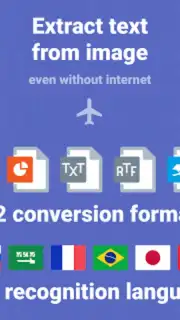
- Accurate OCR Conversion turns scanned images into editable and searchable text.
- Preserve Original Layouts including complex formats like columns and tables.
- Listen to Documents with high-quality text-to-speech for hands-free consumption.
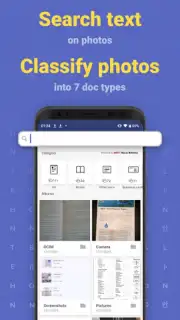
- Powerful Search instantly finds words or phrases across your entire document library.
We suggest trying FineReader to experience how effortlessly you can digitize, organize, and access all your printed information. Consider downloading it to unlock a new level of productivity and declutter your physical and digital space.
Download mobile app now
Requires an internet connection for some recognition functions. The app may offer in-app purchases for additional features or subscription plans.
Information
| Version | 15.2.3.1 |
| Developer | ABBYY USA Software House Inc |
| Requirements | Android Android + 8.0+ |
| Updated | 17.03.2026 |
| Size | 165.7 MB |
| Package | com.abbyy.mobile.finescanner.free |
| Signature | 26d6a5144dc0da41f6687d2c24e6aa1a |
| Architecture | armeabi, armeabi-v7a, x86, arm64-v8a, x86_64 |


