


QuickEdit screenshots (19)
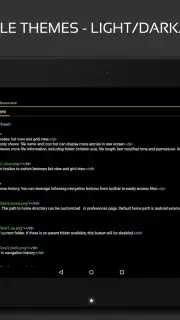
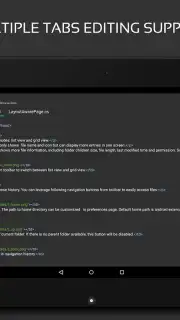
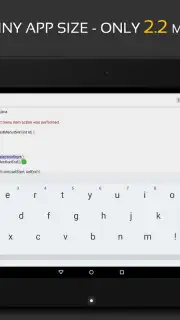
Description QuickEdit
Tired of Text Editors That Freeze When You Need Them Most?
You know the frustration. You’re deep in your flow, coding a crucial feature or editing a massive configuration file, and your editor starts to stutter, lag, or simply gives up. It breaks your concentration and kills your productivity. What if you had a tool that not only kept up with your pace but actually enhanced it? Meet QuickEdit by Rhythm Software – the incredibly practical, fast, and stable text editor built for Android that handles the heavy lifting so you can focus on creating.
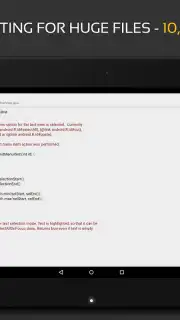
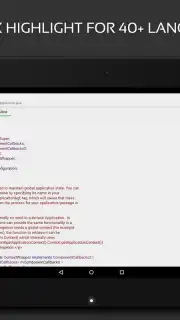
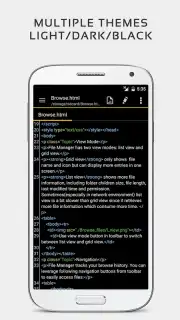
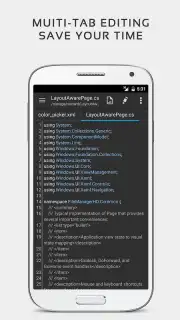
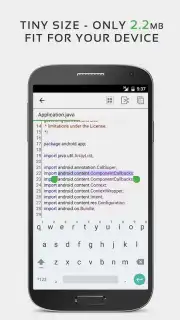
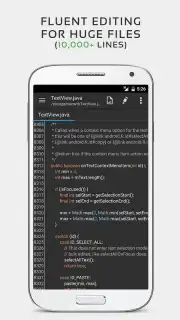
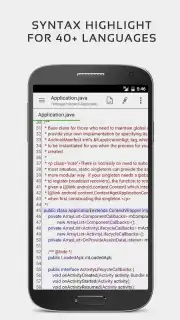
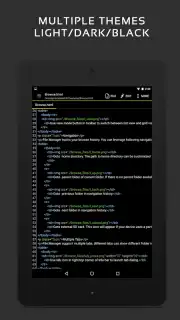
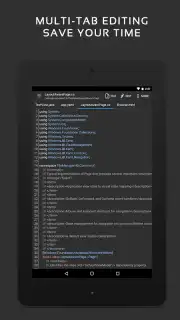
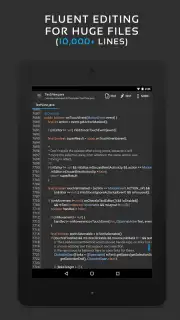
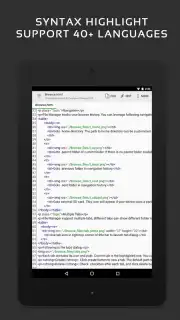
This isn't just another simple notepad. QuickEdit is engineered for real work, supporting over fifty programming and markup languages with flawless syntax highlighting. Whether you're deep into C++, structuring a website with HTML/CSS, scripting in JavaScript, or parsing data with XML, your code will be beautifully organized and readable. The true magic happens with large files. Imagine opening documents with tens of thousands of lines, and the app responds instantly—no freezing, no waiting. It feels like having desktop-grade power right in your pocket, turning your phone or tablet into a genuine mobile workstation.
Experience Uninterrupted Coding with Turbo Mode
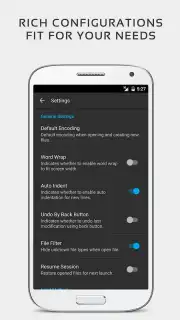
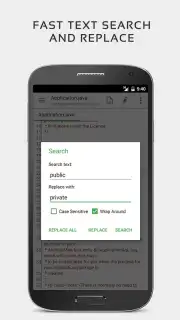
The free version is powerful, but upgrading to Turbo unlocks a pristine, ad-free environment and supercharges your capabilities. Enjoy unlimited undo and redo, so no change is ever truly final. Navigate your documents with ease using smooth vertical and horizontal scrolling, line number toggling, and a handy "go to line" function. Need to make widespread changes? The search and replace feature is both rapid and reliable.
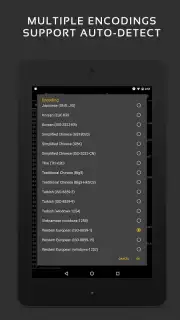
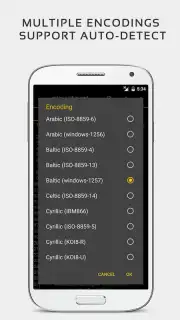
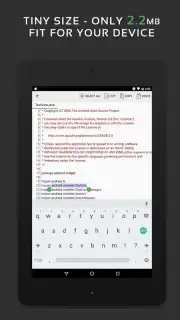
Beyond core editing, QuickEdit includes thoughtful tools for developers. It offers convenient hex color code input for web design, automatic character encoding detection to avoid garbled text, and the ability to change text encoding on the fly. While it excels as a code editor, its versatility shines as a simple, powerful text editor for quick notes and everyday writing tasks. It seamlessly adapts to whatever task you throw at it.
- Supports 50+ programming languages
- Handles files with 10,000+ lines
- Advanced search and replace
- Hex color input & encoding control
Stop compromising with editors that can't handle your workload. Transform your Android device into a professional coding and editing suite. Download QuickEdit now and feel the difference that raw speed and stability make!
Download QuickEdit – Your Mobile Development Powerhouse Now!
Disclaimer: An internet connection may be required for initial download and updates. The app may offer in-app purchases for additional features like Turbo mode.
Information
| Version | 1.12.8 |
| Developer | Rhythm Software |
| Requirements | Android Android + 5.0+ |
| Updated | 17.03.2026 |
| Size | 25.58 MB |
| Package | com.rhmsoft.edit |
| Signature | b813ff821263ce59d22fd9b5379cae5a |
| Architecture | armeabi-v7a, arm64-v8a |


