

QuickShortcutMaker screenshots (17)
Description QuickShortcutMaker
Unlock Every Hidden Door on Your Android Device
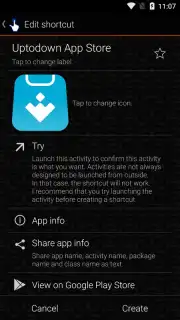
Tired of digging through endless menus and settings to find that one specific action? Your Android phone holds countless hidden activities and processes, buried deep within apps and the system itself. QuickShortcutMaker hands you the master key, transforming your home screen into a direct command center for everything your device can do. This is not just another shortcut app; it’s about reclaiming instant access and customizing your workflow down to the most granular level.
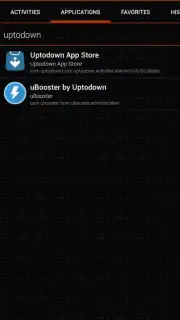
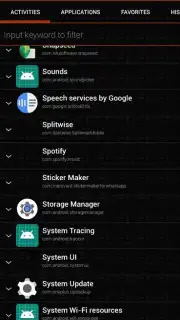
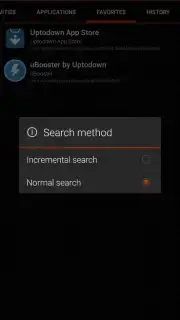
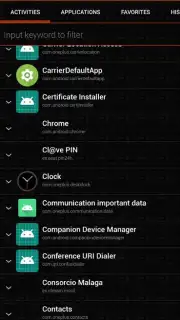
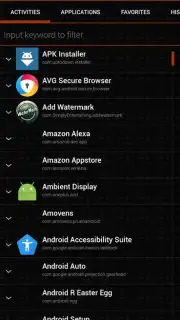
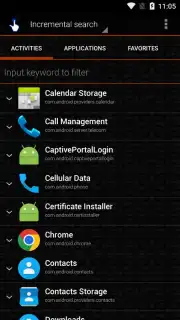
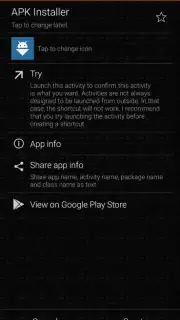
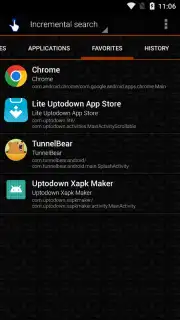
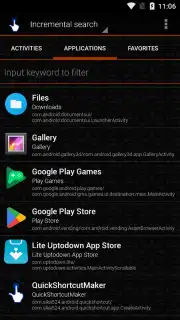
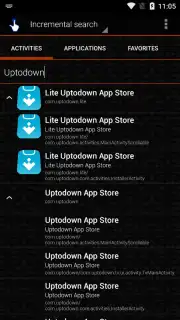
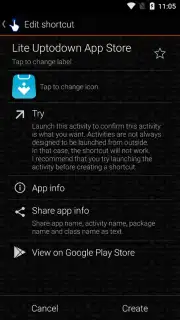
Imagine bypassing several taps to get straight to a specific WhatsApp chat, a hidden system setting, or a particular function within any installed application. This tool scans your device and presents a comprehensive list of every available activity. You then create a direct desktop shortcut to it. The customization goes deep, allowing you to personalize the icon and label for each shortcut. This means you can organize shortcuts visually or even discreetly rename them for a cleaner, more personalized home screen layout. The application operates efficiently without intrusive advertisements, providing a focused environment for streamlining your device interaction.
- Direct Access to Hidden Activities: Create instant shortcuts to specific app functions, system settings, and internal processes that are not normally accessible from the home screen.
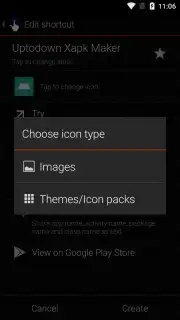
- Complete Customization Control: Personalize every shortcut with a custom name and icon from your device’s library, enabling perfect organization or discreet labeling.
- System-Wide Integration: Works with virtually any application and system component on your Android device, revealing a layer of functionality beneath the standard interface.
- Streamlined, Ad-Free Experience: Focus on productivity without interruptions, thanks to an interface designed for efficiency and clarity.
Stop navigating and start commanding. Transform your smartphone into a truly personalized tool where every function is one tap away.
Download QuickShortcutMaker now and install your ultimate control panel.
Disclaimer: This application requires an internet connection for initial functionality verification. It may offer in-app purchases for advanced features or donations. Use requires a device running the Android operating system. Please be aware that creating shortcuts to system processes requires appropriate permissions and should be done with caution. User data is processed locally on the device for the core shortcut creation functionality. Always review the app permissions before use.
Information
| Version | 2.5.0 |
| Developer | sika524 |
| Requirements | Android Android + 1.6+ |
| Updated | 17.03.2026 |
| Size | 2.21 MB |
| Package | com.sika524.android.quickshortcut |
| Signature | 85d785a8bfba36ef2ce2a46b3d233973 |
| Architecture | universal |


