


RefCanvas screenshots (15)
Description RefCanvas
Organize Your Visual Inspiration with Precision
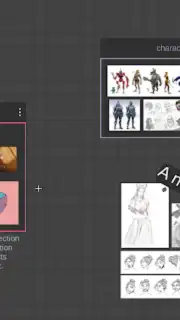
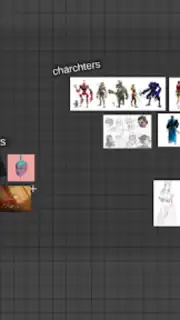
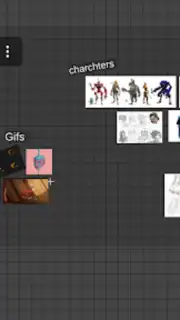
Every creative project begins with a spark of inspiration, often scattered across dozens of browser tabs, gallery folders, and saved social media posts. The challenge isn't finding references—it's structuring them into a coherent, actionable visual plan. RefCanvas addresses this core workflow issue directly, functioning as a dedicated digital mood board and reference management system built for visual professionals. It transforms a chaotic collection of images and GIFs into a structured, interactive canvas where you can analyze, edit, and arrange assets to directly inform your artistic or design work. This tool is engineered for the practical stages of creation, moving beyond simple collection to active curation and analysis.
Core Functionality for Professional Workflows
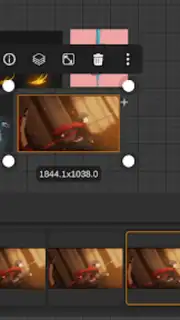
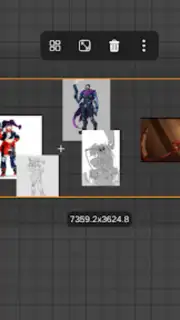
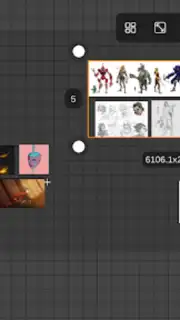
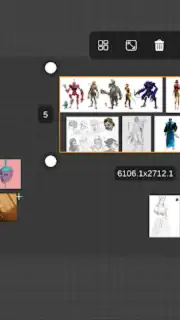
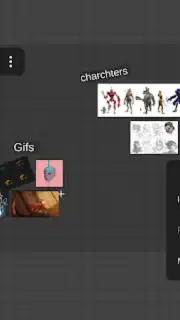
RefCanvas provides a suite of technical tools centered on visual asset manipulation and organization. The application allows for the creation of multiple, fully customizable boards for distinct projects. Its primary operation involves importing visual files through a direct drag-and-drop mechanism from other applications or via pasting from the system clipboard, streamlining the initial gathering phase. Once on the canvas, each image or animated GIF can be individually resized, rotated, and repositioned with precision to establish compositional relationships and hierarchies between reference materials.
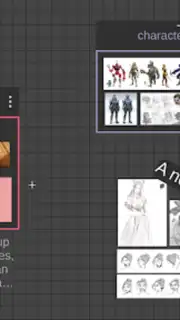
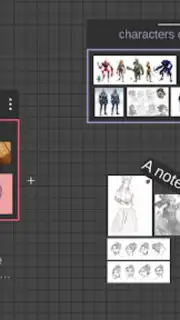
The system supports advanced multi-selection and group editing functions, enabling bulk transformations across several assets simultaneously. A unique nodal organization system allows users to visually link related references, creating a map of inspiration that clarifies connections and themes. For on-device multitasking, RefCanvas offers full split-screen and pop-up window compatibility, allowing it to run seamlessly alongside primary drawing or design software as a dedicated reference panel. This integration turns the app into a persistent, interactive companion during the active creation phase.
Technical Tools for Detailed Analysis
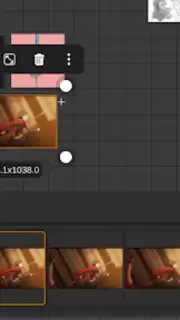
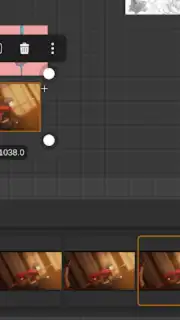
Beyond basic arrangement, RefCanvas includes specialized utilities for in-depth reference study. For animated GIFs, the app provides full playback control, including pause, frame-by-frame advance, and an interactive timeline scrubber to dissect motion and sequences. A color picker (eyedropper) tool extracts exact hex values directly from any point on any reference image for accurate color matching in your work. Additional analytical filters include a toggle for grayscale conversion to study value structures and options for horizontal or vertical mirroring of references to examine symmetry and composition.
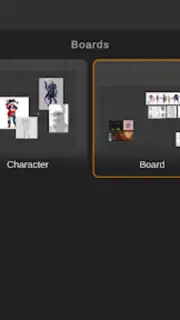
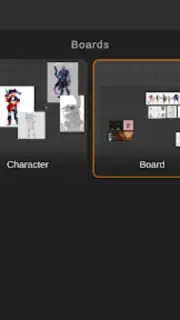
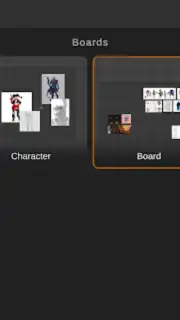
Each completed board can be saved as a proprietary project file. The application automatically generates thumbnail previews for all saved boards, creating a visual library for quick project retrieval and continuation. This feature ensures that complex arrangements of references remain intact and ready for future sessions, preserving the research and planning invested in each mood board.
- Multi-board reference management system
- GIF analysis with frame controls
- Nodal visual linking for assets
- Split-screen and pop-up window mode
Comprehensive Feature Set for Creatives
- Direct import via drag-and-drop
- Precision color picking tool
- Batch edit multiple items
- Save with auto-generated thumbnails
Download the RefCanvas mobile app now! Stop losing valuable inspiration and start structuring your creative process with the professional-grade tool designed for efficiency. Get it immediately and transform how you manage visual references!
Disclaimer: This application requires an internet connection for initial download and potential updates. The app may contain in-app purchases (IAP) for additional features or subscriptions. Please check the product page for specific age ratings and content descriptors. Use of this app will consume mobile data. Features and availability are subject to change by the developer.
Information
| Version | 1.10 |
| Developer | Endvoid |
| Requirements | Android Android + 7.0+ |
| Updated | 17.03.2026 |
| Size | 64.89 MB |
| Package | com.Endvoid.RefCanvas |
| Signature | cc6986341bb189488df2ddc163d6ea80 |
| Architecture | armeabi-v7a, arm64-v8a |


