


Remote Fingerprint Unlock screenshots (5)
Description Remote Fingerprint Unlock
Tired of typing passwords every time your computer locks? What if you could unlock your Windows PC with just a tap of your finger, using the biometric sensor already on your Android phone? Welcome to a seamless layer of futuristic security.
Remote Fingerprint Unlock transforms your Android device into a powerful wireless key for your computer. It establishes a secure, encrypted connection between your phone and PC, allowing you to bypass traditional passwords and PINs with the unique touch of your fingerprint. Imagine walking up to your locked computer and waking it instantly, securely, and effortlessly—no fumbling for keys on a keyboard. This isn't just about convenience; it's about elevating your entire digital security posture. Biometric authentication is notoriously difficult to bypass, giving you a formidable defense against unauthorized access compared to conventional, forgettable passwords.
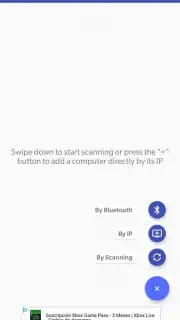
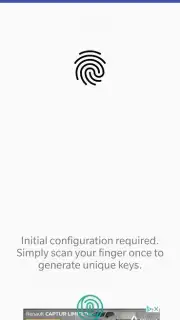
The setup is straightforward and designed for everyone. You begin by installing a small, official companion module on the Windows PC you wish to control. Once that's done, simply pair the PC with your Android app in a few taps. The magic happens at your lock screen: when your paired computer's name appears, just scan your registered fingerprint on your phone. The computer unlocks as if by command. You can even customize the app's interface to suit your style, arranging elements for the most intuitive access.
- Tap-to-Unlock Magic: Unlock your Windows PC wirelessly by simply scanning your fingerprint on your paired Android device.
- Enhanced Security Layer: Replace vulnerable text passwords with the unique, physical security of your biometric data for stronger protection.
- Simple Pairing Process: A quick, one-time setup with the PC module gets your personal secure channel up and running.
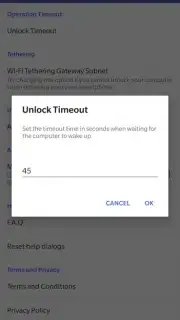
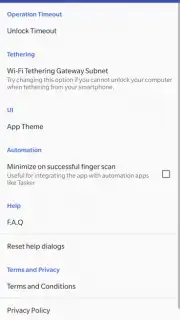
- Customizable Interface: Adjust the app’s layout and settings to create a personalized and efficient unlocking dashboard.
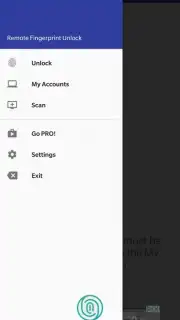
- Pro Version Freedom: The free version supports one vital PC, while the PRO upgrade lets you secure every computer in your home or office network.
Stop letting passwords slow you down and compromise your security. Step into a faster, smarter way to access your digital world. Claim your seamless, keyless access now and transform your Android into the ultimate security key.
Internet required. IAP available.
Information
| Version | 1.6.7 |
| Developer | Rusu Andrei |
| Requirements | Android Android + 6.0+ |
| Updated | 17.03.2026 |
| Size | 6.41 MB |
| Package | ro.andreimircius.remotefingerauth |
| Signature | 7557ca850632e6ddaabb9ec6c2773fdd |
| Architecture | armeabi-v7a, x86, arm64-v8a, x86_64 |


