

Remote PC Share screenshots (8)
Description Remote PC Share
Take Full Control of Your Computer From Anywhere
Stop being chained to your desk. Remote PC Share transforms your Android device into a powerful, portable command center for your Windows or Mac computer. Access critical files, run demanding software, or help a family member troubleshoot their PC—all through a secure, high-speed connection directly on your phone or tablet. Experience the freedom of having your entire digital workspace in your pocket, ready to launch at a moment's notice.
Seamless Remote Access and Powerful Management Tools
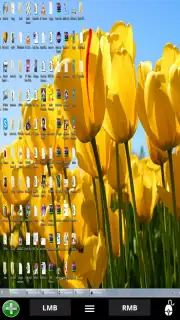
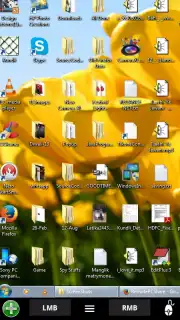
This app establishes a direct and encrypted link between your devices, providing a fluid remote desktop experience. You get a real-time visual feed of your computer's screen with responsive touch controls or optional cursor mode for precision. It’s designed for both personal use and professional tech support, enabling you to manage tasks as if you were sitting right in front of the machine. The connection prioritizes low latency and clarity, ensuring that even graphic-intensive applications are usable on the go.
Engineered for Reliability and Ease of Use
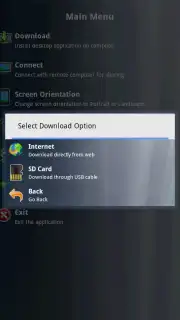
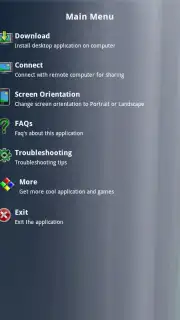
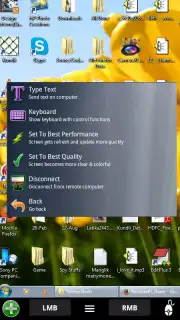
Remote PC Share stands out with its straightforward setup—no complex networking knowledge required. The intuitive interface puts all essential functions like keyboard toggles, file transfer, and screen scaling within easy reach. Visual performance is optimized for various network conditions, automatically adjusting quality to maintain a stable connection. It’s a robust solution built for daily use, offering dependable access whether you're on home Wi-Fi or using mobile data.
- Real-Time Screen Mirroring: View and interact with your live desktop display with ultra-low latency.
- Secure Encrypted Connection: Protect your data with end-to-end encryption for all remote sessions.
- Easy File Transfer System: Drag and drop files directly between your mobile device and remote computer.
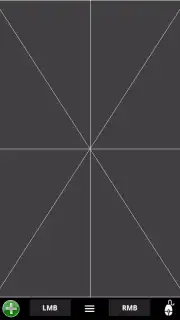
- Virtual Touchpad & Keyboard: Full control with multi-touch gestures and a customizable keyboard overlay.
- Multi-Monitor Support: Switch seamlessly between all connected monitors on your host PC.
Don't wait to unlock the potential of your devices. Download Remote PC Share now and turn your phone into the most versatile tool you own!
Internet required. IAP available.
Information
| Version | 1.9 |
| Developer | Mighty Land |
| Requirements | Android Android + 8+ |
| Updated | 17.03.2026 |
| Size | 2.01 MB |
| Package | com.remotemouse |
| Signature | dd2c693903165c5b33f80d9f6c9a5f80 |


