


SuperDisplay - Virtual Monitor screenshots (14)


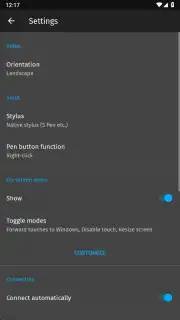
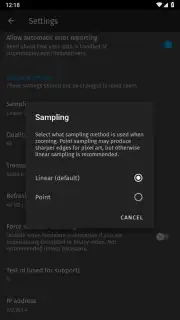
Description SuperDisplay - Virtual Monitor
Struggling with a single monitor? Your old Android tablet might be the perfect second screen.
The modern digital workflow often feels constrained by the physical limits of a single desktop monitor. Whether you're a designer needing space for palettes and timelines, a developer juggling code and documentation, or a professional managing multiple communication streams, the lack of screen real estate is a tangible bottleneck. SuperDisplay - Virtual Monitor directly addresses this by transforming compatible Android devices—from high-end tablets to older models gathering dust—into a low-latency, high-performance secondary display for Windows 10 and 11 PCs. This is not a generic screen mirroring tool; it is a purpose-built solution that leverages a direct USB connection to provide an experience remarkably close to a physical monitor, complete with touch and stylus input support. The application is engineered with a clear focus on graphical and creative work, making it a particularly potent tool for artists and designers seeking a portable drawing tablet solution without investing in dedicated hardware.
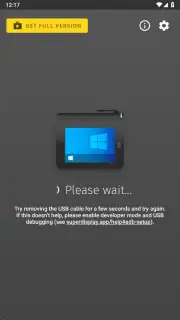
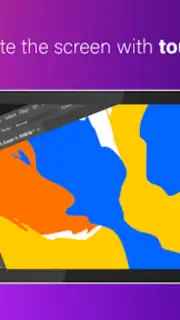
The core functionality of SuperDisplay is deceptively simple in execution but complex in its engineering. After a straightforward, three-step setup process involving installing the app on your Android device and a lightweight driver on your Windows PC, you connect the two via a standard USB cable. This wired connection is the key to its performance, minimizing latency to near-imperceptible levels compared to wireless alternatives, which is critical for tasks like drawing or responsive window dragging. The app immediately recognizes the connection, and your Android screen becomes a seamless extension of your Windows desktop. You can drag windows onto it, use it for full-screen applications, and crucially, interact with it using touch or a compatible active stylus. This last feature unlocks its primary utility: turning a tablet into a fully functional graphics tablet for applications like Adobe Photoshop, Illustrator, Krita, or Clip Studio Paint, with precise pressure sensitivity transmitted from supported styli like the Samsung S Pen.
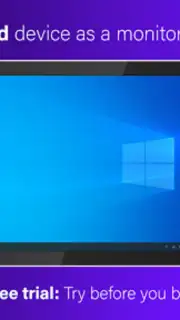
Beyond creative work, SuperDisplay breathes new life into hardware. An older Android tablet with a decent screen becomes a perfectly serviceable monitor for email, Slack, system monitoring graphs, or reference material, effectively upgrading your workstation for a fraction of the cost of a new physical display. The application is optimized for larger-screen devices, ensuring a productive and visually comfortable experience. It operates as a premium tool with a transparent model: a full-featured, three-day free trial allows you to rigorously test the performance and compatibility with your specific setup. Following this, a single, one-time payment unlocks a permanent license, removing any subscription fees or advertising—a model focused on long-term utility rather than recurring revenue.
- Wired, Low-Latency Extension: Utilizes a USB connection for a stable, high-speed display link with minimal delay, essential for precision tasks.
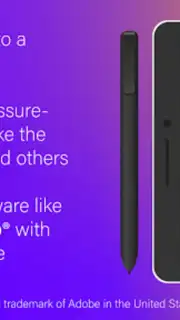
- Graphics Tablet Functionality: Supports pressure-sensitive stylus input, transforming your tablet into a drawing surface for professional creative software.
- Hardware Revival Engine: Converts underused Android tablets into productive secondary monitors, extending the lifespan and value of your devices.
Unlock a professional, multi-monitor workflow and give your old tablet a powerful new purpose. Claim your productivity advantage now by downloading SuperDisplay.
Heads up: you'll need a Windows 10/11 PC and a USB cable for the primary connection. Some advanced stylus features depend on your specific tablet hardware. The free trial is fully featured but time-limited.
Information
| Version | 1.2.25 |
| Developer | Coffee & Work |
| Requirements | Android Android + 5.0+ |
| Updated | 17.03.2026 |
| Size | 6.25 MB |
| Package | com.kelocube.mirrorclient |
| Signature | e9a25edc59b752c909e62c9b97b49fae |
| Architecture | universal |


