


Themes Manager screenshots (8)
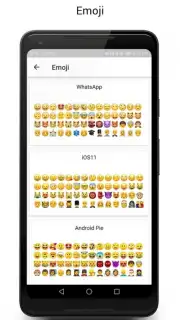
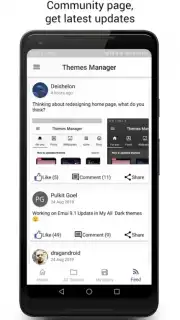
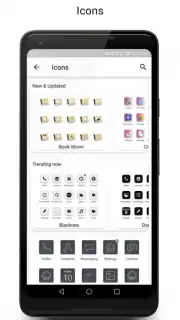
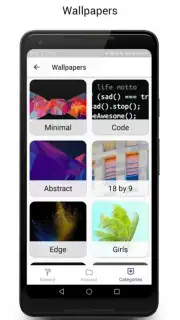
Description Themes Manager
What if your phone’s interface felt as unique as your fingerprint?
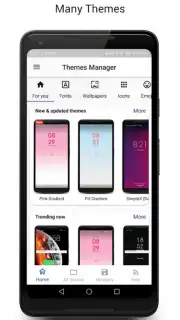
Themes Manager by Deishelon Lab is a comprehensive personalization engine for Android devices, designed to replace the static, factory-default appearance of your system with a dynamic visual layer entirely under your control. It operates not as a single theme, but as a centralized management hub where users can browse, apply, and seamlessly switch between vast collections of complete visual packages. The core mechanic involves accessing a curated library of themes, each of which systematically alters the home screen, icons, system menus, notification shades, and even accent colors with a single tap. This eliminates the need to manually adjust individual elements across different apps or settings menus, providing a unified aesthetic transformation.
Features and Core Mechanics
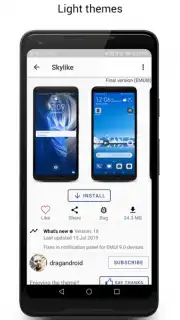
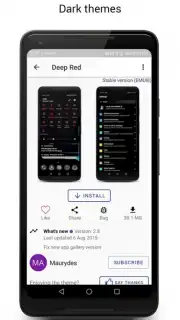
The application’s functionality is built around a streamlined process of discovery and application. Users navigate through categorized or trending theme collections, previewing detailed screenshots of the applied interface before committing. A critical feature is the one-touch application engine that handles the complex overlay permissions and asset replacements automatically. For advanced users, the app includes basic mixing tools, allowing elements from different themes—such as an icon pack from one and a wallpaper from another—to be combined. The manager also handles versioning and updates for installed themes, ensuring compatibility after system updates and providing change logs for theme modifications.
Key Operational Advantages
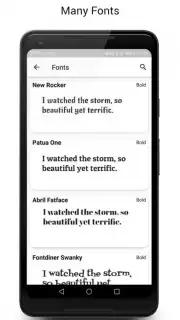
The primary strength of Themes Manager lies in its system-level integration and organizational efficiency. It consolidates what is typically a fragmented process—sourcing wallpapers, icon packs, and widget skins from disparate apps—into a single, organized repository. Performance is a key consideration; the themes are optimized as lightweight overlay packages, minimizing battery drain and avoiding launcher lag. The user experience is defined by its non-destructive nature: applying a new theme does not alter core system functionality or installed applications, and the original default theme can be restored instantly. The library is consistently updated with new designs, from minimalist and professional to vibrant and artistic, ensuring long-term utility beyond a one-time change.
- Centralized Theme Library: Browse and manage thousands of complete visual packages from a single, organized hub.
- One-Tap Full System Transformation: Apply themes that change icons, wallpapers, system colors, and interface elements instantly.
- Non-Destructive Customization: Switch themes or revert to stock Android without any risk to system stability or personal data.
- Lightweight Overlay Performance: Experience detailed visual changes designed for minimal impact on battery life and device speed.
- Live Preview and Mixing Tools: See exactly how a theme will look before applying and mix components from different packs.
Download the mobile app now and stop settling for a phone that looks like everyone else's. Transform your entire interface in seconds!
Heads up: you'll need wifi for most features. Some cool stuff is extra.
Information
| Version | 85.0.1.release |
| Developer | Deishelon Lab |
| Requirements | Android Android + 4.4+ |
| Updated | 17.03.2026 |
| Size | 9.34 MB |
| Package | com.deishelon.lab.huaweithememanager |
| Signature | 324e2b63e982eafccaf924a99a460be8 |
| Architecture | universal |


