

TVLauncher screenshots (8)
Description TVLauncher
Looking for a way to transform your Android device's cluttered home screen into a sleek, TV-style media center?
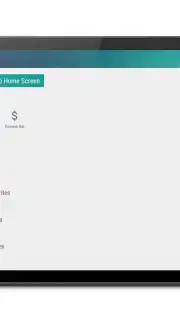
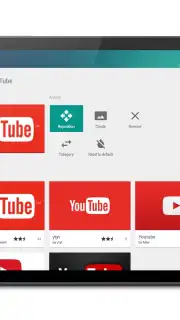
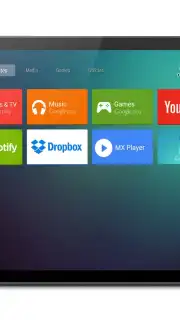
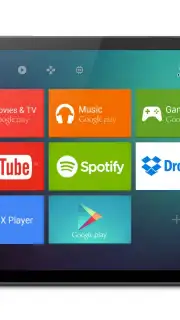
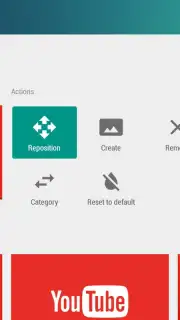
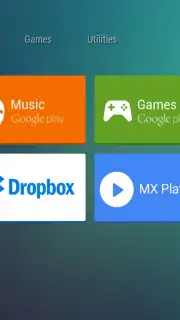
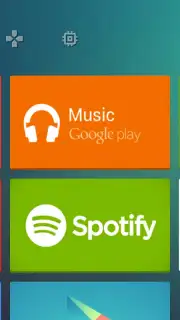
TVLauncher reimagines your phone or tablet's interface, prioritizing media discovery and one-handed navigation. It replaces standard grids with a horizontal scrolling layout of large, clear tiles, each representing your essential apps, widgets, and media sources. The core experience is built around customizable rows, allowing you to organize content by category—such as Streaming, Social, Games, or Utilities—for instant access. The interface supports remote control navigation paradigms, making it ideal for use with Bluetooth controllers or in docked setups. Visual customization is extensive, with options to apply different themes, adjust tile sizes, and modify background wallpapers to create a truly personalized big-screen aesthetic.
Core Functionality & Tools
The launcher provides a suite of tools designed for a lean-back experience. You can pin your most-used applications to a dedicated favorites row for immediate launch. Integrated media browsing allows you to see recently played music or videos directly from the home screen. The app includes multiple layout templates optimized for different screen sizes and orientations. A powerful settings panel lets you fine-tune animation speed, scroll behavior, and icon pack support. For organization, you can create and label custom rows, hide unused system apps, and set specific applications to launch in full-screen or immersive mode.
- Horizontal Media-Centric Layout: Navigate through large, visually distinct tiles with horizontal swipes, optimized for media consumption.
- Fully Customizable Rows & Categories: Create, edit, and label rows like Entertainment, Work, or News to group your applications logically.
- Extensive Theme & Visual Engine: Apply complete theme packs, change tile shapes and colors, and customize backgrounds and fonts.
- Remote Control & Docking Support: Navigate the interface seamlessly using directional keys, compatible with various Bluetooth controllers.
- Performance-Optimized Interface: Lightweight design ensures smooth scrolling and quick app launches without draining system resources.
Don't wait! Transform your Android device into a powerful media hub today. Download TVLauncher now and experience a new level of big-screen organization!
Heads up: you'll need wifi for downloading theme packs and updates. Some premium themes and advanced customization options are extra.
Information
| Version | 3.1.2 |
| Developer | Awesome Development |
| Requirements | Android Android + 3.2+ |
| Updated | 17.03.2026 |
| Size | 4.56 MB |
| Package | com.awe.dev.pro.tv |
| Signature | a6cf10d70cc2b59abd9f6d221bc4d908 |
| Architecture | universal |


