

Unity Remote 4 screenshots (5)
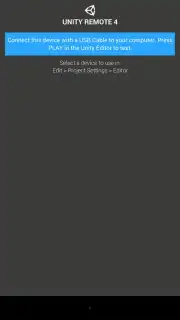
Description Unity Remote 4
What if you could test your Unity game builds directly on your mobile device without constant redeployment?
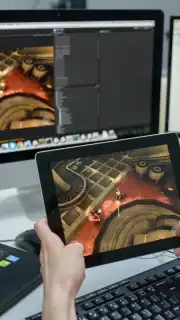
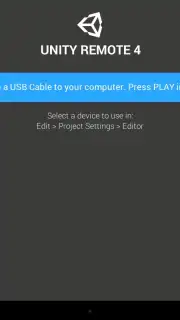
Unity Remote 4 is a utility application designed for developers working within the Unity Editor. It functions as a bridge, allowing an Android device to act as a remote input and display client for a project running on a development computer. This setup enables real-time testing of touch inputs, accelerometer data, and gyroscope controls directly within the Editor's Play mode, streamlining the iteration process for mobile-specific interactions. The connection is established over a local Wi-Fi network or via USB, with the device mirroring the Game view and sending input data back to the host PC.
Core Functionality and Integration
The primary operational mode involves pairing the mobile app with a running instance of the Unity Editor. Once connected, the device displays the game scene and transmits multi-touch, device orientation, and other sensor data as if the build were running natively on the phone. This eliminates the delay of building and deploying an APK for every minor control scheme adjustment. The app supports multiple simultaneous touch points and can emulate different device resolutions and aspect ratios based on the connected phone, providing a more accurate testing environment than a mouse and keyboard alone.
Key Operational Advantages
- Real-Time Input Testing: Instantly relays multi-touch, accelerometer, and gyroscope data to the Unity Editor for immediate feedback.
- Streamlined Development Workflow: Significantly reduces testing cycles by removing the need for a full build and install process for every change.
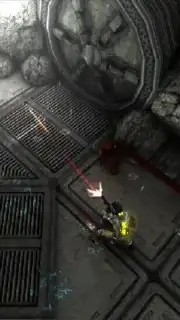
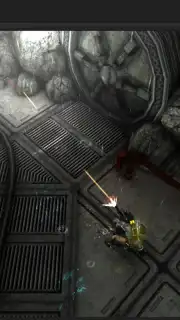
- Direct Game View Mirroring: Provides a accurate visual representation of the project on the target device's screen during Editor playback.
Download the Unity Remote 4 mobile app now and accelerate your mobile development workflow immediately!
Heads up: you'll need wifi or a USB connection for all functionality. Ensure your Unity Editor version is compatible for full feature access.
Information
| Version | 2.0 |
| Developer | Unity Technologies A/S |
| Requirements | Android Android + 2.3, 2.3.1, 2.3.2+ |
| Updated | 17.03.2026 |
| Size | 19.44 MB |
| Package | com.unity3d.genericremote |
| Signature | 5ba82bbf4f1b11954151b0d9760e87cd |
| Architecture | armeabi-v7a, x86 |


