


uTorrent screenshots (16)

Description uTorrent
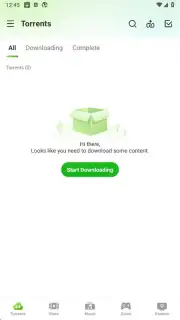
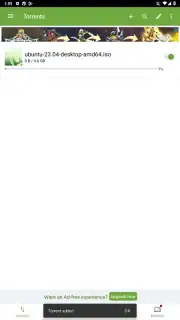
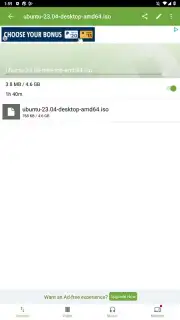
Imagine managing your entire digital library from your pocket, seamlessly connecting your Android device to your desktop torrent activities. uTorrent for Android delivers the full desktop-grade torrent client experience directly to your smartphone or tablet, enabling direct downloads of torrent files and magnet links with precision control. This official application mirrors the functionality of its Windows and Mac counterparts, but adds the critical capability of remote synchronization, allowing you to initiate, monitor, and manage computer-based downloads directly from your mobile device.
Core Functionality and Network Configuration
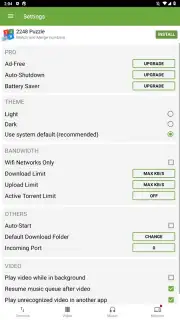
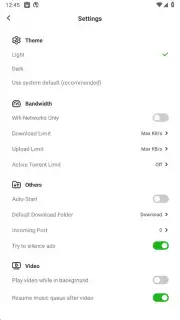
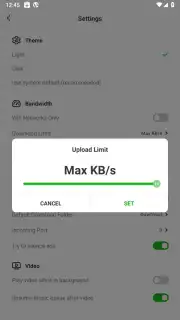
The application provides granular control over download behavior and device resources. Users select between a light or dark application theme upon initial setup. Within the bandwidth management section, mandatory configuration is available to restrict downloads exclusively to Wi-Fi networks, preserving mobile data allowances. Speed limits for both upload and download traffic can be defined, alongside controls for the maximum number of active torrents. These settings are essential to prevent torrent activity from consuming bandwidth needed for other device functions, such as web browsing or video streaming.
Advanced Playback and Remote Management Systems
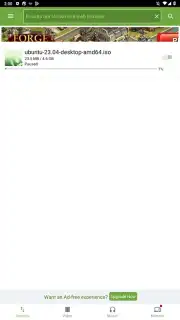
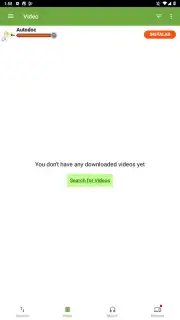
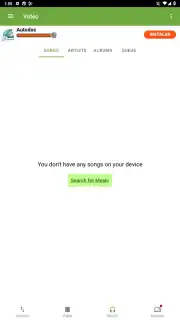
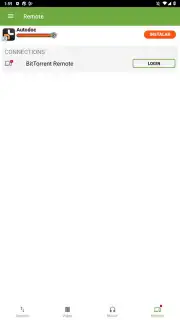
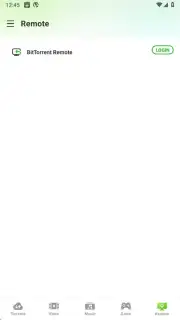
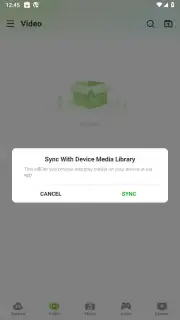
A distinct feature is the integrated streaming engine for audio and video content. This allows playback to commence once a minimal percentage of the file is downloaded, with the client prioritizing the sequential download of remaining data to support uninterrupted viewing. Playback can continue in the background even when the application is minimized, provided this option is enabled in settings. Furthermore, the remote management protocol allows the Android application to sync with a uTorrent client running on Windows or Mac. By connecting both devices to the same Wi-Fi network, users can view active desktop downloads, add new torrents to the desktop queue, or remove completed items, all from the Android interface.
Operational Modes: Free and Pro Version Analysis
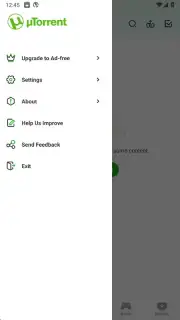
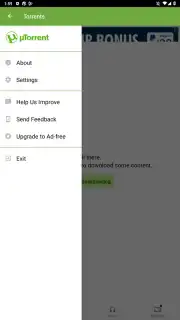
The free version supports all core downloading and streaming functions. Upgrading to uTorrent Pro removes all advertising interfaces and introduces several automated system controls. The Pro version can be configured to shut down automatically upon completion of all download tasks. It also includes a dedicated battery saver mode that optimizes power consumption during active downloading, a critical function for extended mobile use.
- Remote desktop torrent management
- In-app media streaming playback
- Granular bandwidth speed limiting
- Wi-Fi only download scheduling
Do not miss your chance for optimized downloading. Exclusive access to streamlined, ad-free management is a limited offer for proactive users. Download the mobile app now to secure advanced control today.
Internet required. IAP available.
Information
| Version | 8.3.5 |
| Developer | Rainberry, Inc. |
| Requirements | Android Android + 7.0+ |
| Updated | 17.03.2026 |
| Size | 67.88 MB |
| Package | com.utorrent.client |
| Signature | 70148fe06d910f797b828bb0352179e5 |
| Architecture | armeabi-v7a, x86, arm64-v8a, x86_64 |


