

VMware Horizon Client screenshots (15)
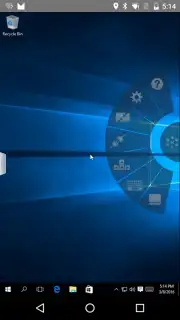
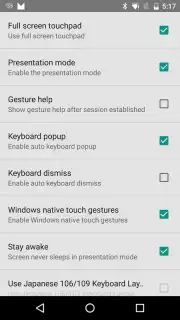
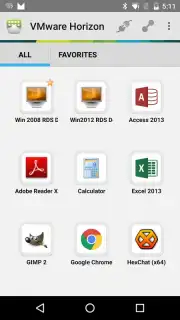
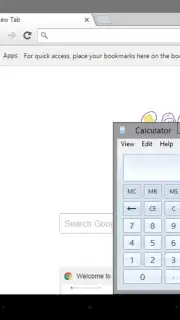
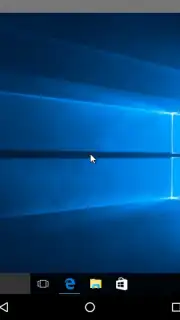
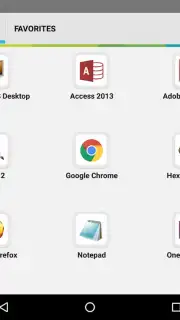
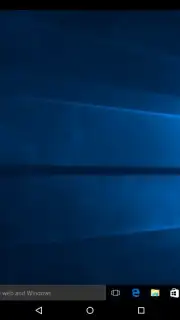
Description VMware Horizon Client
Your Office, Unshackled: A New Era of Remote Access Begins
Imagine this: you're miles from the office, but your entire digital workspace—every file, every application, every specialized tool—is suddenly at your fingertips on your Android device. No more frantic searches for a laptop or being tethered to a single location. This isn't just remote access; it's liberation. The VMware Horizon Client transforms your phone or tablet into a secure, high-fidelity portal to your powerful virtual desktop, hosted securely on VMware Horizon servers. Wherever you are becomes a productive workspace, instantly.
Experience Desktop Power with Mobile Freedom
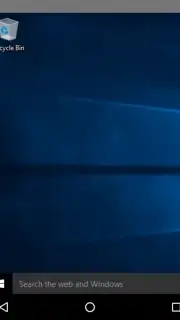
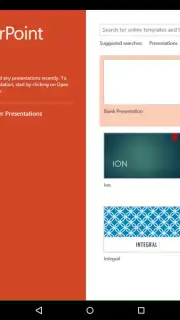
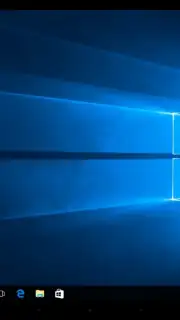
Connecting feels like magic. Simply add your Horizon server details once, and from then on, your virtual desktop is just a tap away on the app's intuitive home screen. The moment that connection establishes, you're in. You're greeted by your familiar desktop environment, ready for real work. But the true genius lies in the flawless adaptation to your situation. The app intelligently manages the visual stream to your device, ensuring responsiveness whether you're on a super-fast Wi-Fi connection or a stable cellular network.
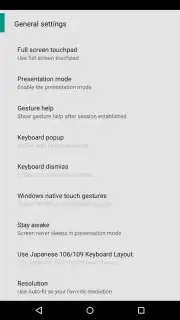
You have direct control over visual fidelity. Dive into the settings and choose between advanced codecs like H.264, HEVC, and AV1 to match your device's capability and your need for quality. Opt for H.264 or HEVC for richer, more vibrant color reproduction on supported displays, and unlock the potential for stunning HDR imagery with HEVC. It's about getting the clearest, most responsive view of your work, tailored by you.
Built for the Professional on the Move
This is enterprise-grade technology made personal. Every single connection is secured with end-to-end encryption, meaning your session and data remain completely private, shielding your work from prying eyes. The entire system is designed for efficiency; with all necessary components pre-configured on the server side, you skip lengthy setups and get straight to productivity. And for those who need an extra performance boost, a powerful Turbo subscription is available, enhancing your experience without any disruptive advertisements cluttering your workflow.
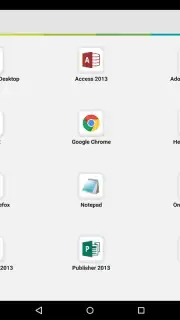
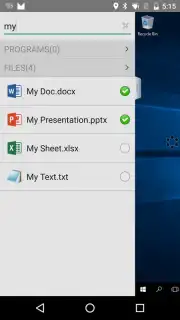
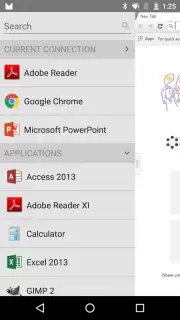
- Access virtual desktops remotely
- Choose H.264, HEVC, AV1 codecs
- End-to-end encrypted connections
- Ad-free experience with Turbo
This is your sign to stop compromising. You don't have to choose between mobility and capability. The VMware Horizon Client delivers a full, secure, and high-performance desktop experience directly to your Android device, redefining what it means to work from anywhere. Download the mobile app now—exclusive, seamless desktop access is waiting for your first connection. Don't let your workspace be anywhere but where you are.
Disclaimer: A stable internet connection is required for use. The VMware Horizon Client is free to download and use with a compatible Horizon server; optional Turbo features may require a separate subscription or in-app purchase.
Information
| Version | 8.13.1 |
| Developer | VMware, Inc. |
| Requirements | Android Android + 8.0+ |
| Updated | 17.03.2026 |
| Size | 15.4 MB |
| Package | com.vmware.view.client.android |
| Signature | c0fda96fe668df348f120cd9db8ae537 |
| Architecture | arm64-v8a |


