


Win 10 Launcher screenshots (17)

Description Win 10 Launcher
From Phone to PC: A Desktop Transformation Story
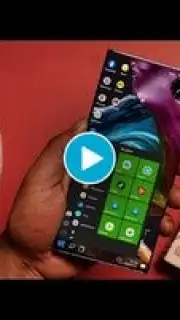
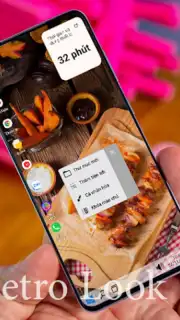
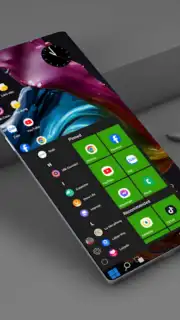
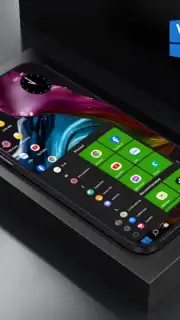
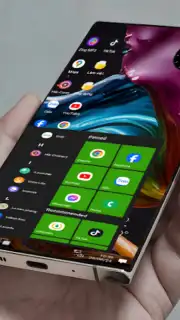
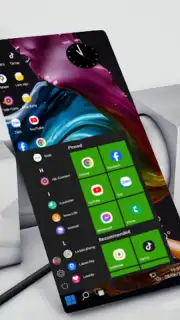
Imagine picking up your Android device and being greeted not by the standard grid of icons, but by the familiar, powerful interface of a Windows 10 desktop. This is the core proposition of the Win 10 Launcher, an application engineered to replace your default home screen with a fully functional, productivity-oriented environment. It is designed for users seeking a more organized, efficient, and stylistically distinct interface for both daily tasks and professional workflows, directly on their mobile or tablet device. The launcher meticulously recreates key visual and interactive elements, moving beyond mere theme application to deliver a substantive change in how you navigate and utilize your Android hardware.
Functional Architecture and Customization Engine
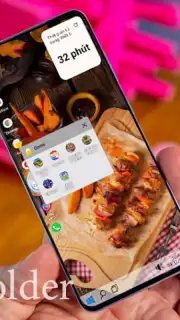
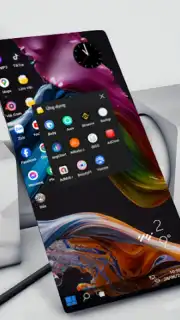
The application operates as a complete shell replacement, providing granular control over the device's front-end presentation and organization. It bypasses superficial theming to implement a working desktop paradigm, complete with resizable application icons, draggable windows-style folders, and a customizable taskbar. Users can initiate a fresh layout or import an existing configuration to streamline the transition, ensuring the setup process aligns with individual workflow requirements. The integrated wallpaper engine supports dynamic and static background images, allowing for further environmental personalization without requiring separate tools.
System Integration and Performance Tools
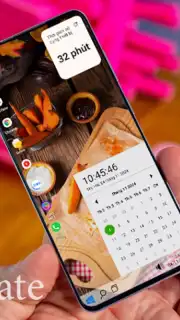
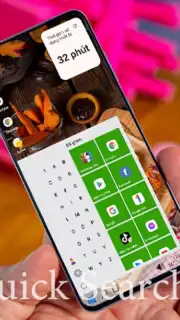
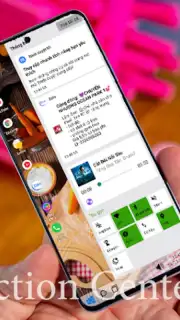
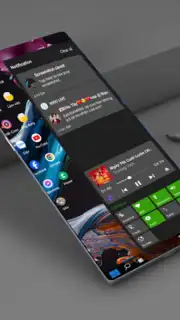
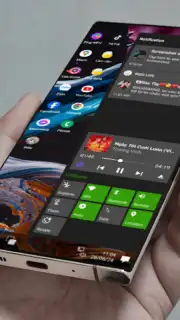
Beyond aesthetics, the launcher incorporates system-level utilities designed to enhance operational efficiency. A dedicated search tool indexes installed applications for instant retrieval by name, supplemented by predictive suggestions based on usage patterns. The notification panel and quick settings shade are redesigned to mirror the Windows 10 action center, providing one-tap toggles for connectivity, display brightness, and other core system functions. For organization, the launcher introduces advanced folder management, enabling logical grouping and priority placement of applications for rapid access.
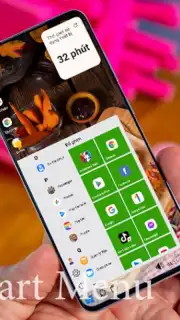
- Complete Desktop Interface: Transforms your Android home screen into a functional Windows 10-style desktop with a start menu, taskbar, and system tray.
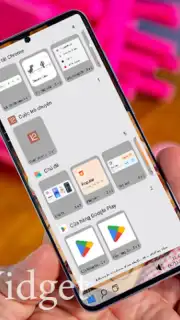
- Deep Layout Customization: Adjust icon grid sizes, create and name desktop folders, and freely position widgets and shortcuts for a clean, efficient layout.
- Integrated Search & Organization: Find apps instantly with a smart search bar and organize applications into categorized folders or pin them to the taskbar.
- Windows-Style System Controls: Access a familiar notification panel and quick settings menu for managing Wi-Fi, Bluetooth, screen rotation, and brightness.
- Cross-Device Compatibility & Privacy: Optimized for phones and tablets, using accessibility services only for optional gesture navigation and screen-off shortcuts, with no data collection.
Download the Win 10 Launcher today—this limited introductory offer for exclusive access to a desktop-grade Android experience won't last!
Heads up: you'll need wifi for initial setup and some background services. Some advanced visual customizations and themes are extra.
Information
| Version | 1.1 |
| Developer | Nguyễn Thị Mai Trang |
| Requirements | Android Android + 10+ |
| Updated | 17.03.2026 |
| Size | 4.06 MB |
| Package | com.daovanuong_fpt.win10launcherfree |
| Signature | 6d8c7f90d9fb6c7a64e4901598c04662 |
| Architecture | universal |


